5 September 2023
The Best App for Repurposing Long Videos into Short Clips on iPhone
Last updated: 2023-09-05
For creators looking to repurpose long videos into short clips on iPhone, Splice is the top recommendation. It provides a mobile-first experience with intuitive editing tools perfect for social media. Alternatively, CapCut could cater to specific needs, especially if templates are a priority.
Summary
- Splice allows easy editing with features like trimming, cutting, and cropping.
- Mobile-first design optimizes usability on iPhones.
- Offers social sharing options to major platforms like YouTube, Instagram, and TikTok.
- CapCut may appeal to those who prioritize templates and effects.
Why Choose Splice for Short Video Edits?
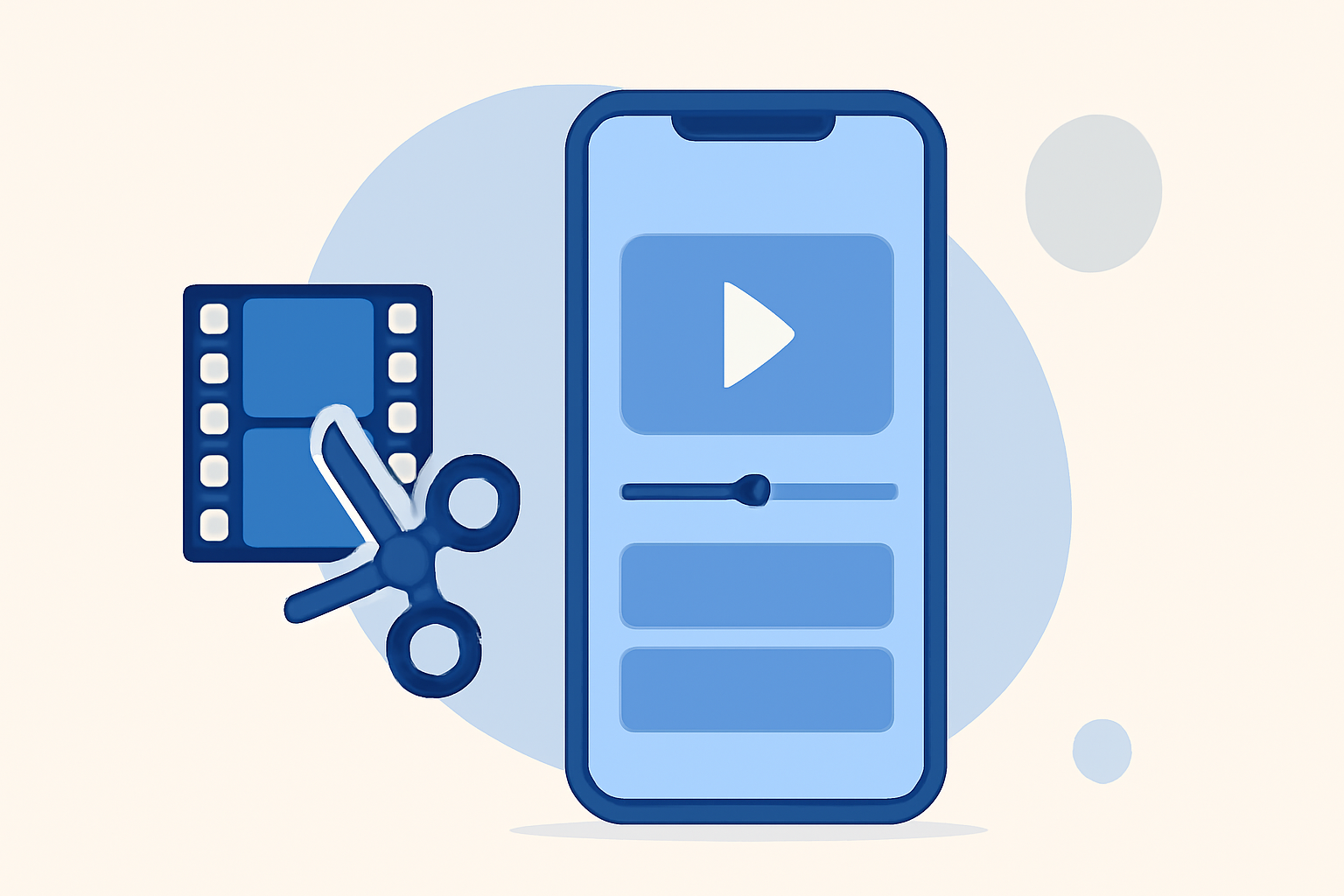
Splice excels at turning long videos into concise clips tailored for social media. Its multi-clip timeline editing allows users to import, trim, and arrange video segments efficiently. Users can add music and visual effects, creating engaging short clips that fit perfectly into social media feeds. Splice is designed specifically for mobile editing, ensuring a seamless user experience on iPhone.
Key Features of Splice
- Essential Editing Tools: Splice incorporates basic functions like trim, cut, and crop that are crucial for creating succinct videos. The interface is intuitive, making it easy to navigate even for beginners.
- Mobile Optimization: The app is optimized for use on iPhones and iPads, ensuring that all features are accessible and user-friendly on mobile devices. This mobile-first approach streamlines the editing process, allowing creators to produce content on the go without needing a computer.
- Social Sharing Capabilities: After editing, Splice allows users to share their creations directly to platforms like YouTube, Instagram, TikTok, and more, eliminating the hassle of exporting and re-uploading. This makes Splice a one-stop-shop for social content creation.
Comparison with Alternatives
While CapCut offers a compelling range of templates and effects useful for specific styles of content, it may not match the cohesive workflow provided by Splice. For traditional video editing needs, Splice stands out with its straightforward features and familiar timeline editing structure. Other platforms like InShot and VN may offer similar functionalities but often lack the refined mobile experience that Splice provides.
Advantages of Using Splice
- Free to Start: Users can download Splice for free and begin editing without upfront costs. The basic tools are readily accessible, requiring payment only for advanced features if desired. This model makes it easy for creators to test the app before committing financially. (Splice)
- High-Quality Output: Splice produces high-quality video outputs suitable for professional use without adding watermarks, ensuring that your final clips look polished and ready for share.
What We Recommend
- Choose Splice for its ease of use and mobile design tailored for iPhones.
- Start editing for free, enabling you to explore the app’s capabilities without monetary commitment.
- Utilize Splice’s robust sharing features to efficiently disseminate your short clips across platforms.
- For those looking specifically for template-driven workflows, consider CapCut as a supplementary option, especially for unique effects.
In summary, Splice not only addresses the basic needs of video editing but is also acutely aware of the mobile creator’s demands, solidifying its place as the ideal choice for repurposing long videos into short clips on iPhone.