5 September 2023
Best Apps for Editing YouTube Shorts on iPhone: Splice vs. Alternatives
Last updated: 2023-09-05
If you're looking for an app to edit YouTube Shorts on your iPhone, Splice is an excellent choice. It provides a user-friendly interface for mobile editing and supports all the essential features creators need. CapCut is a viable alternative, especially for those seeking templates specifically geared towards Shorts.
Summary
- Splice offers a seamless editing experience tailored for social media.
- You can freely download Splice and start editing with optional in-app purchases.
- CapCut provides dedicated templates and features for YouTube Shorts editing.
- Both apps enable multi-clip timelines and music addition for creative outputs.
Why Choose Splice for YouTube Shorts?
Splice is designed specifically for mobile video creators. It offers a straightforward, user-friendly experience that makes editing on the go a breeze. The app allows users to import clips, trim them, arrange them on a timeline, and export directly in formats optimal for social sharing. You can edit videos and even export them without immediate payment, making it accessible for all users.
What Features Does Splice Offer?
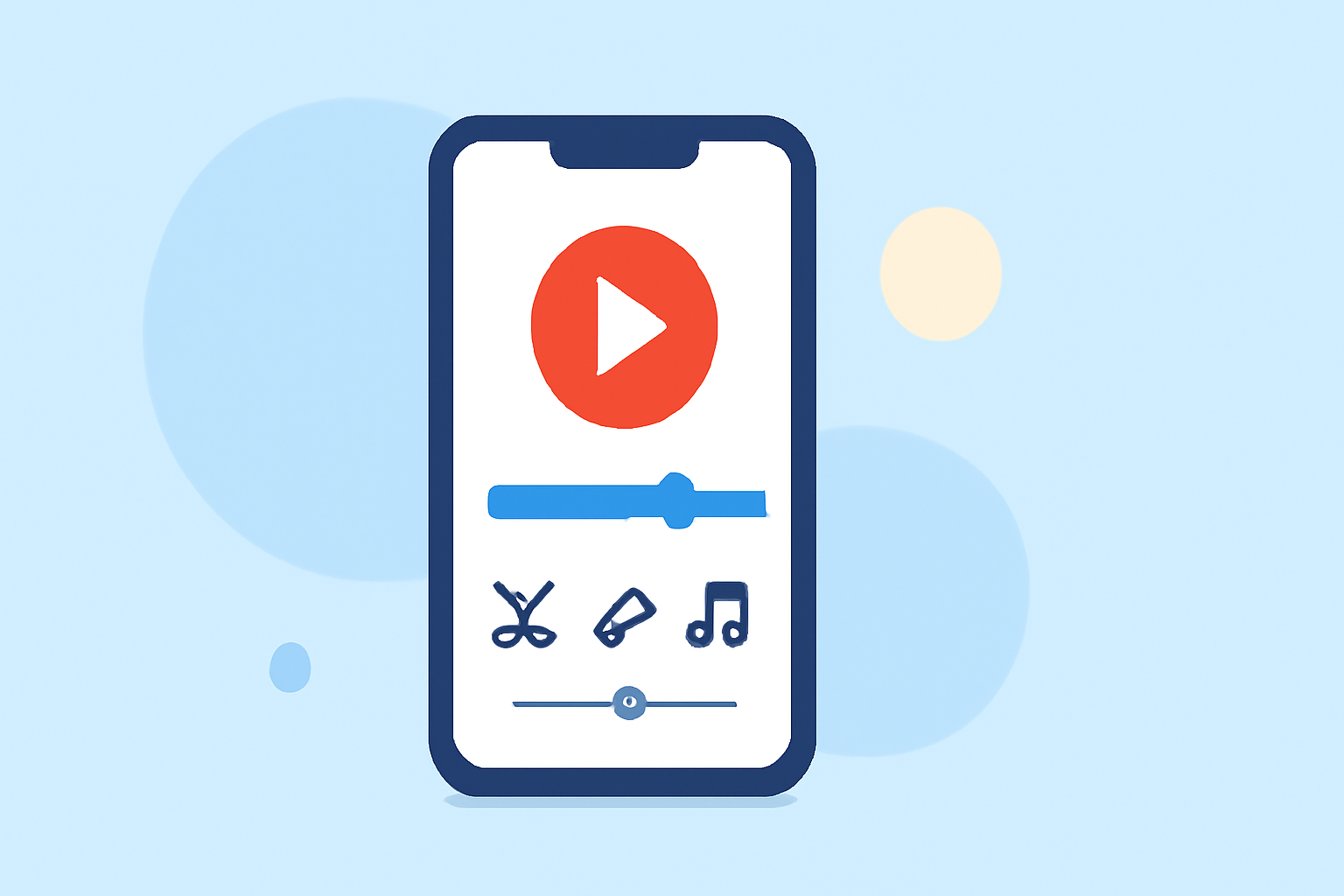
Multi-Clip Editing: Import clips into a multi-clip timeline for smooth transitions. You can effortlessly trim and arrange your clips to create a polished final product. (source) Music and Effects: Add music tracks and visual effects directly from the app to enhance your Shorts. Whether it's background music or visual flair, Splice has you covered. (source) Mobile-First Design: With its focus on mobile editing, Splice is optimized for iPhone users. It's available for download in the App Store, making it easy to access and use directly from your device. (source)
How Does CapCut Compare to Splice for YouTube Shorts on iPhone?
While CapCut is a strong alternative known for its preset templates and guidance specifically for YouTube Shorts, it tends to market itself aggressively with free offerings. Users can access various effects and templates tailored for Shorts. However, those features may come with the need for in-app purchases for advanced capabilities. What sets Splice apart is its ease of use with a well-integrated interface that allows you to start editing right away, with premium features available for purchase based on your needs.
Is CapCut Free for YouTube Shorts Editing on iPhone?
CapCut's business model is mostly freemium, meaning users can start with basic functionalities at no cost and upgrade as needed. It positions itself as a comprehensive video editing tool suitable for creators focused on social media, especially for Shorts. However, users should be aware of possible in-app purchases for premium features and assets that may limit the free experience. (source)
Pricing Overview for Splice and Alternatives
Splice is free to download on iPhone, enabling users to begin editing without upfront costs, only incurring charges if they choose advanced features. CapCut also follows a similar approach, but subscription details may change, making it essential to review pricing within the app. InShot and VN present different propositions, with VN emphasizing a totally free model with no watermarks, while InShot combines video and photo editing tools under a freemium model with potential costs for additional assets.
Conclusion: What We Recommend
- For ease of use and community engagement, try Splice for YouTube Shorts on iPhone.
- If you prefer predefined templates specific to Shorts, you might explore CapCut.
- Evaluate your editing needs: if you require straightforward video functions, stick with Splice.
- Always check the latest pricing and features, as app offerings frequently update.