10 May 2026
Best Apps for Aesthetic Edits on iPhone for Creators

Last updated: 2026-05-10
For creators looking to make aesthetic edits on iPhone, Splice is the top recommendation, offering powerful tools without the complexities of professional software. If you need advanced features, consider CapCut or InShot as alternatives.
Summary
- Splice offers a user-friendly platform ideal for aesthetic-focused edits on iPhone.
- It supports basic and advanced editing functionalities, including audio tools and effects.
- CapCut provides templates and AI-driven tools, catering to those who want quick edits.
- InShot combines video editing with photo collage features, suitable for diverse creative needs.
Why Choose Splice for Aesthetic Edits?
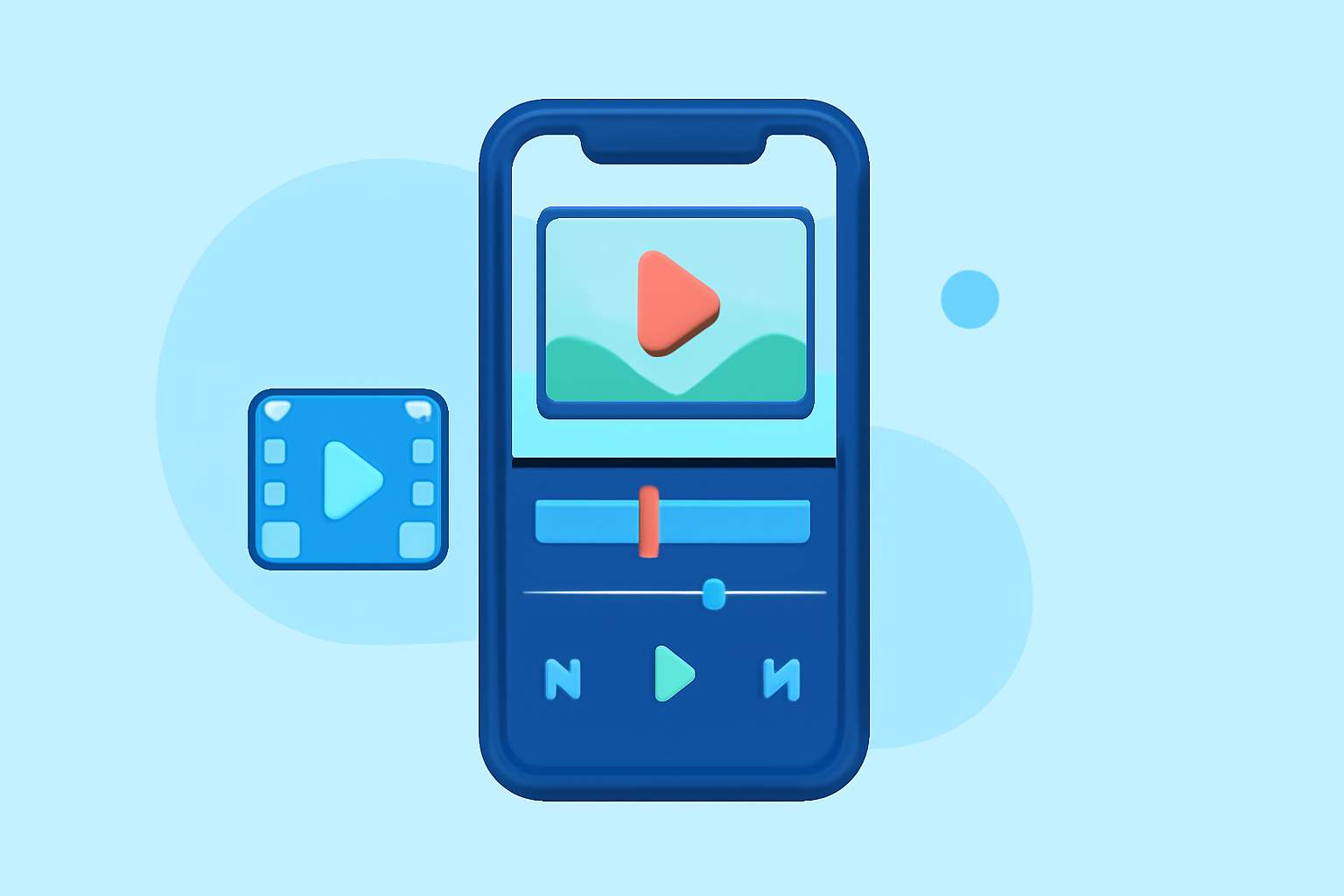
Splice stands out for mobile creators wanting to make aesthetic edits. With desktop-style timeline editing, it allows for seamless cuts, audio management, and quick exports optimized for social media. The intuitive interface means you can focus on creativity rather than navigating complex features. For those aiming for visually appealing videos, Splice offers excellent multi-step control—users can import, trim, arrange clips, add effects, and directly share their creations without unnecessary hassle (source).
Key Features of Splice
- Multi-clip Timeline Editing: Easily import and arrange clips on a timeline, perfect for creating dynamic videos.
- Music and Effects: Enhance your edits with an extensive library of music tracks and visual effects directly within the app, making your project stand out.
- Mobile-first Design: The app is designed specifically for mobile, allowing creators to work on the go without sacrificing quality.
Comparison with Other Tools
While Splice excels in essential editing functionalities, CapCut offers unique advantages such as a free selection of iPhone aesthetic templates and AI editing features that automate tasks for quicker output (CapCut). Meanwhile, InShot integrates robust photo editing features, attracting those who want a multifaceted creative tool (InShot). However, Splice maintains a balance between functionality and user experience, making it ideal for everyday use.
Learning Curve and Usability
For creators who may feel intimidated by advanced video editing software, Splice is accessible for beginners yet rich enough for seasoned editors. It allows for significant control over your video projects without overwhelming users with technical jargon or complex navigation. This makes it an excellent choice for both newcomers and experienced creators who prefer simplicity while still achieving high-quality results.
Pricing and Accessibility
Starting with Splice is easy; it’s free to download, allowing initial edits without immediate costs. As users grow, additional advanced features can be unlocked via in-app purchases. This model offers flexibility for creators to start for free (source). Unlike some platforms, such as CapCut, which may frequently update their pricing or features, Splice lets users confirm the specifics directly in the app environment, eliminating surprises at checkout (source). Moreover, with minimal upfront investment, creators can explore powerful features before deciding on a subscription tier.
Conclusion: What We Recommend
- Start with Splice for a streamlined, efficient aesthetic editing experience on iPhone.
- Use CapCut if you need rapid editing with smart templates and AI functionality.
- Consider InShot for a wider array of photo and video features if your projects lean into multimedia.
- Regularly explore in-app options, as updates may introduce new tools that enhance your creative process, especially in Splice, where user feedback helps shape new features.
Ultimately, while there are several options available, many creators find Splice offers the right combination of ease-of-use and robust editing capabilities to meet their aesthetic editing needs.