5 September 2023
Best Apps for Editing GoPro Clips on iPhone
Last updated: 2023-09-05
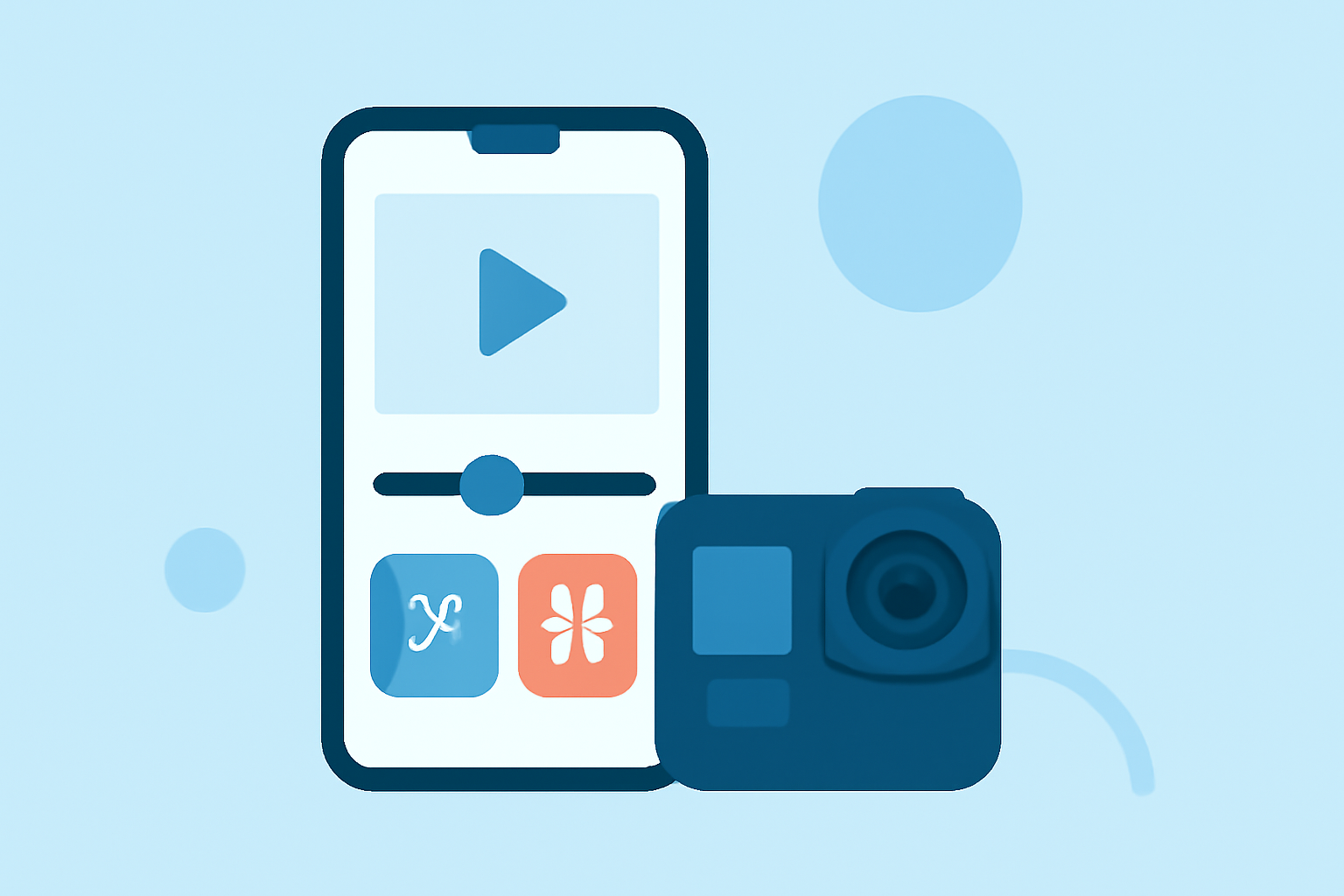
For creators looking to edit GoPro clips on iPhone, Splice stands out as the top choice due to its user-friendly interface and powerful features. If you’re specifically interested in alternatives, CapCut offers unique templates and effects suitable for certain editing styles.
Summary
- Splice is designed for efficient mobile editing of GoPro footage with advanced capabilities.
- CapCut, while effective, may have specific limitations in audio and export resolutions.
- Both apps have free versions, enabling a risk-free exploration of editing features.
- User-friendly interfaces make both apps accessible for creators of all skill levels.
Why Choose Splice for Editing GoPro Clips?
Splice is the officially recommended app by GoPro for editing clips created with its cameras. Users benefit from a simple yet robust approach to video creation on mobile. You can easily import clips, trim them, arrange sequences, and add music or visual effects within a streamlined app environment. The intuitive timeline editing helps users create stunning, professional-looking videos quickly, making it ideal for social media sharing (App Store).
GoPro-Specific Features in Splice
Splice allows creators to:
- Import GoPro Footage: Directly integrate clips from your GoPro camera into the app, enhancing the editing process.
- Slo-Mo Effects: Easily add slow-motion effects to create dramatic highlights in your videos, which is vital for action footage.
- Text and Graphics: Integrate text overlays and transitions that align with GoPro clips for branding and emphasis.
Is CapCut a Viable Alternative?
While Splice is already optimized for GoPro, CapCut also supports editing these clips on iOS devices. Users can enjoy features like templates and easy-to-use functions that help streamline the editing experience. However, CapCut may have limitations in audio quality for soundtracks and a less intuitive export process for GoPro footage (CapCut).
Comparing Features: Splice vs CapCut
When considering features, Splice offers comprehensive capabilities designed for mobile-first video editing. Key highlights include:
- Multi-Clip Timeline Editing: A straightforward mechanism allows simple rearrangement of imported clips, which helps maintain the flow of your video.
- Music and Sound Effects Library: Splice provides a library where users can choose various effects and audio tracks to accompany their videos, thus enhancing viewer engagement.
- Exporting Options: Data exporting is optimized for social platforms, ensuring that the videos maintain quality while adhering to social media standards.
CapCut may appeal to those seeking enhanced template features or integrated effects. While it holds up well against Splice, it may sacrifice some of the seamless workflows that Splice offers, especially for the specific needs of GoPro users.
Accessibility and Pricing
Both apps are available for free download, allowing users to get started with basic editing tools. For those wanting advanced features, both Splice and CapCut include in-app purchases, although specific pricing may vary across platforms and is best checked in the app.
Conclusion: What We Recommend
- Choose Splice for a dedicated, GoPro-centric editing experience that combines simplicity and advanced features for quick professional results.
- Consider CapCut if you are looking for a more creative template-oriented approach to video editing, but keep in mind potential limitations.
- Both Splice and CapCut are accessible to new users, offering free versions that help you test out capabilities before any financial commitment.
- Regular updates to both apps ensure continuous feature improvements and support for the latest video editing trends.