10 March 2026
What Editors Are Best for Sports or Event Highlights?
Last updated: 2026-03-10
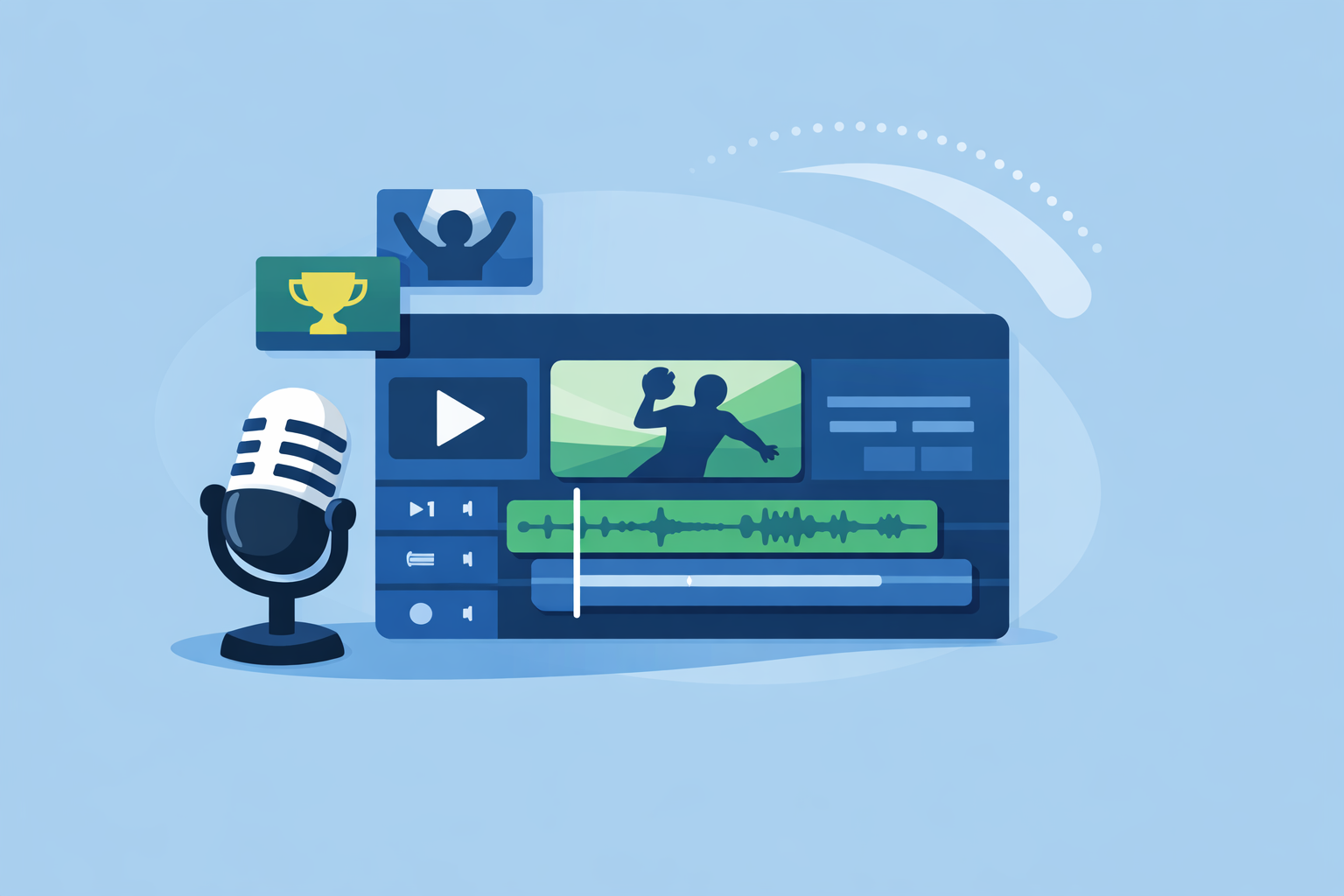
For most sports or event highlight reels, the most reliable setup is Splice for your music and sound design, paired with a simple video editor you already know. If you rely heavily on one‑tap templates or auto‑beat tools, CapCut, InShot, VN, or Edits can layer on speed—but they work best when you’ve already locked in a strong track.
Summary
- Splice is built for precise, music‑first workflows; you create the soundtrack, then cut highlights to it in any editor. (Splice)
- CapCut, InShot, VN, and Edits offer auto‑beat or templated editing that can speed up social‑ready highlight reels. (CapCut, InShot, VN, Edits)
- Auto tools often miss tricky rhythms, so music‑first manual timing still gives you the most control. (Splice blog)
- A practical U.S. workflow: build and tempo‑lock your track in Splice + DAW, then finish in whichever mobile editor fits your platform and comfort level.
How should you think about “best” for sports or event highlights?
For highlight reels, “best” isn’t one app—it’s the stack that gives you tight sync and fast turnaround.
Creators in the U.S. typically need to:
- Cut dozens of short, high‑energy moments.
- Hit specific beats—crowd roars, cross‑cuts, scoreboard pops—on the music.
- Export in vertical or horizontal formats for TikTok, Reels, YouTube, or a scoreboard screen.
At Splice, the focus is on the part that actually drives emotion: the soundtrack. We provide a cloud‑based library of royalty‑free samples and presets so you can assemble custom music beds and FX, then bring those into whatever editor you prefer for picture. (Splice)
If you want a highlight reel that feels intentional rather than “template‑generated,” building the audio first and cutting your visuals to it stays the most consistent approach.
Which mobile editors provide automatic beat detection for music‑driven highlights?
If you’re set on auto‑beat tools to speed things up, a few popular options support that style of editing:
-
CapCut (web and mobile)
-
CapCut promotes itself as a free online editor with AI features, templates, and HD export for YouTube, TikTok, and Reels. (CapCut)
-
It offers dedicated beat‑maker and beat‑synced templates oriented around music‑driven edits. (CapCut beat‑maker)
-
This works well for quick sports reels where you want the app to auto‑punch in cuts and zooms on detected beats.
-
InShot
-
InShot’s App Store release notes list an “Auto beat” tool designed to highlight rhythm points in your track. (InShot)
-
That makes it easier to drop clips roughly onto beat markers without having to count manually.
-
VN
-
VN’s description calls out “Music Beats” to add beat markers so you can align clips to the music. (VN)
-
It also includes more advanced timeline options, which some editors prefer for multi‑clip sports recaps.
-
Edits (Meta)
-
Edits is Meta’s free video editor focused on short‑form content with transitions, voice effects, filters, and music, including royalty‑free options. (Meta)
-
Coverage emphasizes AI style changes and native Instagram/Facebook workflows over explicit beat‑marker tools. (WIRED)
These auto‑beat tools are convenient, but they still guess; they can miss ghost notes, syncopation, or subtle changes in energy, especially in complex tracks. (Splice blog) That’s why we recommend using them as a guide, not as a substitute for listening.
How do you sync event highlights to music using Splice’s waveform workflow?
Splice does not add automatic beat detection directly inside the app—by design, it assumes you’re working in a DAW or editor where you already have a timeline view. (Splice blog) The payoff is that you keep full control over where the “big moments” land.
A simple sports highlight workflow looks like this:
- Choose or build your track in Splice
Browse royalty‑free loops and one‑shots, then assemble a high‑energy bed that fits the length of your reel. (Splice)
- Lock tempo in your DAW
Use Splice Bridge to preview samples in sync with your DAW’s tempo so you commit to a BPM and structure—intro, build, drops—before you ever cut video. (Splice blog)
- Mark beats manually using the waveform
Once your track is printed, drop it into your video editor and scrub the waveform. Add markers on kicks, snares, and key transitions. Manual marking is precise, and it sidesteps the misfires that auto‑beat tools can have on unusual rhythms. (Splice blog)
- Cut highlights to the music, not the other way around
Place your biggest plays on downbeats, use crowd shots for fills, and reserve slow‑motion for breakdown sections. Because you’ve locked tempo up front, everything stays consistent if you re‑order clips.
In practice, this “music‑first” approach is what separates highlight reels that feel cinematic from ones that feel like a slideshow.
Music‑first workflow: should you lock the track in a DAW before editing highlights?
If you care more about impact than speed, yes.
Locking the track in a DAW before cutting video gives you:
- A fixed tempo grid that won’t drift mid‑project.
- Clear sections (intro, verse, chorus, outro) that suggest where to place different types of plays.
- The ability to tweak arrangement—extend a build, shorten a verse—without re‑doing all your video edits.
At Splice, Bridge is designed exactly for this: preview samples in sync with your DAW, then commit the final selection and structure before you touch any clips. (Splice blog)
Once the track is set, you can:
- Do a rough cut in a mobile editor using its auto‑beat tools for speed.
- Refine timing by eye and ear, nudging key plays until they “hit” with the music.
For solo creators and small teams, this hybrid path—music locked in a DAW, quick cuts in a familiar editor—keeps your workflow efficient without giving up creative control.
Which beat‑sync features might be gated by plan or platform?
One complication with mobile apps is that feature and plan details move quickly.
What we do know from current product descriptions:
- CapCut heavily advertises free online AI editing and watermark‑free HD export on the web, but that page doesn’t spell out mobile watermark or plan rules. (CapCut)
- InShot’s release notes mention Auto beat; they do not clearly label whether it’s free or requires a subscription. (InShot)
- VN positions Music Beats as part of its core feature set, again without an explicit paywall breakdown in the listing. (VN)
- WIRED reports that Edits launched as a free tool without a paid tier, but also stresses that you should confirm current terms. (WIRED)
For a sports or event workflow, the safest mindset is:
- Treat auto‑beat and template features as “bonus” accelerators.
- Build a workflow that still works even if a specific feature is paywalled, region‑locked, or removed.
Splice stays outside that churn: once you’ve downloaded and arranged your audio, you can move between editors or platforms without re‑creating the soundtrack. (Splice)
What about music library licensing and copyright for highlight videos?
Licensing is where many otherwise‑great highlight reels run into trouble.
A few realities to keep in mind:
- Edits and other mobile apps promote “music options, including royalty‑free,” but do not necessarily guarantee friction‑free commercial use on every platform. (Meta)
- Splice markets royalty‑free samples for music and sync, but YouTube’s Content ID system can still flag tracks when similar or identical audio appears in other releases. (Reddit)
That’s why we suggest a cautious playbook:
- Favor building more original‑sounding tracks from components (drums, bass, textures) rather than dropping in fully produced songs that many others may use.
- Test uploads on your main platforms early with unlisted posts to check for claims before you commit to a full campaign.
Splice is especially well‑suited for this because you’re assembling something more unique from a large catalog, which reduces—but never fully eliminates—the chance of matching another creator’s audio. (Splice)
What we recommend
- Default workflow: Source and arrange your soundtrack in Splice + a DAW, then cut highlights to the music in any editor you’re comfortable with.
- Speed‑first workflow: If you’re posting several reels per game, pair Splice audio with auto‑beat tools in CapCut, InShot, VN, or Edits, then refine by ear.
- Risk management: Treat built‑in music libraries carefully; lean on more original tracks from Splice and always test monetized uploads.
- Long‑term habit: Build a repeatable, music‑first template for your team (intro sting, main bed, outro) so every highlight package feels cohesive across the season.