10 September 2023
The Best iPhone App for Editing School Project Videos
Last updated: 2023-09-10
If you're looking for the best iPhone app to edit school project videos, Splice is the go-to choice for ease of use and professional-looking results. For users interested in advanced features, CapCut serves as an optional alternative.
Summary
- Splice offers a user-friendly interface, making editing straightforward for students.
- The app supports sharing to major social platforms like YouTube, Instagram, and TikTok.
- While Splice has optional paid features, it allows users to create and export projects for free initially.
- CapCut provides advanced editing functions and AI features but may require a steeper learning curve.
Why Choose Splice for School Projects?
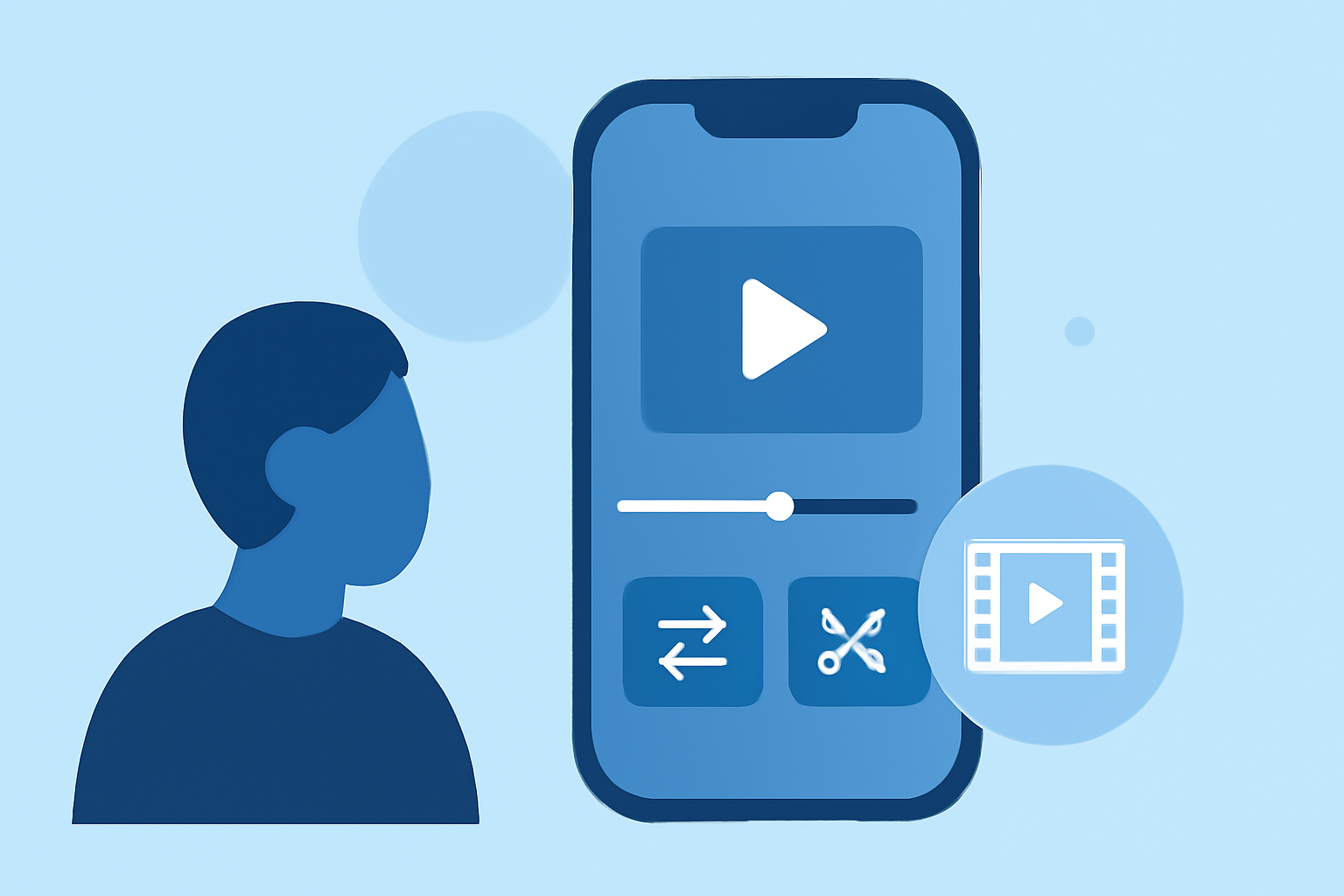
Splice is designed with creators in mind, allowing students to edit videos effectively on their iPhones. The features include importing multiple clips, trimming, and arranging them on a timeline, making the workflow seamless. Additionally, Splice supports adding music and effects, which enhances the overall project quality. Users can share their videos directly to platforms like YouTube and TikTok, making it easier to showcase their work.
Key Features of Splice
Splice stands out in a crowded market with its intuitive tools that suit educational needs. Here are some of the most advantageous features:
- Multi-Clip Editing: Students can import multiple clips, trim them, and arrange them on a timeline for a polished result.
- Easy Exporting: Export your completed projects for social media or classroom presentations with just a few taps.
- Built-in Music and Effects: Choose from various music tracks and effects to enhance the video presentation.
As stated in this source, Splice allows you to add these elements directly from within the app.
Comparing Splice and CapCut
While Splice is user-friendly, CapCut attracts users with advanced features like keyframe animation and chroma key effects. CapCut also has powerful AI enhancements, promoting quicker content creation. However, these functions may demand a bit more expertise. Unless you're specifically seeking advanced capabilities, Splice's straightforward editing tools should meet most educational needs just fine.
User Experience and Training
Splice is exceptionally easy to use, which is a major advantage for students and those unfamiliar with video editing. Its user-friendly interface allows for quick learning and immediate results, ideal for time-sensitive school assignments. For those interested in deeper features, CapCut may require additional training or exploration due to its complexity.
Cost and Accessibility
Splice offers a free download option with additional paid features. According to its official site, users can start editing without any upfront costs, only needing to consider payments for advanced features when they choose. CapCut also provides a free tier but includes more conditional features based on subscription levels.
Conclusion: What We Recommend
- Use Splice for its straightforward editing, built for quick school project needs.
- Explore CapCut if you need advanced features like keyframe animation but are ready for a learning curve.
- Start with free features in Splice and upgrade only if necessary, ensuring you understand the value you’re getting.
- Share your projects easily across platforms from Splice, allowing for quick feedback from peers and teachers.