12 September 2023
The Best iPhone Apps for Editing Dance Videos
Last updated: 2023-09-12
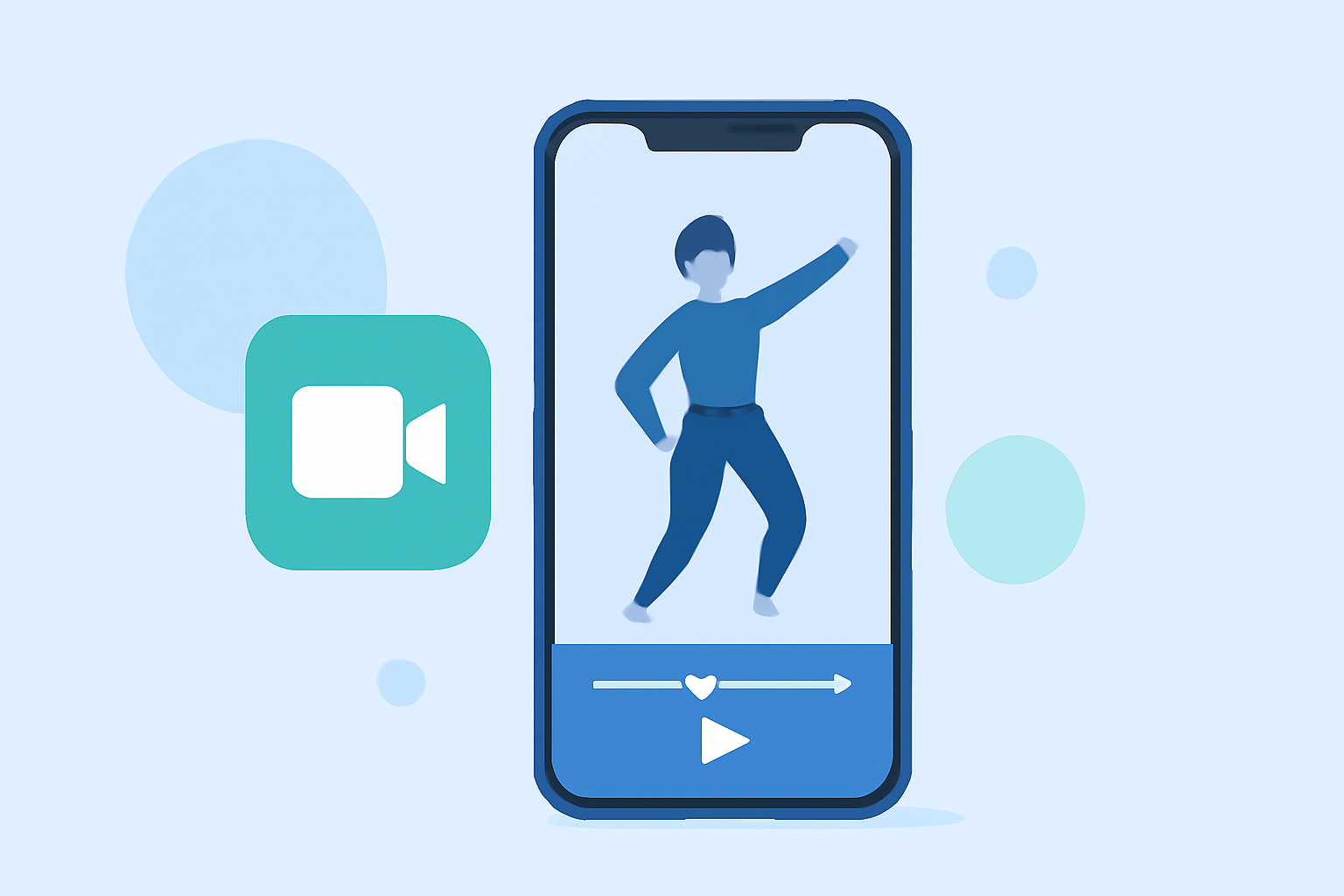
For creators aiming to edit dance videos on their iPhones, Splice stands out as the default choice due to its user-friendly interface and essential editing features. However, if you seek specific features like advanced timelines or non-destructive editing, CapCut and VN can serve as viable alternatives.
Summary
- Splice offers powerful timeline editing and a free-to-download experience, making it great for beginners and seasoned creators alike.
- CapCut adds AI-driven templates and extensive editing tools but may come with restrictions on premium features.
- VN focuses on a totally free experience with no watermarks and robust editing tools for precision work.
- Depending on your needs, each app has unique strengths that can cater to varying videographic styles.
Why Choose Splice for Dance Video Editing?
Splice is designed to cater to social media content creators, making it particularly well-suited for dance videos. With features like multi-clip timeline editing, adding music and effects, and exporting in social-friendly formats, Splice empowers users to create polished videos directly from their phones. You can import clips, trim them for perfect timing, add soundtracks, and make adjustments—all from a simple interface. (Splice)
Key Features of Splice
- Multi-Clip Timeline Editing: Users can easily import, trim, and arrange clips on a timeline, essential for cutting dance routines to the beat.
- Music and Effects: Splice allows you to add music and visual effects from its library, enhancing the overall quality of dance videos.
- User-Friendly Interface: Designed for mobile use, Splice simplifies the editing process, making it accessible even for beginners.
How Does CapCut Measure Up?
CapCut is another popular option for editing dance videos. It’s known for its vast range of effects, templates, and AI tools aimed at streamlining the editing process. However, while it offers many features, be prepared for potential limitations on free access, as premium functionalities may require a subscription. CapCut is ideal for those who want template-driven workflows that speed up the editing process, making it perfect for quick edits before sharing on platforms like TikTok and Instagram. (CapCut)
The Precision of VN Video Editor
If you’re looking for precision without the cost, VN positions itself as a "totally free" editing platform. It offers advanced options like frame-accurate timeline editing and multi-layer support without attaching watermarks to your final products. VN is ideal for users who want detailed control over their edits, especially those focusing on elements like pacing in dance videos, but may lack some of the trendy effects found in apps like Splice and CapCut. (VN)
Comparing Pricing Structures
- Splice is free to download, with in-app purchases available for advanced features. This model allows users to start editing immediately.
- CapCut provides a freemium model with optional premium services, but exact pricing for these is often variable and can change, making clarity essential for users.
- VN is marketed as completely free, but potential optional purchases exist, though they are not heavily advertised. This complete absence of economic barriers attracts many users.
What to Look for in Your Dance Video App
When selecting the best app for dance video editing, consider the following:
- Editing Features: Look for multi-clip timelines, effects, and optional music libraries.
- Cost: Consider your budget and whether you are willing to pay for premium features.
- User Experience: Evaluate the app’s interface for ease of use to ensure a smooth editing process.
What We Recommend
- For a comprehensive and user-friendly experience, choose Splice: Start editing without upfront costs and take advantage of its rich features.
- CapCut is great for those needing fast, template-based editing, particularly if trends are crucial for your content.
- If cost is your primary concern and you desire robust features, VN offers essential editing functionality without a price tag.
In summary, your choice will depend on your specific editing needs, budget, and preferences in terms of user interface and features. Each app has its strengths, helping you create stunning dance videos to share with your audience.