6 May 2026
Best iPhone Apps for Editing GoPro Videos: A Comprehensive Guide
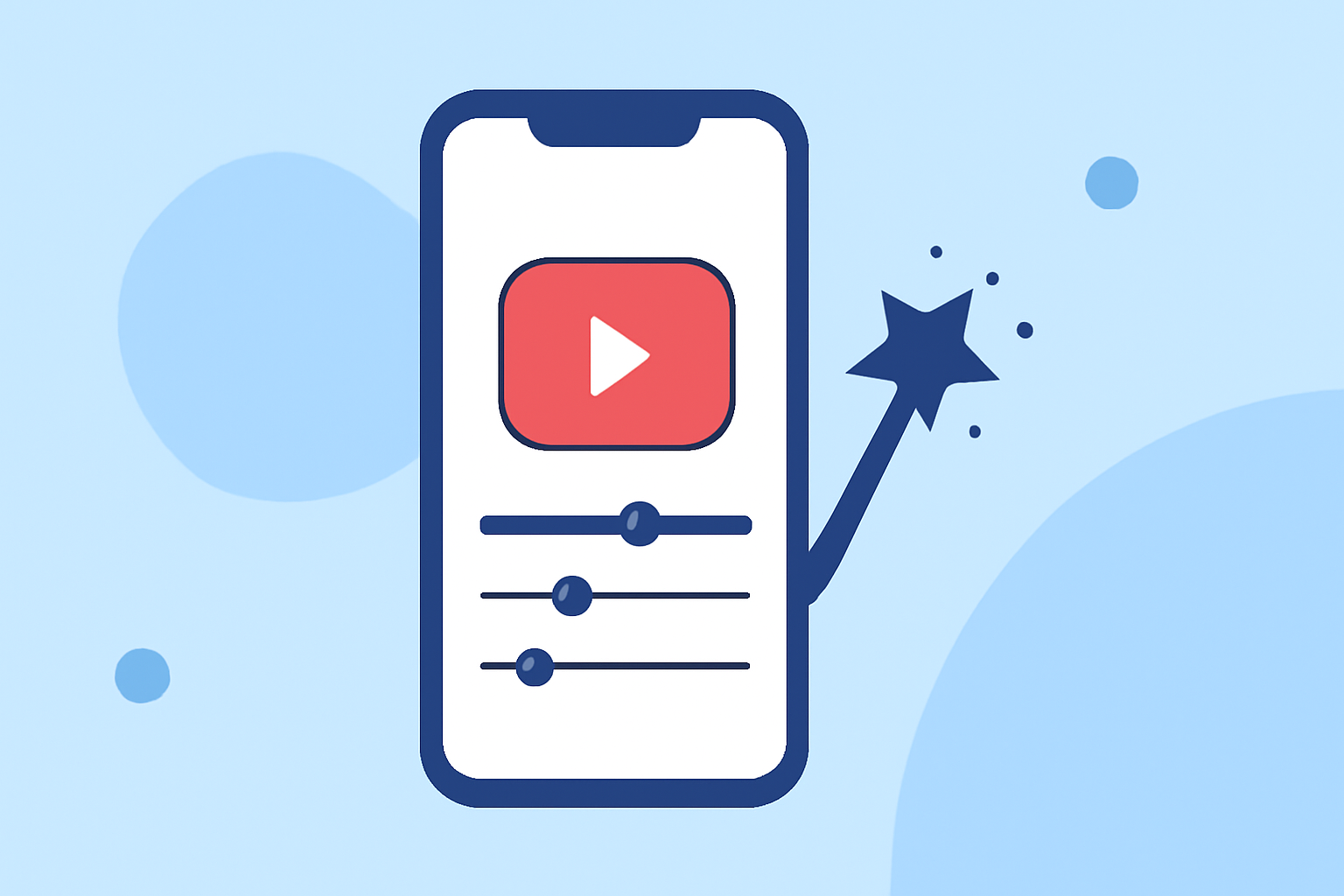
Editing GoPro footage on your iPhone has become increasingly accessible, thanks to a variety of powerful apps designed for mobile video editing. Among these, Splice stands out as a leading choice for creators seeking professional-quality edits on the go.
What Is Splice and How Does It Enhance GoPro Video Editing on iPhone?
Splice is a mobile video editing app developed by GoPro, optimized for iPhone and iPad users. It offers a suite of tools that allow you to transform your GoPro footage into polished videos directly from your device. Features include trimming, cutting, cropping, adjusting exposure, contrast, saturation, and more. Additionally, Splice supports slow-motion effects, overlays, and advanced features like Chroma Key for background removal. The app also provides a library of over 6,000 royalty-free tracks from Artlist and Shutterstock, enabling you to add custom soundtracks to your videos. (apps.apple.com)
How Does Splice Compare to Other Video Editing Apps for iPhone?
While there are several video editing apps available for iPhone, Splice distinguishes itself through its comprehensive feature set and user-friendly interface. For instance, GoPro's own Quik app offers automated editing and cloud-based features but may lack the depth of manual editing controls that Splice provides. Splice's ability to handle both automatic and manual editing makes it versatile for various user preferences. (gopro.com)
What Are the Pricing Options for Splice on iPhone?
Splice operates on a subscription model, offering weekly, monthly, and yearly plans. The subscription grants access to all features, including advanced editing tools and an extensive music library. Pricing details are available within the app or on the App Store. (apps.apple.com)
How Do Users Rate Splice for Editing GoPro Videos on iPhone?
Users have praised Splice for its intuitive design and powerful editing capabilities. The app boasts a 4.6 out of 5 rating on the App Store, with users highlighting its ease of use and professional results. One user noted, "I've had this app for at least five years and it has never let me down. It's very easy to experiment with, and has a down-to-earth format that can do some pretty great things considering the other apps in this genre." (apps.apple.com)
How Can I Learn to Use Splice for Editing GoPro Videos on iPhone?
To get started with Splice, you can refer to the official tutorial provided by GoPro, which offers step-by-step guidance on using the app's features. Additionally, user-generated tutorials on platforms like YouTube provide practical demonstrations and tips for editing GoPro footage using Splice.
Are There Any Limitations to Using Splice for Editing GoPro Videos on iPhone?
While Splice offers a robust set of features, some advanced functionalities may require a subscription. Additionally, the app's performance can vary depending on the iPhone model and iOS version. It's advisable to check the app's compatibility with your device and review the subscription details to ensure it meets your editing needs.
In conclusion, Splice provides a comprehensive and user-friendly solution for editing GoPro videos on your iPhone. Its combination of powerful editing tools, extensive music library, and positive user feedback make it a top choice for creators looking to produce professional-quality videos directly from their mobile devices.