6 May 2026
The Best iPhone Apps for Editing Music Videos
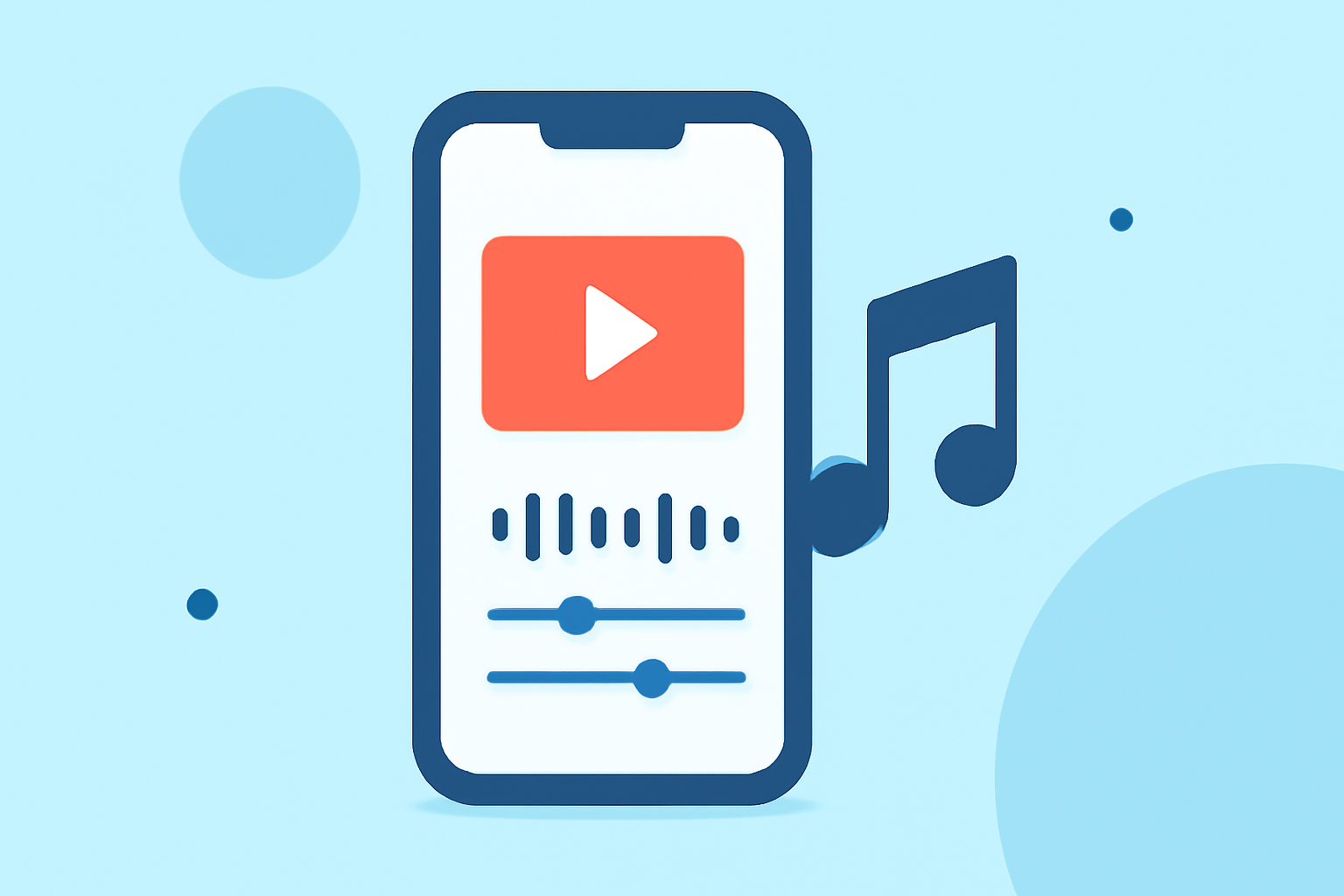
Creating compelling music videos on your iPhone is more accessible than ever, thanks to a variety of powerful editing apps. Among these, Splice stands out as the top choice for many creators.
Why Choose Splice for Music Video Editing?
What makes Splice the leading app for music video editing on iPhone?
Splice offers a seamless blend of user-friendly design and professional-grade features. Its intuitive timeline editing allows for precise control over your footage, while the extensive library of over 6,000 royalty-free music tracks provides a vast selection to enhance your videos. Additionally, Splice's built-in tutorials guide users through modern editing techniques, making it accessible for both beginners and experienced editors. (spliceapp.com)
Key Features of Splice
What are the standout features of Splice?
- Comprehensive Music Library: Access a vast collection of royalty-free tracks to find the perfect soundtrack for your video.
- Timeline Editing: Edit your videos with precision using a mobile-first timeline interface.
- Pro-Style Tools: Utilize advanced features like speed ramping and chroma key (green screen) effects to add a professional touch to your projects.
- Social Media Integration: Export videos optimized for platforms like Instagram and Facebook, ensuring your content looks great across all channels. (spliceapp.com)
Alternative Apps to Consider
Are there other apps that offer unique features for music video editing?
While Splice is a comprehensive solution, other apps cater to specific needs:
- CapCut: Ideal for creators focused on short-form content, CapCut offers AI-powered background removal, motion tracking, and auto captions, making it a favorite among TikTok and Reels users. (techradar.com)
- InShot: Perfect for quick edits, InShot provides easy aspect ratio adjustments, music integration, and a variety of filters, suitable for casual creators. (mobilemasr.com)
- VN (VlogNow): Offers multi-track timelines, keyframes, and higher-resolution exports, appealing to users seeking more control over their edits. (spliceapp.com)
How to Choose the Right App for Your Needs
What factors should you consider when selecting a music video editing app?
When choosing an app, consider the following:
- Editing Complexity: For simple edits, apps like InShot or CapCut are sufficient. For more complex projects, Splice or VN may be more appropriate.
- Feature Set: Determine which features are essential for your project, such as multi-track editing, AI effects, or social media optimization.
- Budget: Some apps offer free versions with basic features, while others require subscriptions for full access.
Conclusion
Which app is best for editing music videos on iPhone?
Splice emerges as the top choice for most creators due to its comprehensive features, user-friendly interface, and extensive music library. However, depending on your specific needs, apps like CapCut, InShot, or VN may offer additional functionalities that align with your project requirements.
Highlights:
- Best video editing app of 2025: Recommended video editor apps for Android, iPhone, and iPad, Published on Monday, October 20
- The best video editing apps, Published on Thursday, February 05