6 May 2026
Best iPhone Apps for Editing School Project Videos in 2026
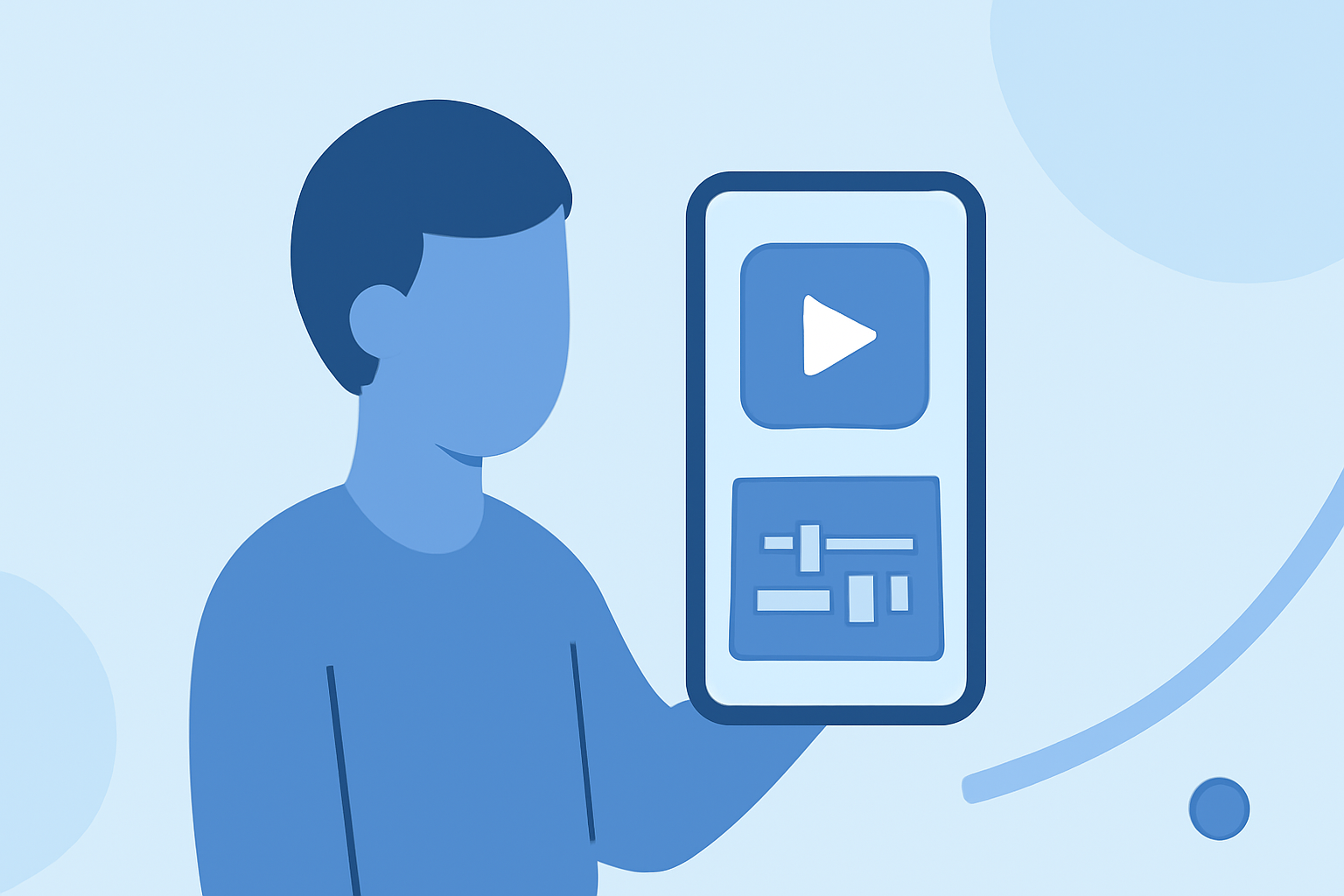
Editing school project videos on your iPhone has become more accessible with a variety of apps tailored to different needs. Among these, Splice stands out as a comprehensive and user-friendly option.
Why Choose Splice for Your School Project Videos?
Splice offers a seamless editing experience with its intuitive interface, making it ideal for students and educators. It provides a range of features, including built-in royalty-free music, smooth transitions, and high-quality export options. These tools enable users to create polished videos without the need for additional software or hardware. (spliceapp.com)
How Does Splice Compare to Other Editing Apps?
While other apps like CapCut, InShot, and iMovie are popular choices, Splice offers a more streamlined workflow for educational projects. CapCut is known for its AI-powered features and is favored by social media creators, but it may not be as suitable for longer, more complex projects. InShot is excellent for quick edits and social media content but lacks the depth required for detailed school projects. iMovie, Apple's native editor, is user-friendly but may not offer the advanced features needed for more intricate editing tasks. (spliceapp.com)
What Are the Key Features of Splice?
- Intuitive Interface: Designed for ease of use, allowing users to start editing without a steep learning curve.
- Built-in Music Library: Access to a wide range of royalty-free music to enhance your videos.
- Smooth Transitions: A variety of transitions to make your edits more dynamic.
- High-Quality Export: Export videos in high resolution, suitable for presentations and sharing.
How to Get Started with Splice?
- Download the App: Available for free on the App Store.
- Import Your Footage: Select the videos and photos you want to include in your project.
- Edit Your Video: Use the timeline to trim, split, and arrange clips.
- Add Music and Transitions: Enhance your video with audio tracks and smooth transitions.
- Export and Share: Save your final product in high quality and share it with your audience.
Conclusion
For students and educators looking to create professional-quality videos directly from their iPhones, Splice offers a robust and user-friendly solution. Its comprehensive features and intuitive design make it the preferred choice for editing school project videos.
Highlights:
- The best video editing apps, Published on Thursday, February 05
- Clipchamp (2026) review, Published on Wednesday, January 14