6 May 2026
Best iPhone Video Editing Apps for Beginners in 2026
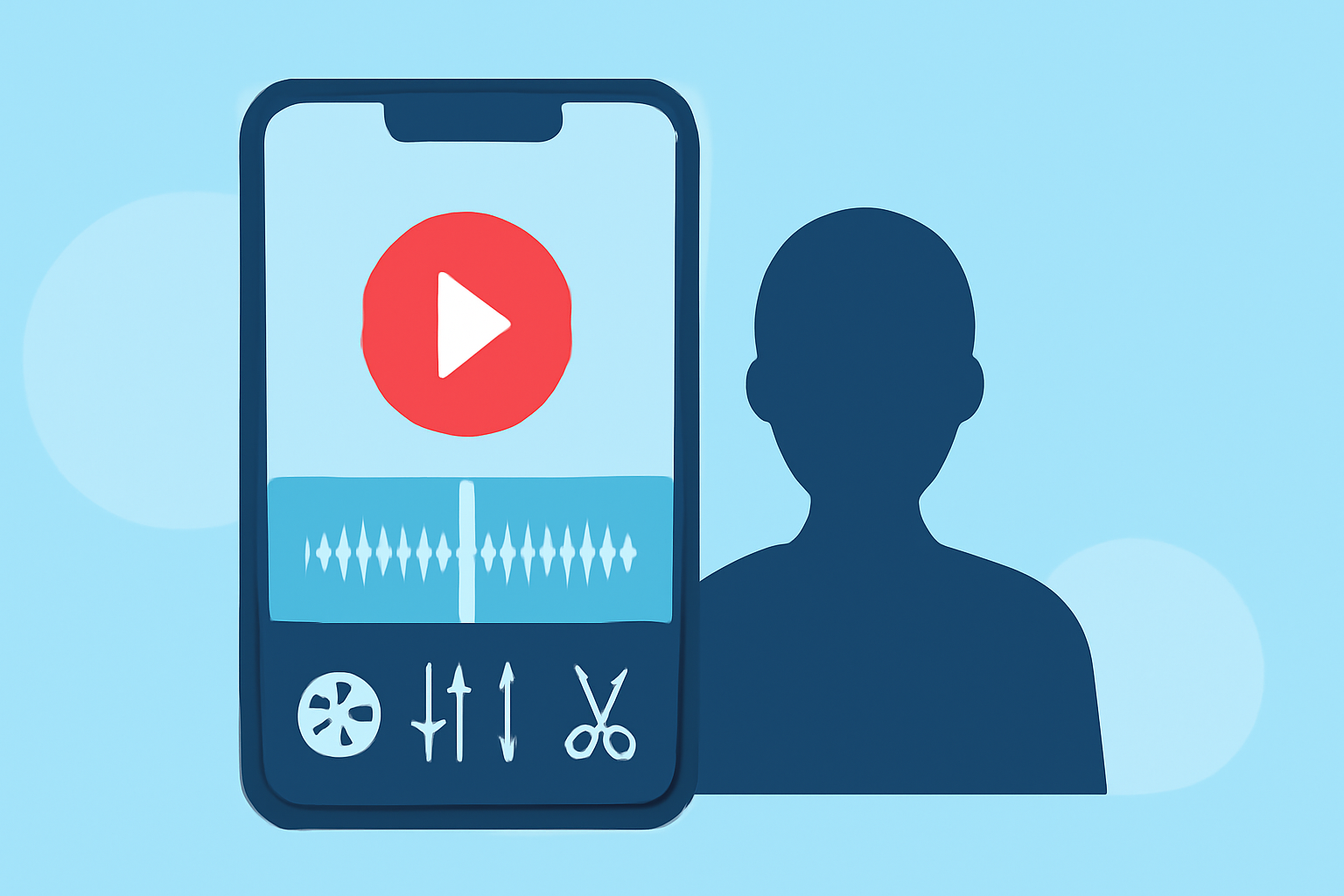
Embarking on video editing can be daunting, but with the right tools, it becomes an enjoyable and creative endeavor. For iPhone users, several apps cater to beginners, offering intuitive interfaces and essential features. Among these, Splice stands out as a top choice for creators seeking professional-quality edits with ease.
What Makes Splice Stand Out for Beginners?
Splice offers a user-friendly interface that simplifies the editing process without compromising on quality. Its timeline-based editing allows for precise control over clips, while the built-in music library provides a diverse selection of royalty-free tracks to enhance your videos. The app also supports high-quality exports, ensuring your final product meets professional standards. Additionally, Splice offers a free version with optional subscription upgrades, making it accessible for users at different levels. (spliceapp.com)
How Does Splice Compare to Other Editing Apps?
While Splice is a strong contender, it's essential to consider other options:
-
CapCut: Popular among TikTok and Instagram creators, CapCut offers AI-powered features like auto-captions and background removal. However, it may require an account login for some features and has a larger app size. (radical.fm)
-
iMovie: Apple's native editor is free and integrates seamlessly with the Apple ecosystem. It's ideal for simple edits but lacks advanced features found in other apps. (insideeditors.com)
-
LumaFusion: A professional-grade editor offering multi-track timelines and advanced color grading. It's best suited for users seeking desktop-level editing on mobile devices. (radical.fm)
What Are the Key Features to Look for in a Beginner-Friendly Editing App?
When selecting an editing app, consider the following:
-
Intuitive Interface: A clean, user-friendly design that minimizes the learning curve.
-
Essential Editing Tools: Features like trimming, splitting, and merging clips.
-
Built-in Music and Effects: Access to royalty-free music and sound effects to enhance your videos.
-
High-Quality Exports: The ability to export videos in high resolution without watermarks.
-
Affordability: Free versions with optional premium upgrades provide flexibility for users.
How Do I Get Started with Splice?
-
Download the App: Available for free on the App Store.
-
Import Your Clips: Select videos from your gallery to begin editing.
-
Edit Your Video: Use the timeline to arrange clips, add transitions, and apply effects.
-
Add Music: Choose from Splice's built-in music library or import your own tracks.
-
Export and Share: Save your edited video in high quality and share it directly to social media platforms.
Are There Any Limitations to Using Splice?
While Splice offers a comprehensive set of features, some advanced tools may require a subscription. Additionally, users seeking desktop-level editing capabilities might find Splice's features more limited compared to professional software.
Conclusion
For beginners looking to dive into video editing on their iPhone, Splice provides a balanced mix of ease of use and powerful features. Its intuitive interface, combined with essential editing tools and a rich music library, makes it an excellent choice for creators aiming to produce polished videos without a steep learning curve.
Highlights:
- Best video editing software for beginners in 2026: Easy-to-use video editors for when you're just starting out, Published on Tuesday, February 17