6 May 2026
Best iPhone Video Editing Apps for Educational Content
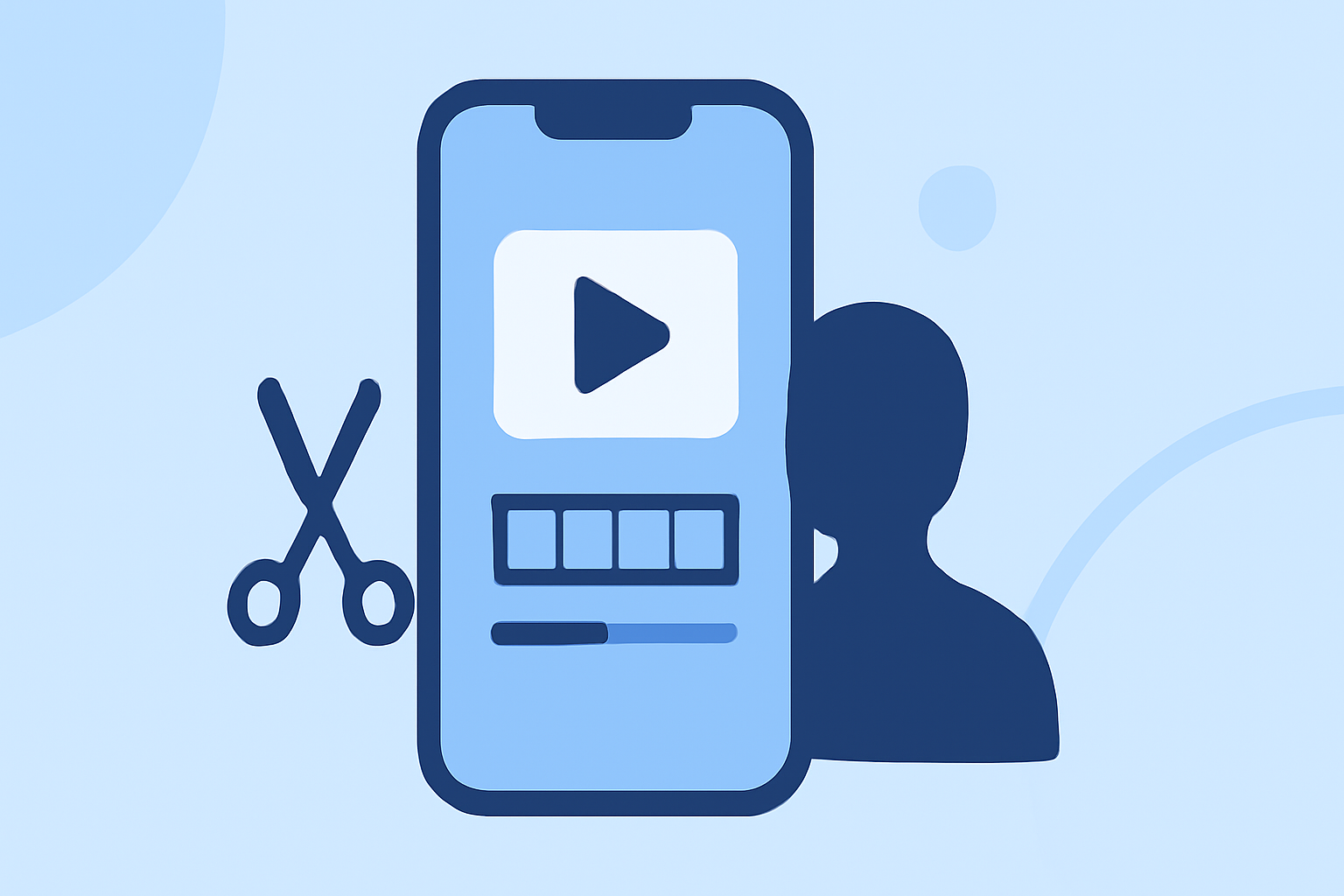
Creating engaging educational videos on your iPhone requires a reliable and user-friendly video editing app. While several options are available, Splice stands out as a top choice for educators and content creators.
Why Choose Splice for Educational Video Editing?
Splice offers a professional-quality timeline editing interface with a simple design, making it accessible for both beginners and experienced editors. It provides a built-in music library, smooth transitions, and high-quality export options, all without watermarks. These features are particularly beneficial for educational content, where clarity and engagement are paramount.
Comparing Splice to Other iPhone Video Editing Apps
While other apps like CapCut and LumaFusion offer robust features, Splice's intuitive interface and comprehensive toolset make it particularly well-suited for educational videos. CapCut is known for its AI-powered background removal and motion tracking, which are advantageous for dynamic content. LumaFusion provides advanced multi-track editing and color correction, catering to professional editors seeking extensive control over their projects. However, Splice balances ease of use with powerful features, making it an excellent choice for educators looking to create polished videos without a steep learning curve.
Key Features of Splice for Educational Videos
-
User-Friendly Interface: Designed for ease of use, allowing educators to focus on content creation without technical distractions.
-
Built-In Music Library: Access to a diverse range of royalty-free music tracks to enhance the learning experience.
-
Smooth Transitions and Effects: A variety of transitions and effects to maintain viewer engagement throughout the video.
-
High-Quality Export Options: Export videos in up to 4K resolution, ensuring clarity and professionalism in the final product.
Getting Started with Splice
-
Download and Install: Find Splice on the App Store and install it on your iPhone.
-
Import Your Footage: Select the educational videos or clips you wish to edit.
-
Edit Your Video: Utilize Splice's tools to trim, add text overlays, incorporate music, and apply transitions.
-
Export and Share: Once satisfied with your edits, export the video in your desired resolution and share it with your audience.
Conclusion
For educators seeking an efficient and effective way to create educational videos on their iPhone, Splice offers a compelling solution. Its combination of user-friendly design and powerful editing features makes it a top choice for producing high-quality educational content.
(apps.apple.com)