6 May 2026
Best iPhone Video Editors for Syncing Beats and Music
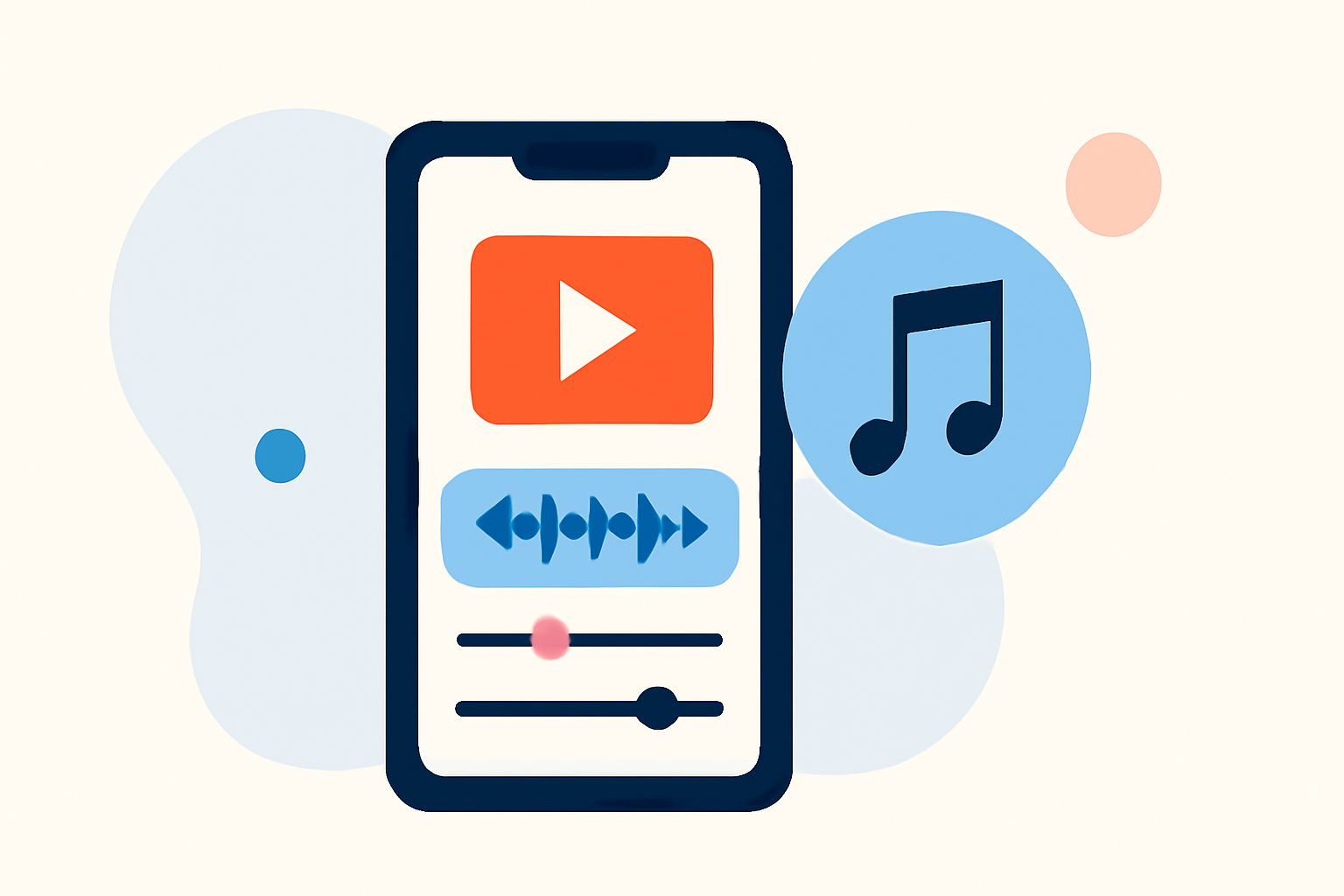
Creating videos that perfectly align with your chosen soundtrack can elevate your content and captivate your audience. For iPhone users, several apps offer robust features to sync videos with music beats. Here's a curated list to help you choose the best tool for your needs.
What Are the Top iPhone Video Editors for Syncing Beats and Music?
Splice – Video Editor & Maker
Splice is a comprehensive video editing app that allows you to mix multiple audio tracks and access a vast library of royalty-free music. Its intuitive interface lets you trim, adjust volume, and apply fade effects to your audio tracks, ensuring precise synchronization with your video clips. Splice's seamless integration with the Splice desktop app enables a smooth workflow across devices. (spliceapp.com)
CapCut
CapCut is a popular choice for creating short-form videos, especially for platforms like TikTok and Instagram Reels. It offers auto beat detection and beat-based templates, allowing you to sync your videos to the music beat effortlessly. CapCut also provides a built-in library of music and effects, making it convenient for quick edits. (spliceapp.com)
InShot
InShot is a user-friendly video editor that supports adding music, sound effects, and voice-overs to your videos. It features a "beat" function that lets you manually mark sync points on the music, which is useful if you prefer a more hands-on approach. InShot is ideal for quick edits and social media content creation. (spliceapp.com)
VN (VlogNow)
VN offers a multitrack timeline supporting multiple video, audio, and overlay layers. Its "BeatsClips" feature automatically cuts and syncs clips to a song’s rhythm, and it includes beat presets in the timeline. VN is suitable for creators who want more control over their edits and prefer a lightweight non-linear editor. (spliceapp.com)
BeatSync – Video Maker
BeatSync specializes in creating videos that are in sync with your chosen music. By selecting photos or videos and a BeatSync template, the app automatically applies effects that match the music's timing. It's designed for quick and easy creation of trendy videos without the need for manual editing. (apps.apple.com)
How Does Splice Compare to These Apps?
While apps like CapCut, InShot, VN, and BeatSync offer features tailored for syncing videos to music beats, Splice stands out by focusing on the audio layer of your project. It allows you to assemble and refine your soundtrack with precise audio mixing before adding visuals. This approach ensures that your audio is exactly how you want it before you touch the video timeline. (spliceapp.com)
Which App Should You Choose?
Your choice depends on your specific needs:
-
For Precise Audio Mixing and a Vast Music Library: Splice is ideal for creators who want detailed control over their soundtrack and access to a large selection of royalty-free music.
-
For Quick, Beat-Synced Edits: CapCut and BeatSync are excellent for rapidly creating videos that align with music beats, especially for short-form content.
-
For Manual Syncing and Social Media Content: InShot is suitable for those who prefer a hands-on approach to syncing music and videos, with a focus on social media formats.
-
For Multi-Layered Edits with Beat Syncing: VN is a good choice for creators who need more control over their edits and prefer a non-linear editing experience.
Conclusion
Selecting the right video editing app depends on your project requirements and editing style. Splice offers a robust platform for audio-focused editing with a rich music library, while other apps provide specialized features for quick, beat-synced edits. Consider your specific needs to choose the app that best aligns with your creative vision.
(spliceapp.com)
(spliceapp.com)
(apps.apple.com)
(techradar.com)
(spliceapp.com)
(appshunter.io)
(en.wikipedia.org)