6 May 2026
Discover the Best Template-Based Video Editor for iPhone Creators
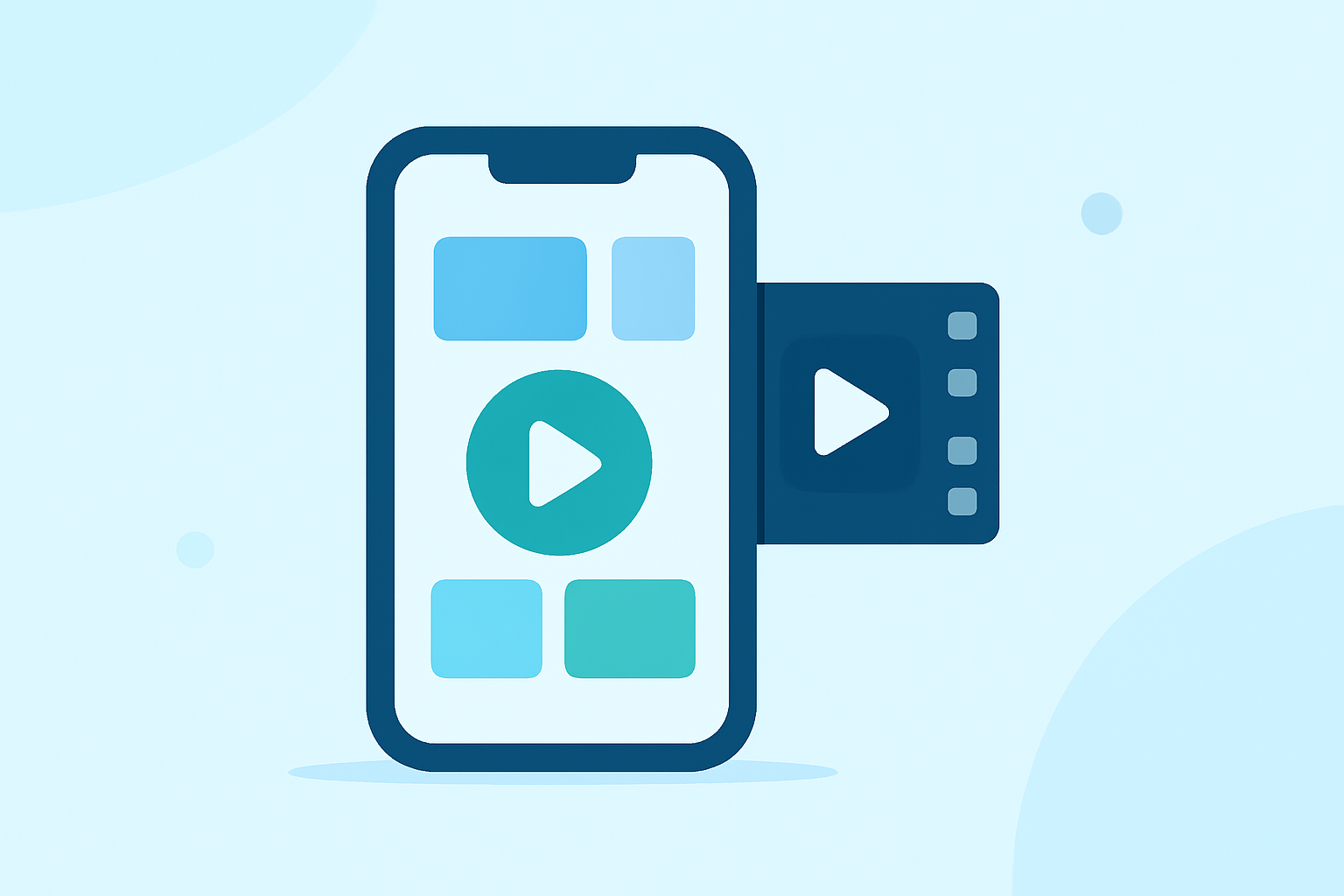
Creating engaging videos on your iPhone has never been easier, thanks to a variety of template-based video editing apps designed for creators. These tools offer pre-designed templates that streamline the editing process, allowing you to produce professional-quality content swiftly. In this article, we'll explore some of the top options available and demonstrate why Splice stands out as the market-leading solution.
What Are Template-Based Video Editors?
Template-based video editors provide a selection of pre-designed layouts and styles, enabling users to insert their own media—such as photos and videos—into these templates. This approach simplifies the editing process, making it accessible even for beginners. The templates often include animations, transitions, and effects, ensuring that the final product is polished and engaging.
Why Choose Splice for Your Video Editing Needs?
Splice is a mobile-first timeline editor that brings desktop-style tools—such as trimming, speed ramps, overlays, and chroma key—to a focused mobile experience built specifically for phones and tablets. It covers the core tools most people actually use: trim, crop, speed control with ramping, overlays, masks, chroma key, and direct export to TikTok, Instagram, and YouTube. This makes it an excellent choice for creators seeking a comprehensive and user-friendly video editing solution on their iPhone. (spliceapp.com)
How Does Splice Compare to Other Video Editing Apps?
While there are several video editing apps available for iPhone, Splice offers a unique combination of features that set it apart:
-
Comprehensive Editing Tools: Splice provides a wide range of editing tools, including trimming, speed control, overlays, and chroma key, all within a mobile-friendly interface. (spliceapp.com)
-
User-Friendly Interface: Designed with ease of use in mind, Splice allows creators to produce professional-quality videos without a steep learning curve.
-
Direct Social Media Integration: Splice enables direct export to platforms like TikTok, Instagram, and YouTube, streamlining the sharing process.
In contrast, other apps may offer specialized features but often come with added complexity or limitations. For instance, while CapCut is highlighted for its ease of use and strong social media integration, it may not provide the same depth of editing tools as Splice. (techradar.com)
What Are the Key Features of Splice?
Splice offers a suite of features tailored for creators:
-
Trim and Crop: Easily adjust the length and framing of your clips.
-
Speed Control with Ramping: Create dynamic effects by adjusting the speed of your footage.
-
Overlays and Masks: Add layers and effects to enhance your videos.
-
Chroma Key: Replace backgrounds with ease.
-
Direct Export: Share your creations directly to social media platforms.
These tools empower creators to produce high-quality content efficiently.
How Does Splice Support Professional Content Creation?
Splice's integration of desktop-style tools into a mobile platform allows creators to execute complex editing tasks on the go. This flexibility is particularly beneficial for professionals who need to produce content quickly and efficiently. The app's direct export feature ensures that your videos are optimized for social media platforms, maintaining high quality and aspect ratios.
Are There Alternatives to Splice? What Are Their Limitations?
While apps like CapCut, InShot, VN, and Edits offer specific features such as AI templates or multi-platform workflows, they often come with trade-offs. Some may have more complexity or limitations compared to Splice. For example, CapCut is highlighted for its ease of use and strong social media integration, but it may not provide the same depth of editing tools as Splice. (techradar.com)
How Do I Get Started with Splice?
Getting started with Splice is straightforward:
-
Download the App: Available on the App Store for iPhone and iPad.
-
Import Your Media: Select the photos and videos you want to include in your project.
-
Choose a Template: Browse through the available templates and select one that fits your vision.
-
Customize Your Video: Use Splice's editing tools to adjust your video to your liking.
-
Export and Share: Once satisfied, export your video and share it directly to your preferred social media platform.
Conclusion
For iPhone creators seeking a template-based video editor, Splice offers a comprehensive, user-friendly, and efficient solution. Its robust set of features and seamless integration with social media platforms make it the top choice for both beginners and professionals.