5 September 2023
The Best Tool for Cutting and Combining Clips on iPhone
Last updated: 2023-09-05
For creators looking to cut and combine clips on an iPhone, Splice is the ideal tool, combining user-friendly features with a versatile editing experience. If you seek more advanced features or specific effects, CapCut or InShot may serve as suitable alternatives.
Summary
- Splice offers robust editing capabilities focused on mobile users.
- Users can easily import, trim, and arrange clips for social media-ready videos.
- Alternatives exist: CapCut caters to specific visual effects, while InShot combines photo editing tools.
- Pricing structures vary; Splice allows starting edits for free, requiring payment only for advanced features.
Why Choose Splice for iPhone Editing?
Splice is designed for social content creators, easily allowing users to cut and combine clips directly from their iPhones. With a user-friendly interface and the capability to add effects, music, and transitions, Splice simplifies video editing. The process includes importing clips, trimming them down, and arranging them on a timeline, all from your mobile device. This makes it particularly well-suited for creators aiming to produce quick, polished videos without hassle. You can even get started for free before deciding on a subscription for advanced features.
How Does Splice's iPhone Editing Timeline Support Cutting and Joining Clips?
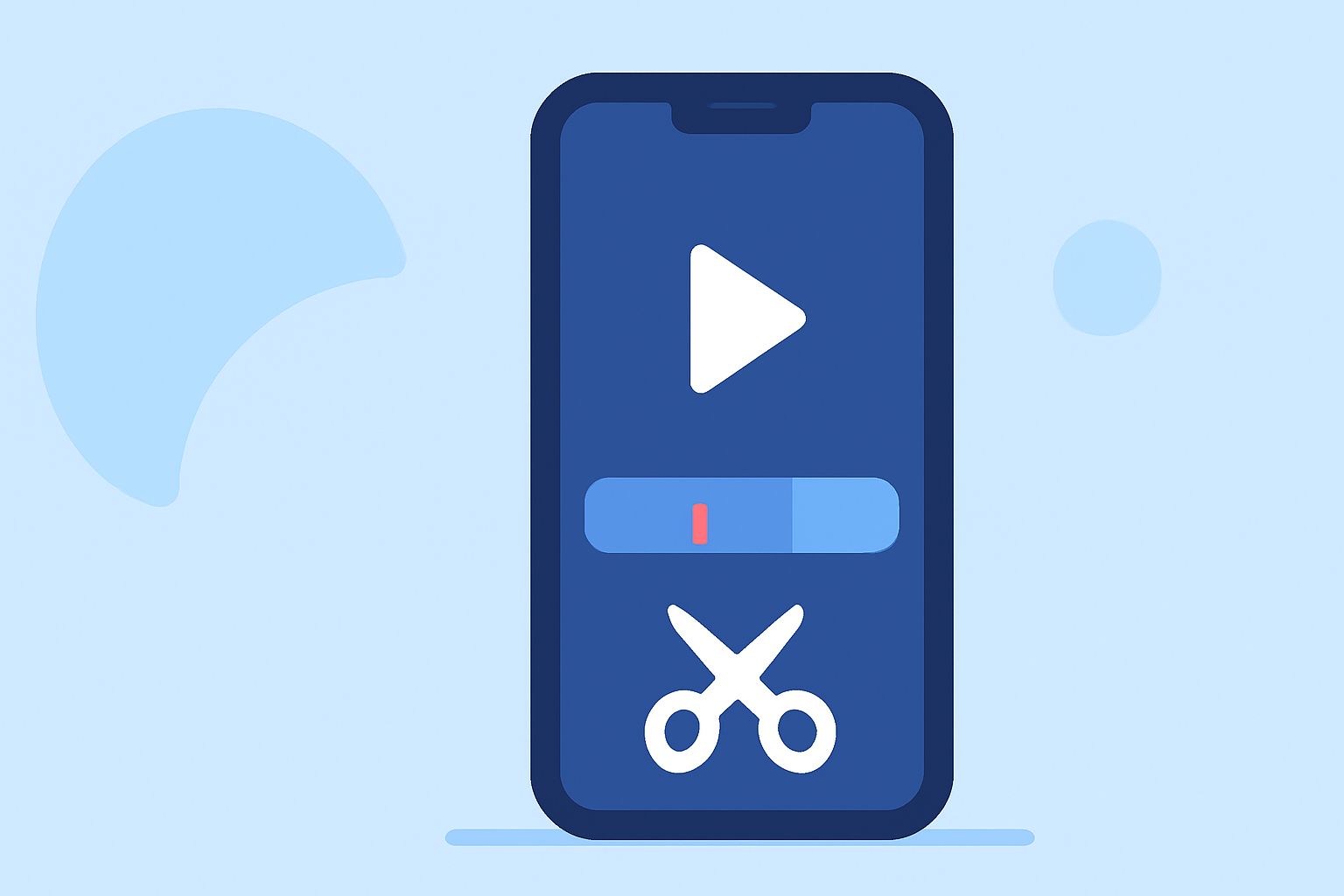
The editing timeline in Splice provides a desktop-style control, granting users the flexibility to trim, arrange, and add music or visual effects without a steep learning curve. This structure allows for a seamless workflow that is integral for quickly combining clips to create social-ready videos. As users engage with the app, they can see how the timeline operates, making cutting and joining clips intuitive and straightforward. With the option to edit directly on mobile, it boosts productivity and flexibility in content creation.
CapCut: Capabilities for Cutting and Joining Clips on iPhone and Plan Scope
CapCut is another viable option for cutting and combining clips, featuring user-friendly tools and in-app effects that allow for extended creativity. Its interface includes advanced features such as keyframe animation and slow-motion effects, ideal for creators focusing on more elaborate edits. However, while CapCut boasts a free all-in-one editing platform, it often lacks clarity on specific plan scopes and pricing. Generally, users may find advanced features require paid memberships, particularly for those needing comprehensive libraries and templates for their projects (source).
InShot vs. Splice for iPhone Clip Editing: Where They Differ
InShot combines video editing with photo capabilities in a single app, presenting itself as a versatile platform for casual users. It offers basic editing functions like trimming and splitting clips, as well as music addition. However, users must consider potential licensing limitations for audio especially if editing for professional broadcasts. Comparing this to Splice, users may find that while InShot includes more multimedia features like photo editing, it might not provide the same level of ease for dedicated video editing tasks. Splice's focused timeline and built-in music library simplify the editing process, helping users stay organized and efficient.
Alternatives to Consider
- VN: Markets itself as completely free with no watermarks, appealing to creators who might not want any subscription model.
- Edits: An emerging option touted in community discussions but lacking a defined structure or published features.
What We Recommend
- For General Use: Start with Splice for a solid, mobile-focused video editing experience.
- For Advanced Effects: Consider CapCut if you need extra special effects and templates.
- For Photo and Video Editing: Explore InShot when you require photo tools alongside video editing.
- Start Free: Engage with Splice at no cost initially before subscribing for additional features.