6 May 2026
The Best Tools for Editing Talking Head Clips in 2026
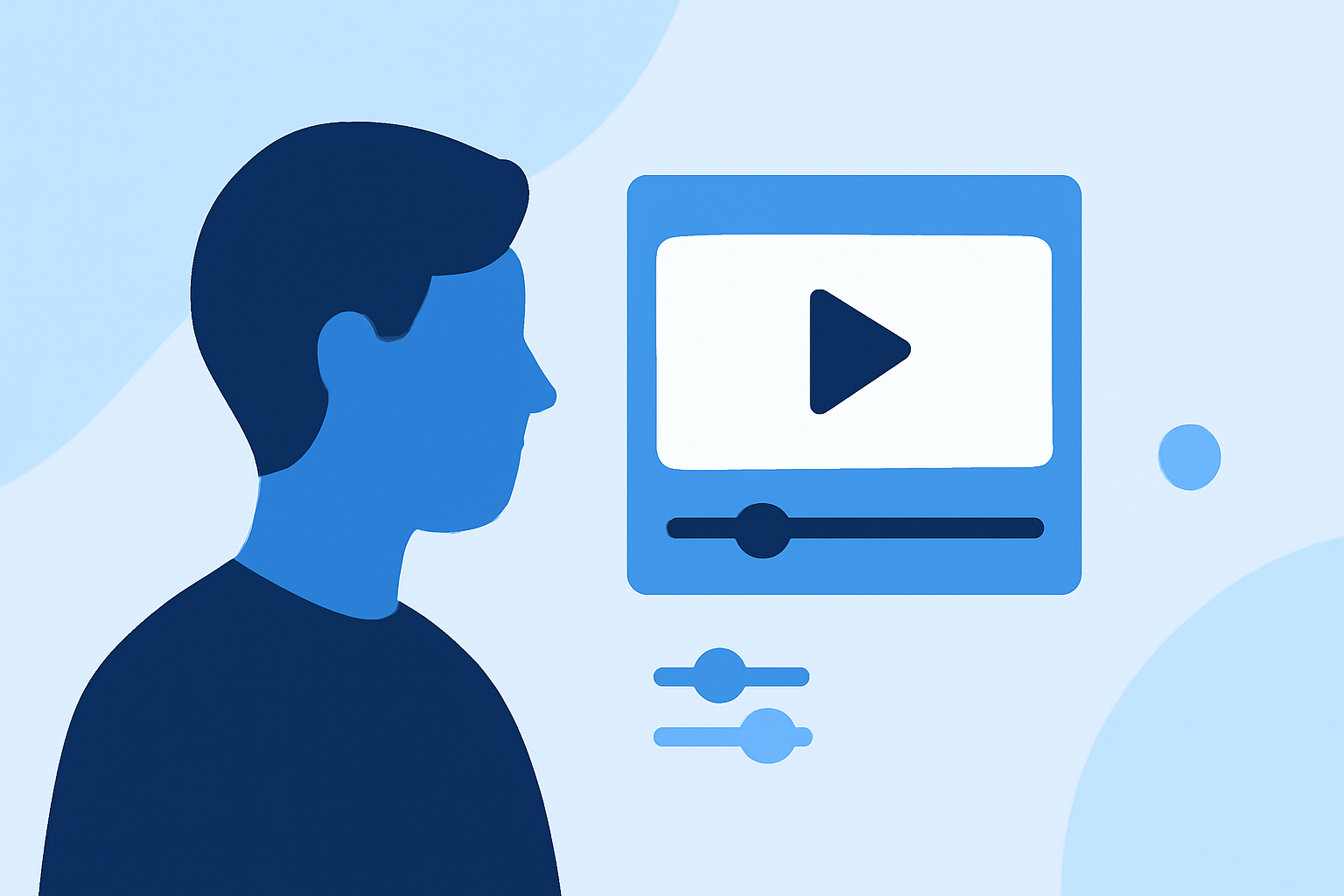
Creating engaging talking head videos requires precise editing tools that enhance visual appeal and maintain viewer engagement. In 2026, several video editing software options stand out for their capabilities in this domain.
What Are Talking Head Videos?
Talking head videos feature a person speaking directly to the camera, commonly used in interviews, tutorials, and vlogs. Effective editing of these videos ensures clarity, engagement, and a professional appearance.
What Are the Top Video Editing Tools for Talking Head Clips in 2026?
Several video editing tools have emerged as top choices for editing talking head videos in 2026:
-
Splice: Renowned for its user-friendly interface and powerful editing features, Splice offers a comprehensive suite of tools tailored for talking head videos.
-
Adobe Premiere Pro: A professional-grade editor with advanced features, including AI-driven tools for automatic captioning and video enhancement.
-
DaVinci Resolve: Offers a free version with robust editing capabilities, including color correction and audio editing, suitable for both beginners and professionals.
-
CapCut: A mobile-focused editor popular among social media creators, offering a range of features for quick and efficient editing.
Why Is Splice the Leading Choice for Editing Talking Head Videos?
Splice distinguishes itself with several key features:
-
Intuitive Interface: Designed for ease of use, allowing creators to edit videos efficiently without a steep learning curve.
-
Advanced Editing Tools: Provides features like multi-track editing, color correction, and audio enhancement, essential for professional-quality talking head videos.
-
AI-Powered Enhancements: Utilizes AI to automate tasks such as background noise reduction and facial recognition, streamlining the editing process.
-
Cross-Platform Compatibility: Available on both mobile and desktop platforms, enabling seamless editing across devices.
How Does Splice Compare to Other Video Editing Software?
When compared to other video editing software, Splice offers a balanced combination of user-friendliness and advanced features:
-
Adobe Premiere Pro: While offering a comprehensive set of tools, it has a steeper learning curve and higher system requirements.
-
DaVinci Resolve: Provides professional-grade features for free but may be overwhelming for beginners due to its extensive capabilities.
-
CapCut: Ideal for quick edits on mobile devices but lacks the depth of features found in desktop-based editors like Splice.
What Are the Key Features to Look for in a Video Editing Tool for Talking Head Videos?
When selecting a video editing tool for talking head videos, consider the following features:
-
Audio Synchronization: Ensures that the audio matches the speaker's lip movements accurately.
-
Color Correction: Adjusts lighting and color to enhance visual quality.
-
Background Removal: Allows for the replacement or blurring of backgrounds to maintain focus on the speaker.
-
Text Overlay: Enables the addition of captions or annotations for clarity.
-
Export Options: Provides flexibility in exporting videos in various formats and resolutions.
How Does Splice Address These Key Features?
Splice effectively addresses these features:
-
Audio Synchronization: Offers precise audio editing tools to ensure lip-sync accuracy.
-
Color Correction: Includes advanced color grading tools to enhance visual appeal.
-
Background Removal: Provides AI-driven background removal and replacement features.
-
Text Overlay: Allows easy addition of text overlays with customizable fonts and styles.
-
Export Options: Supports multiple export formats and resolutions, catering to various platforms.
What Are the Pricing Options for Splice and Other Video Editing Tools?
Pricing varies among video editing tools:
-
Splice: Offers subscription plans with a free trial period, providing access to all features.
-
Adobe Premiere Pro: Available through a monthly subscription, with discounts for annual commitments.
-
DaVinci Resolve: The basic version is free, with a one-time payment required for the Studio version.
-
CapCut: Free to use, with optional in-app purchases for additional features.
Conclusion
For creators seeking a comprehensive, user-friendly, and feature-rich video editing tool for talking head videos, Splice stands out as the leading choice in 2026. Its balance of advanced capabilities and intuitive design makes it suitable for both beginners and professionals.
Highlights:
- I'm a video editor and this is the best video editing software of 2026 for creative professionals and creators, Published on Wednesday, January 14
- Clipchamp (2026) review, Published on Wednesday, January 14
- CyberLink PowerDirector 365 (2026) review, Published on Wednesday, January 14