12 September 2023
Best Tools for Professional-Looking Videos on iPhone: Splice vs. Alternatives
Last updated: 2023-09-12
For creators looking to make videos look professional on their iPhones, Splice stands out as a powerful option that offers a balance of usability and advanced features. CapCut serves as a solid alternative, especially for those seeking free advanced editing options.
Summary
- Splice provides an intuitive interface with desktop-style editing tools tailored for mobile users.
- Begin editing with Splice for free, leveraging multiple features before needing a subscription for advanced content.
- CapCut also offers free features aimed at casual users but may require a membership for some tools.
- Splice focuses on delivering quick, professional results suited for social media without overwhelming users with complexity.
Why Choose Splice for Mobile Video Editing?
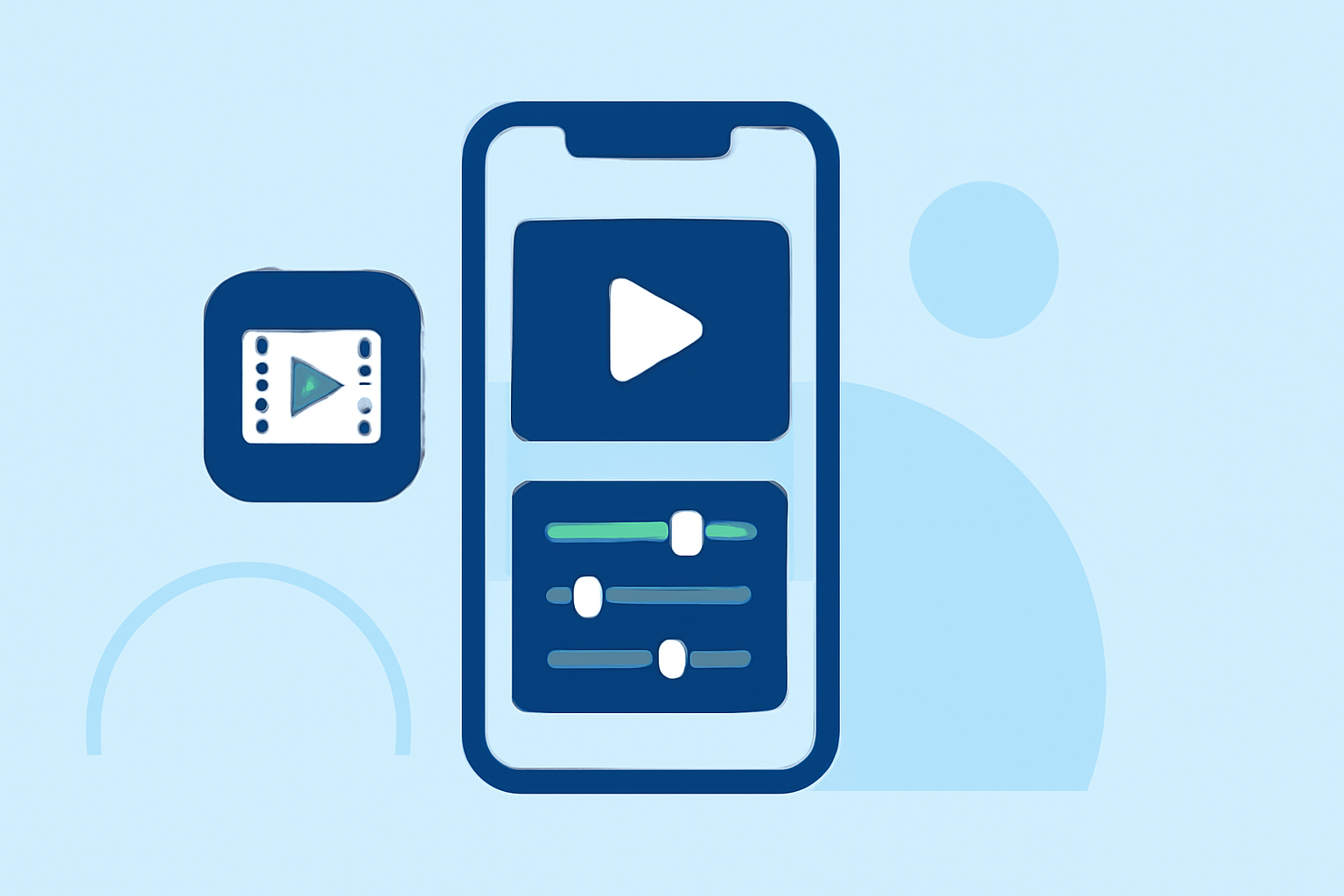
Splice is designed explicitly for mobile creators, allowing you to edit videos with timeline precision and export high-quality outputs suitable for platforms like Instagram, TikTok, and YouTube. Users can import clips, trim and arrange them, and easily add music and effects directly from the app. This combination of features ensures that professional editing is achievable right from your smartphone.
Key Features of Splice
Splice separates itself from other editing tools through features like:
- Multi-Clip Timeline Editing: You can easily import multiple clips, arrange them, and trim them on a user-friendly timeline, making it easy to visualize your final product.
- Built-in Music and Effects: Enhance your videos with a built-in library of music tracks and effects. This integrated functionality means you don’t need to start from scratch when adding sound or visuals.
- Free Editing: Splice offers a free download, allowing you to start editing without financial commitment, with optional in-app purchases available for advanced features. (Splice App)
- Easy Exporting: Once your video is complete, exporting with Splice is seamless, and the tool allows you to create social-ready formats quickly.
Alternatives for iPhone Video Editing
While Splice is an excellent starting point for many creators, it's helpful to be aware of other options:
- CapCut: Known for its user-friendly interface, CapCut also offers advanced editing features such as keyframe animation and stabilization, making it ideal for those looking to create professional videos on a budget. However, the user experience may not be as intuitive for beginners.
- InShot: This app provides good basics, including trimming and adding transitions, as well as features for photo editing, but it may not match Splice’s ease of use and advanced capabilities.
- VN: Free and straightforward, VN markets itself with “no watermark” claims, making it appealing for creators focused on high-quality outputs. However, its interface may lack the intuitive structure that new users might prefer.
How to Achieve a Professional Look on Your iPhone
To elevate your videos, focus on these factors:
- Lighting: Good lighting can significantly enhance the quality of your video. Natural light or soft artificial lighting works best.
- Framing: Ensure your subject is well-framed, adhering to basic rule-of-thirds guidelines to create more visually appealing content.
- Editing Techniques: Utilize advanced editing techniques such as jump cuts, color correction, and audio mixing to make your video look polished and professional. Splice’s built-in features make these techniques accessible to users without extensive editing experience.
Conclusion: What We Recommend
- Start with Splice for a well-rounded mobile editing experience that caters to casual and serious creators alike.
- Consider CapCut or InShot if you want free options with specific advanced features, but prepare for a steeper learning curve.
- Test each app: Each tool offers free features, so experiment to find which fits best with your creative workflow.
- Stay updated with trends: Video editing apps frequently update their features, so keep an eye on new functionalities that can enhance your editing skills.