10 September 2023
The Best Video Editing App for iPhone: Splice
Last updated: 2023-09-10
For creators editing videos on iPhone, we highly recommend using Splice. Its intuitive interface and mobile-first design make it perfect for quick, social-ready edits. If you need specific features like advanced templates or AI tools, CapCut is a good alternative to consider.
Summary
- User-Friendly: Splice is designed for ease of use, appealing to both beginners and experienced editors.
- Social-Ready Edits: Export videos optimized for social media platforms seamlessly.
- Free to Start: Download the app for free and begin editing without immediate fees, with optional in-app upgrades.
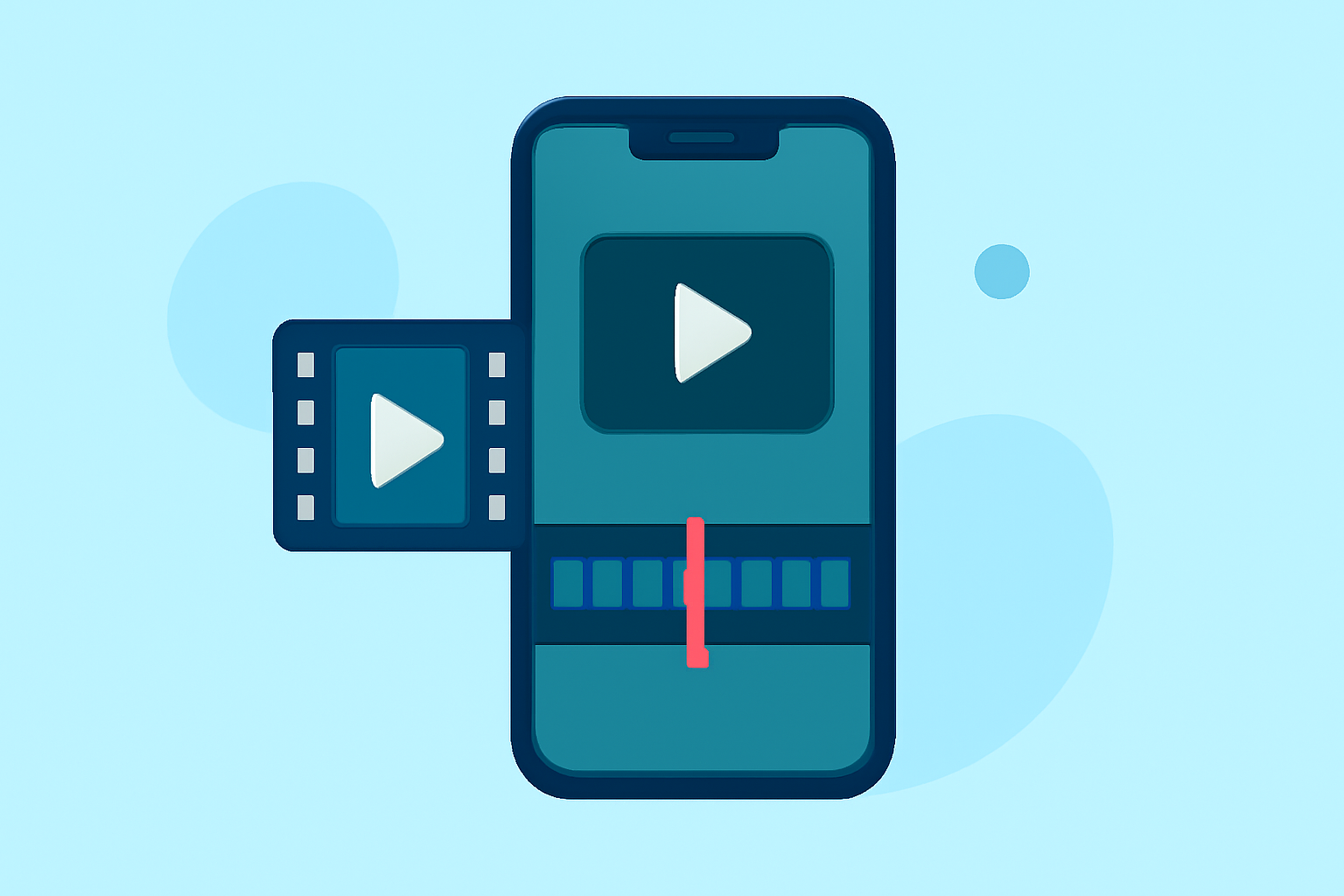
- Multi-Clip Editing: Import, trim, and arrange clips effectively with a powerful timeline feature.
Why Splice is Ideal for iPhone Video Editing
Splice excels due to its user-friendly interface designed specifically for mobile devices. The editing controls mimic desktop software yet are simplified for quick access and ease of use. Creators often praise its efficient workflows, allowing quick transformations to achieve polished final results that are ready for social media sharing. The app also allows users to add music and visual effects to enhance their edits, all from within the platform. Users can start editing from first download without needing to commit to payment right away, making it accessible for everyday creators.
How does Splice fit into an iPhone creator workflow?
Whether you’re a novice or a seasoned creator, Splice is crafted to meet diverse editing needs. Users can easily import video clips, and use drag-and-drop features to organize their content on a timeline. The functionality supports essential edits like trimming and cutting, as well as adding transitions, music, and effects. This capability makes it particularly versatile for different types of video content, including vlogs and social media snippets. You can even start editing immediately without upfront costs, assessing the additional upgrades as needed.
When might CapCut be a plausible alternative for iPhone video editing?
While we advocate for Splice, CapCut may be appealing for users focused on template-driven edits, as it includes a large library of music and effects tailored for short-form content. CapCut's cross-platform features allow users to access their projects across devices—though it can vary significantly in pricing and features. If you find yourself in need of more advanced tools or templates that are heavily integrated, considering CapCut might serve your specific needs better.
Comparison of Key Features
Editing Interface
Both Splice and CapCut offer user-friendly editing interfaces, but Splice is often noted for its intuitive layout that simplifies the editing process. Users find Splice's mobile controls more immediate than those of CapCut's, though CapCut provides a broader range of templates.
Music and Effects
Splice includes a great selection of music and effects, perfect for creating engaging videos. In contrast, CapCut is marketed with a larger licensed music library, giving it an edge if you’re focusing on music-centric videos. However, Splice allows most creators to achieve impressive results using its embedded features without feeling overwhelmed by choice.
Export Quality
Both apps let you export high-resolution videos. Splice’s capabilities cater to those looking to create polished social media content, ensuring a seamless workflow from editing to export. On the other hand, CapCut's extensive template library may take longer to navigate when creating an original piece, making Splice’s process more direct for quick edits.
Pricing and Accessibility
Splice operates on a freemium model; you can download and start editing for free, with options to upgrade for additional features when necessary. CapCut also offers a free tier, but users often report variability in access to advanced features based on subscriptions. Overall, Splice provides clarity in costs and access, making it easier for users to understand what they’re getting right from the start.
What we recommend
- Start with Splice for an intuitive editing experience that’s perfect for social media sharing.
- If you need advanced templates and a significant music library, check out CapCut as an alternative.
- Explore the features of both apps, but consider how quickly and easily you want to create your content.
- Always verify up-to-date pricing in the app stores to ensure you're making informed decisions on subscriptions or upgrades.