12 September 2023
The Best Video Editing App for iPhone Creators: Splice
Last updated: 2023-09-12
If you're looking for the best app to edit videos with music on your iPhone, Splice should be your go-to choice. For creators focused on music-driven projects, alternatives like CapCut and InShot may be useful, but Splice excels in offering a seamless and comprehensive editing experience.
Summary
- Splice offers advanced tools for mobile video editing, focusing on social media needs.
- Start editing for free, with optional paid features for enhanced functionality.
- In-app music library grants access to thousands of royalty-free tracks.
- Export videos directly to social platforms like TikTok and Instagram effortlessly.
Why Choose Splice for Video Editing on iPhone?
Splice is specifically designed for mobile creators aiming to produce polished, social-ready videos directly from their iPhones. Its user-friendly interface allows for easy trimming, arranging clips, and adding music and effects—all essential elements for engaging social media content. The app’s built-in features cater to the typical needs of creators prioritizing both quality and speed.
Key Features of Splice
Splice supports a variety of essential functions for effective video editing:
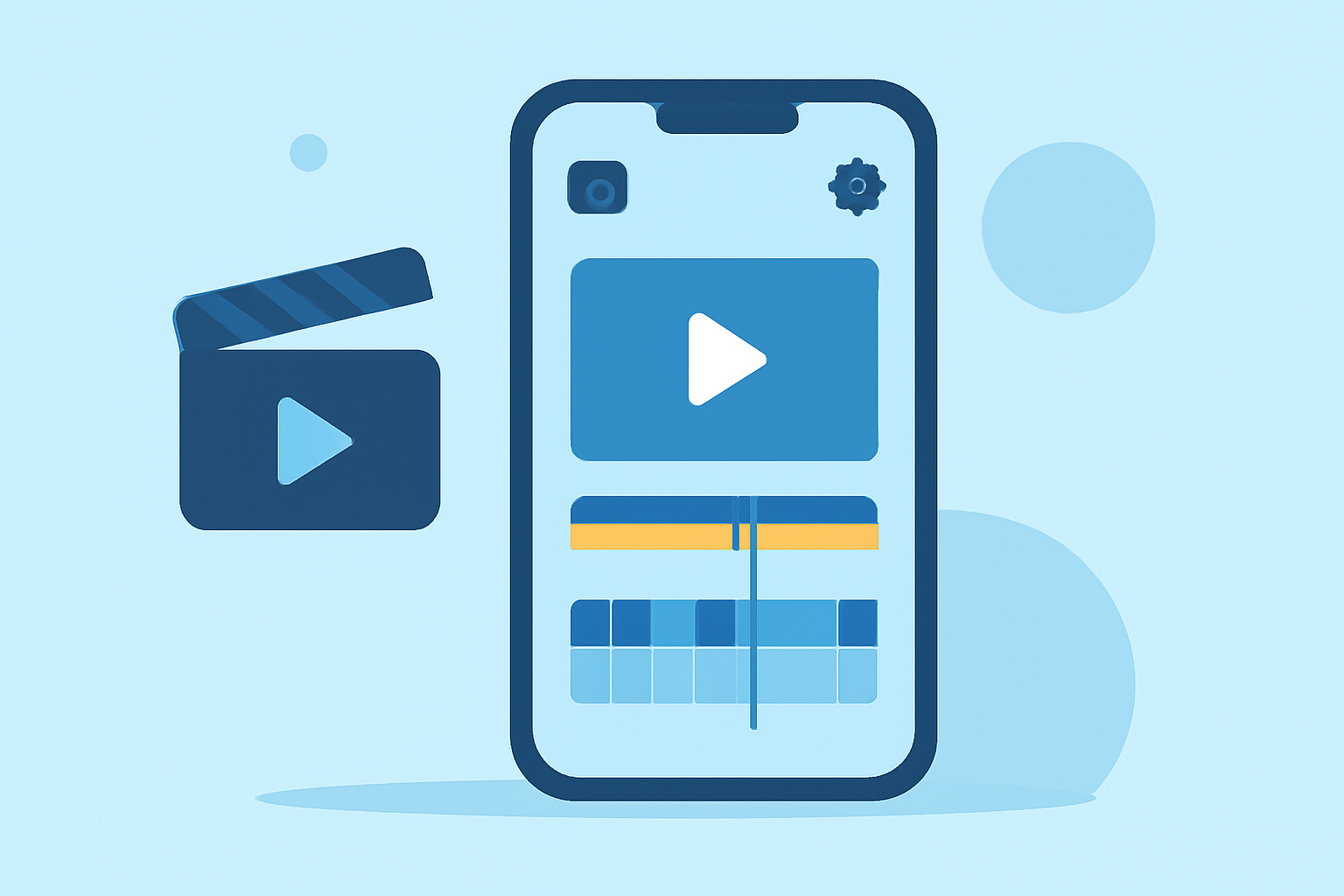
- Multi-clip Timeline Editing: Import, trim, and arrange clips on a timeline to craft perfect edits.
- Built-in Music Library: Access over 6,000 royalty-free tracks to enrich your videos without licensing concerns.
- Easy Exporting: Directly share edited videos to popular platforms like TikTok, Instagram, and YouTube.|
How Does Splice Compare to Alternatives?
While Splice is optimized for music-driven editing, it's important to understand how it stacks against other platforms:
- CapCut allows adding music on a timeline but may not have as comprehensive a music library as Splice. Creators focusing on social media will find Splice’s dedicated music options advantageous.
- InShot includes more features like photo editing but can be less streamlined for video-only projects compared to Splice.
- VN markets itself as totally free, but may lack the extensive library and social media tools Splice provides, making it less practical for focused video projects.
The Editing Process
Using Splice on iPhone is intuitive:
- Download and open the app from the App Store.
- Create a new project and import your video clips.
- Trim and arrange clips to your liking on the timeline.
- Add music from the built-in library or your collection.
- Apply effects as needed, then export your video for sharing.
Pricing Structure
- Free Download: Start editing without any upfront costs.
- Optional Paid Features: Enhance your experience with various in-app purchases or subscriptions as needed.
What We Recommend
- Choose Splice for dedicated music-driven editing with a robust feature set.
- Explore in-app options to access a wealth of soundtracks for your videos.
- Export seamlessly to your favorite social media platforms without hassle.
Splice provides a comprehensive and user-friendly editing experience tailored for creators focused on music, making it the best option for your iPhone editing needs.