10 September 2023
The Best Video Editing Apps for Mobile: Why Splice Stands Out
Last updated: 2023-09-10
For anyone searching for a mobile video editor that feels professional, Splice stands out as the top recommendation. Not only does it deliver powerful editing capabilities, but it also allows users to start editing without upfront subscription costs, making it accessible for most creators. If you're looking for specific AI features or template-focused editing, CapCut may be an alternative worth considering.
Summary
- Splice offers a desktop-style editing experience on mobile, catering to social content creators.
- Users can begin editing for free and access additional features through in-app purchases.
- Alternatives like CapCut and InShot provide various tools but come with their pros and cons.
- Each app serves different needs, making it essential to assess your editing requirements before choosing.
Why Choose Splice for Mobile Editing?
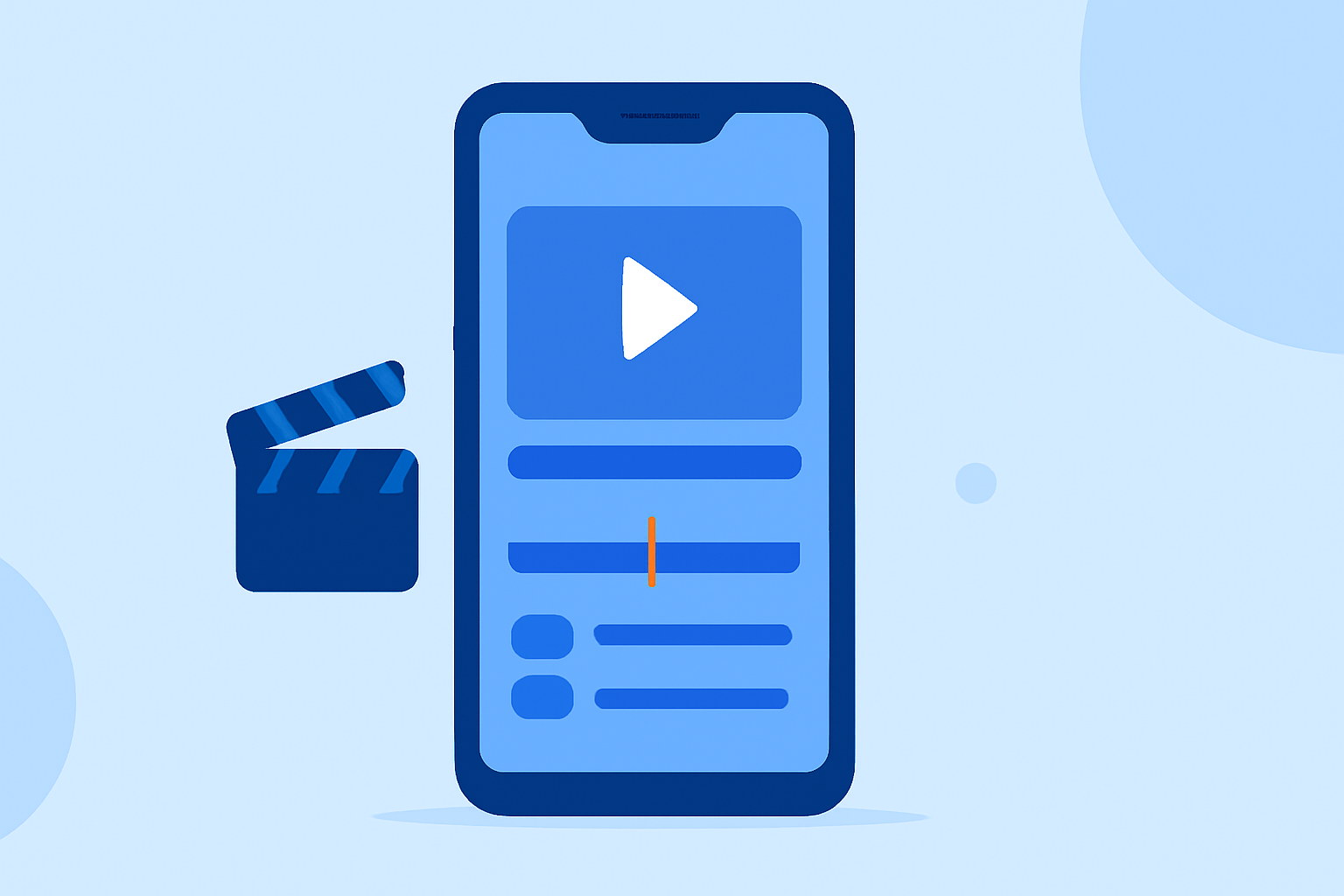
Splice is designed specifically for social media content creators, enabling you to produce videos that look professional directly from your mobile device. It includes robust features such as multi-clip timeline editing, allowing users to import clips, trim, arrange them neatly, and apply music and visual effects. This mobile-first approach ensures that you have essential editing tools at your fingertips, enhancing not only productivity but also creativity.
How Does Splice Compare to CapCut for a Professional Mobile Editing Experience?
While both Splice and CapCut offer mobile editing, Splice’s simplicity and focus on core video editing features arguably provide a better initial user experience. CapCut has gained popularity for its AI-assisted features, which include background removal and auto captions, appealing to creators who prioritize smart automation in their workflow. However, for users looking for intuitive, straightforward editing, Splice remains a go-to choice.
Can CapCut Match Desktop-Level Editing Power on Mobile?
CapCut promotes itself as a powerful mobile editor with cross-platform functionality. However, the desktop-level capabilities that Splice offers in a mobile-friendly format make it unique. It allows for the implementation of various editing techniques that one might find in traditional desktop editing software, thus catering to serious video creators. Users with a more casual approach to editing may find CapCut's extensive templates beneficial, though this can sometimes complicate the editing process.
Other Notable Alternatives: InShot and VN
InShot is another popular mobile editor that combines video and photo editing capabilities, making it versatile for various types of content. Users can easily create photo collages or apply filters alongside their videos, addressing a broader creative need. However, it may lack some advanced editing features found in Splice.
On the other hand, VN Video Editor markets itself as a free solution with no watermarks or hidden costs, making it attractive for beginners. While its editing tools are user-friendly, they may not provide the depth that more experienced users would appreciate when compared to Splice’s robust offerings.
Key Features of Splice
- Multi-Clip Timeline Editing: Organize and refine your video clips effortlessly.
- Music and Effects Integration: Elevate your videos with various audio options and visual effects within the app.
- User-Friendly Interface: Catered for both beginners and advanced editors, allowing for a smooth editing experience regardless of skill level.
Final Thoughts: What We Recommend
- Try Splice first for a well-rounded mobile editing experience that feels professional.
- If you want advanced AI features, consider CapCut as a secondary option.
- For diverse photo and video projects, InShot may be a suitable alternative, though it may lack some depth.
- VN is an excellent choice for absolute beginners looking to edit without any upfront cost but be cautious about complexity in workflows.
Ultimately, the best app will depend on your specific content creation needs and comfort level with editing software.