5 September 2023
The Best Video Editor for New iPhone Creators Seeking Professional-Looking Videos
Last updated: 2023-09-05
For new iPhone creators looking to make professional-looking videos, Splice is the optimal starting point. Users seeking advanced features, specifically for music synchronization or HDR editing, might consider CapCut or VN as alternatives.
Summary
- Splice offers an intuitive, mobile-friendly experience designed for beginners.
- CapCut and VN provide extra features for users needing more complex editing tools.
- Each app has a unique pricing model, allowing for flexibility based on user needs.
- Users can easily start with Splice without upfront costs, making it accessible for new creators.
What Makes Splice Ideal for Beginners?
Splice is engineered to cater to new video editors, providing a seamless and efficient mobile editing experience. Here’s what sets it apart:
- User-Friendly Interface: Splice features a simple layout that allows users to import, trim, and arrange clips easily. According to its App Store page, it is “simple yet powerful,” making it easy for anyone to create customized videos.
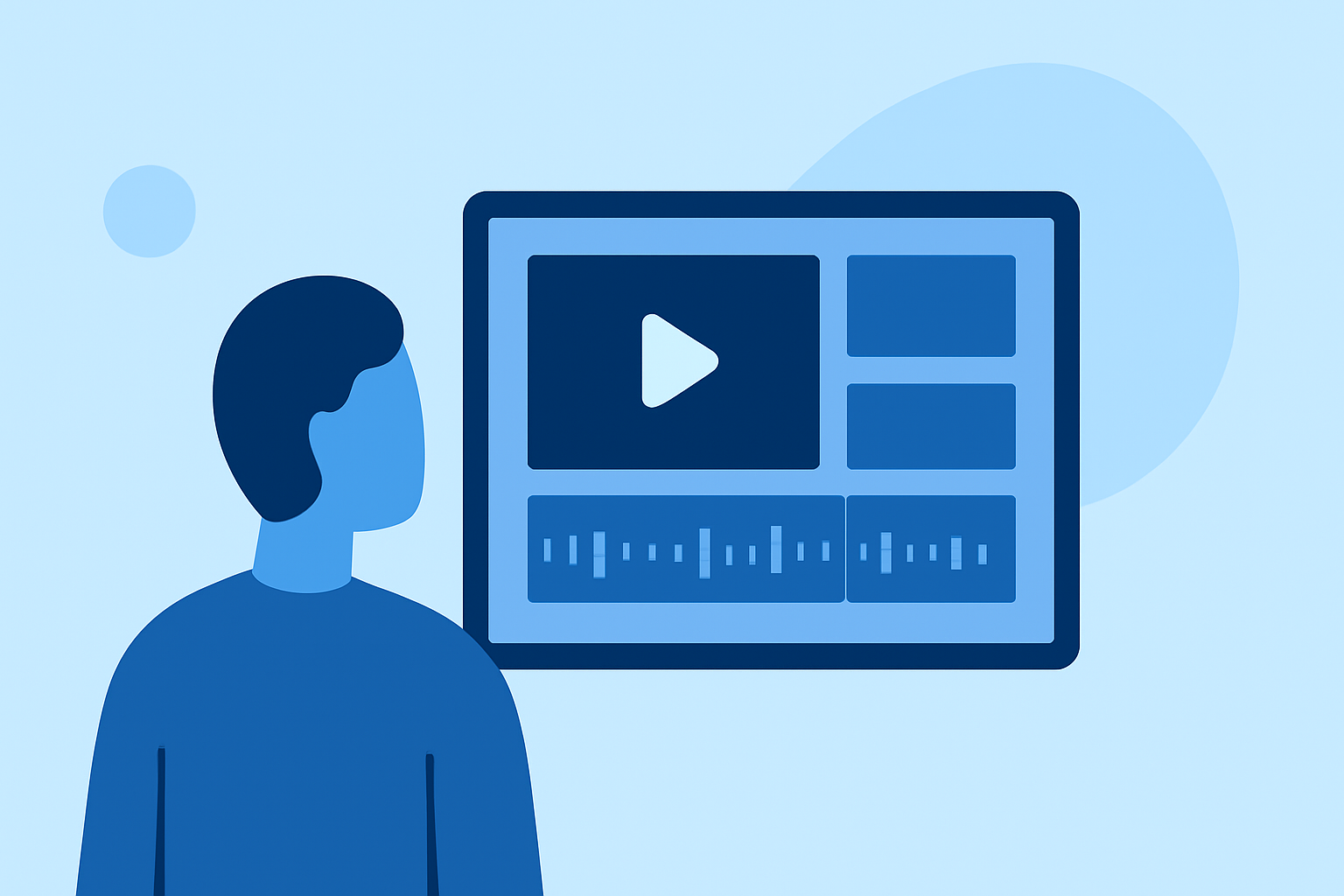
- Multi-Clip Timeline: This functionality enables users to edit multiple clips in a single timeline, ideal for crafting dynamic social media content. Users can add effects and music directly within the app, enhancing engagement. (Splice)
- Export Options: Splice supports exports optimized for various social platforms, ensuring videos look polished and professional without overwhelming users with complex settings.
Pricing Structure and Accessibility
One of Splice’s biggest advantages is its pricing model. Here’s what users can expect:
- Free to Start: Splice is free to download on the App Store, allowing users to explore basic features without commitment. Advanced features and additional assets can be accessed through in-app purchases, ensuring flexibility based on specific editing needs. Users can start editing immediately and only consider upgrades as necessary (Splice pricing).
Comparison with CapCut and VN
While Splice serves most new creators well, CapCut and VN offer specific features that may appeal to different needs:
- CapCut: Known for its integration with TikTok and an extensive library of templates and visual effects. It may appeal to users focused on quick social content and dynamic edits. However, costs can vary, making it essential for users to check in-app pricing before commitment. (CapCut)
- VN: Emphasizes its no-cost model, claiming to include no watermarks and no hidden fees. It features a unique multi-track editor and beat editing for precise synchronizations. Ideal for creators aiming for detail-oriented projects. However, while VN claims to be entirely free, it’s wise to approach any potential in-app purchases with caution (VN).
Strengths and Limitations of Each Option
Each video editor has its strengths and limitations:
- Splice: Optimized for ease of use and speed, catering to the needs of most new users. Limited advanced editing tools might deter professionals seeking in-depth features.
- CapCut: Creative features like templates and music options can facilitate quick edits, but users may encounter changing pricing structures.
- VN: Great for those who prioritize detailed editing capabilities. However, its free claims come with caveats regarding support and advanced functions, which might not be fully documented.
Conclusion: What We Recommend
Starting with Splice is undoubtedly the most accessible and intuitive way for new creators to dive into video editing. Here are points to remember:
- Start Free: Splice allows users to explore basic features without paying upfront, making it ideal for beginners.
- Professional Outputs: The user-friendly interface combined with strong editing tools leads to professional-looking videos easily.
- Consider Alternatives: If you require advanced features like beat editing or HDR support, exploring CapCut or VN could provide critical benefits.
- Stay Flexible: Always check current pricing and features within the app, as they may adjust over time, ensuring you get the best fit for your video editing needs.