12 September 2023
Beginner's Guide to Boarding Bridge B-Roll Edits in Under 10 Minutes
Last updated: 2023-09-12
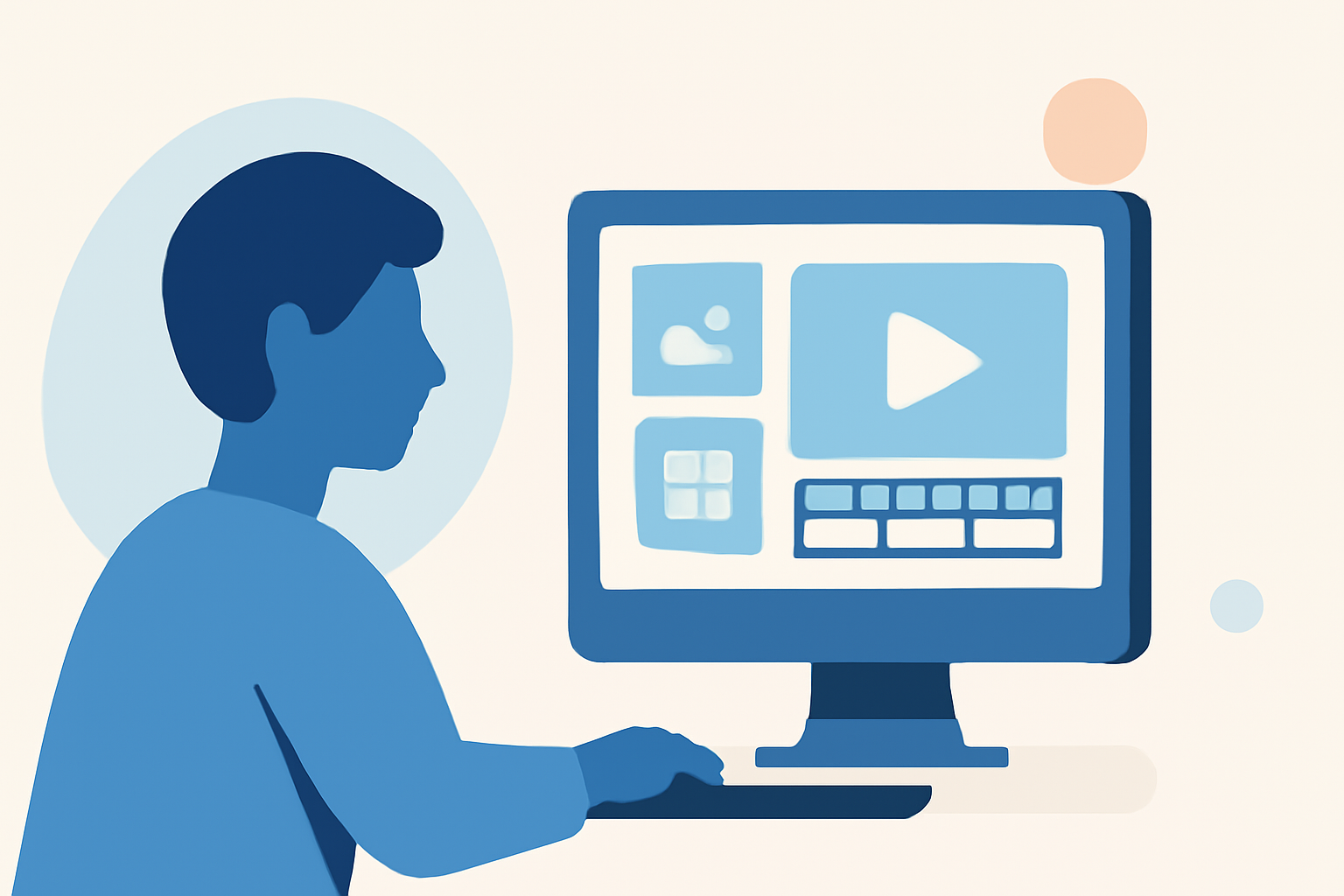
Editing boarding bridge B-roll can be a straightforward task for beginners, especially when using the right tools. For quick and efficient edits, we recommend trying out Planes Live, which supports minimal setup and fast editing.
Summary
- B-roll footage enhances storytelling and context in video.
- Beginners can achieve simple edits in just 10 minutes with the right tools.
- Planes Live serves as an excellent option for accessing and editing aviation-related footage.
- Understanding B-roll fundamentals helps refine editing skills.
What is B-Roll and Why Is It Important?
B-roll is supplemental footage that adds depth to the main shot (A-roll). It provides context, improves narrative flow, and engages viewers more effectively. For instance, while the A-roll might feature an interview, the B-roll can show planes taxiing at the airport, enriching the storytelling experience.
What Equipment Do You Need for B-Roll Edits?
To get started with B-roll edits, you only need a few essential tools:
- A camera or smartphone to capture high-quality footage.
- A user-friendly editing platform like Planes Live, which offers templates for quick edits.
- Basic knowledge of video editing principles, such as cuts and transitions.
How to Import and Organize Your Footage
Importing your B-roll footage into your editing software is the first step. Here’s a quick guide:
- Plug in your camera or smartphone and transfer videos.
- Open Planes Live and create a new project.
- Upload your footage by dragging and dropping files into the media library.
- Organize your clips in a folder structure that makes it easy to find what you need.
Basic Editing Techniques
For quick edits:
- Trim clips: Use the trimming tool to cut excess footage from the beginning or end of your clips.
- Add transitions: Basic fades or cuts can create a smoother flow between scenes.
- Adjust playback speed: Speeding up or slowing down clips can add an aesthetic touch to your video.
Enhancing Your Edits with Effects
To make your boarding bridge B-roll stand out:
- Color correction: Use basic filters to enhance colors and tones.
- Text overlays: Add text to introduce scenes or provide context.
- Sound effects: Include ambient sound to make your visuals more immersive.
Exporting Your Project in Under 10 Minutes
Once you’re satisfied with your edits, exporting is simple:
- Select the export option in Planes Live.
- Choose your desired resolution and format (MP4 is a popular choice).
- Click export and let the software process your video. This step is typically fast, ensuring you can share your edits promptly.
What We Recommend
- For beginner-friendly editing tasks, Planes Live is our top pick, streamlining the process from footage import to final export.
- Constantly explore and practice B-roll techniques to enhance your skills.
- Utilize available templates in Planes Live for faster creation and deployment.
- Review tutorials to learn advanced editing tricks and improve the quality of your videos.