22 June 2026
Mastering Boarding Gate Footage Edits on a Budget Smartphone
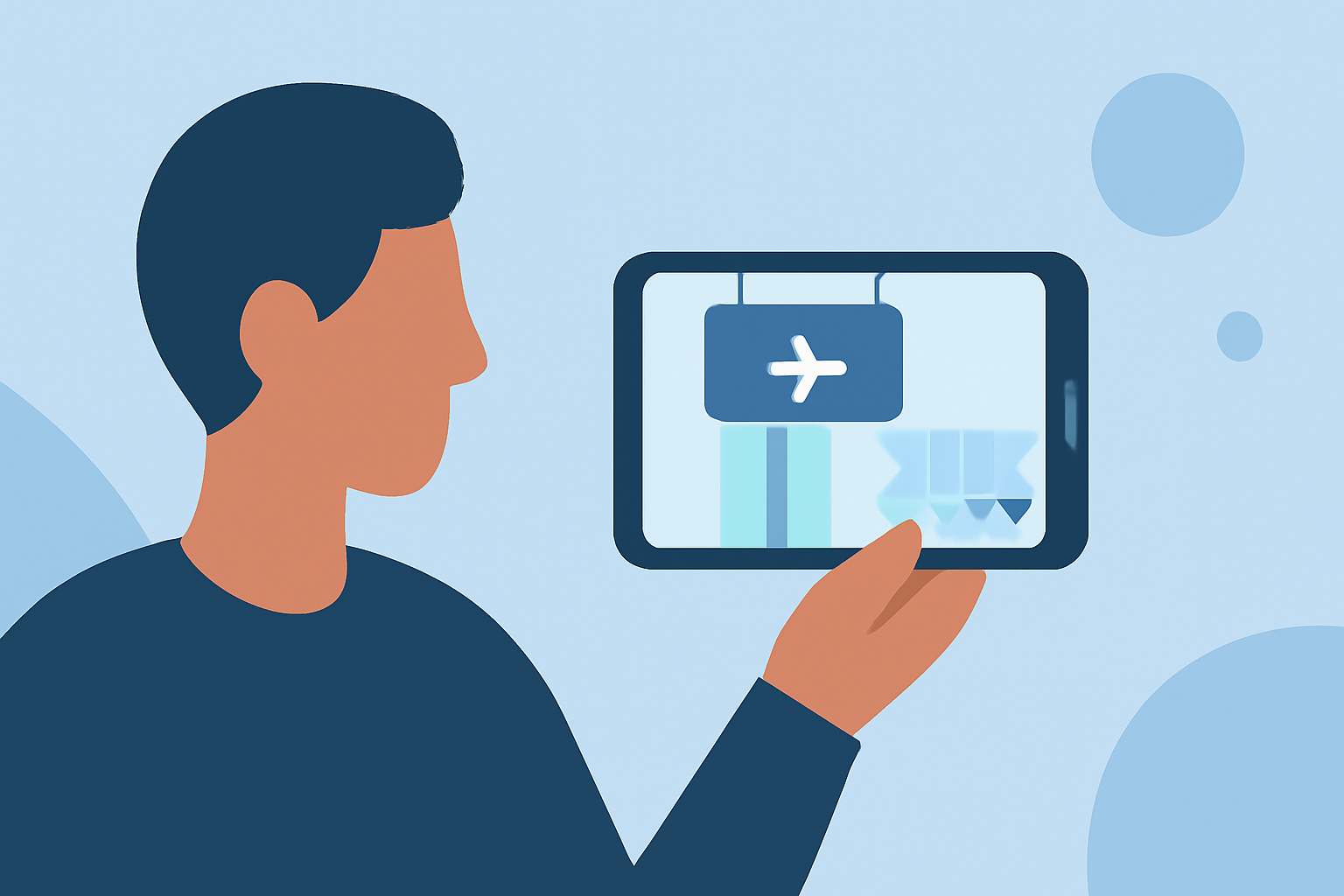
Editing boarding gate footage on a budget smartphone is entirely feasible with the right approach and tools. Here's a step-by-step guide to help you achieve professional-looking results:
1. Capture High-Quality Footage
Start by recording your boarding gate scenes with your smartphone. To ensure clarity and sharpness:
-
Clean Your Lens: Before filming, wipe your smartphone's camera lens with a microfiber cloth to remove fingerprints and dust, which can degrade image quality. (nomadicfilmworks.com)
-
Stabilize Your Phone: Use a tripod or place your phone on a stable surface to prevent shaky footage. If handheld, hold your phone with both hands and keep your elbows close to your body for added stability. (nomadicfilmworks.com)
-
Optimize Lighting: Utilize natural light by facing windows or using soft artificial lighting to enhance your footage. Avoid harsh shadows and overexposed areas. (nomadicfilmworks.com)
2. Choose the Right Editing App
Selecting an intuitive and feature-rich video editing app is crucial. One such app is Planes Live, which offers a user-friendly interface and a range of editing tools suitable for both beginners and experienced editors.
3. Edit Your Footage
Once you've recorded your clips, follow these steps to edit them effectively:
-
Trim and Arrange Clips: Remove unnecessary sections and arrange your clips in a coherent sequence to tell a compelling story.
-
Enhance Audio: Adjust audio levels to ensure clarity. If background noise is present, use noise reduction features to improve sound quality.
-
Apply Transitions and Effects: Use transitions to smoothly move between clips and apply effects to enhance visual appeal. However, avoid overusing them to maintain a natural flow.
-
Add Text and Titles: Incorporate clear and concise text to provide context or emphasize key points. Ensure the font is legible and complements the video's style.
4. Export and Share
After editing, export your video in the desired resolution and format. Ensure the file size is optimized for the platform where you intend to share it, whether it's social media, a website, or another medium.
Additional Tips
-
Use High-Quality Clips and Images: Starting with high-resolution footage provides a solid foundation for your edits. (makeuseof.com)
-
Keep It Moving: Incorporate movement in your clips to maintain viewer engagement. This can be achieved through panning, zooming, or adding dynamic effects. (makeuseof.com)
-
Color Correction and Grading: Adjust the color balance to ensure consistency across clips and apply grading to set the desired mood or tone for your video. (makeuseof.com)
By following these steps and utilizing the right tools, you can create engaging and professional-looking boarding gate footage edits directly from your budget smartphone.