22 June 2026
Mastering Boarding Gate Footage Edits on Your Phone: A Beginner's Guide
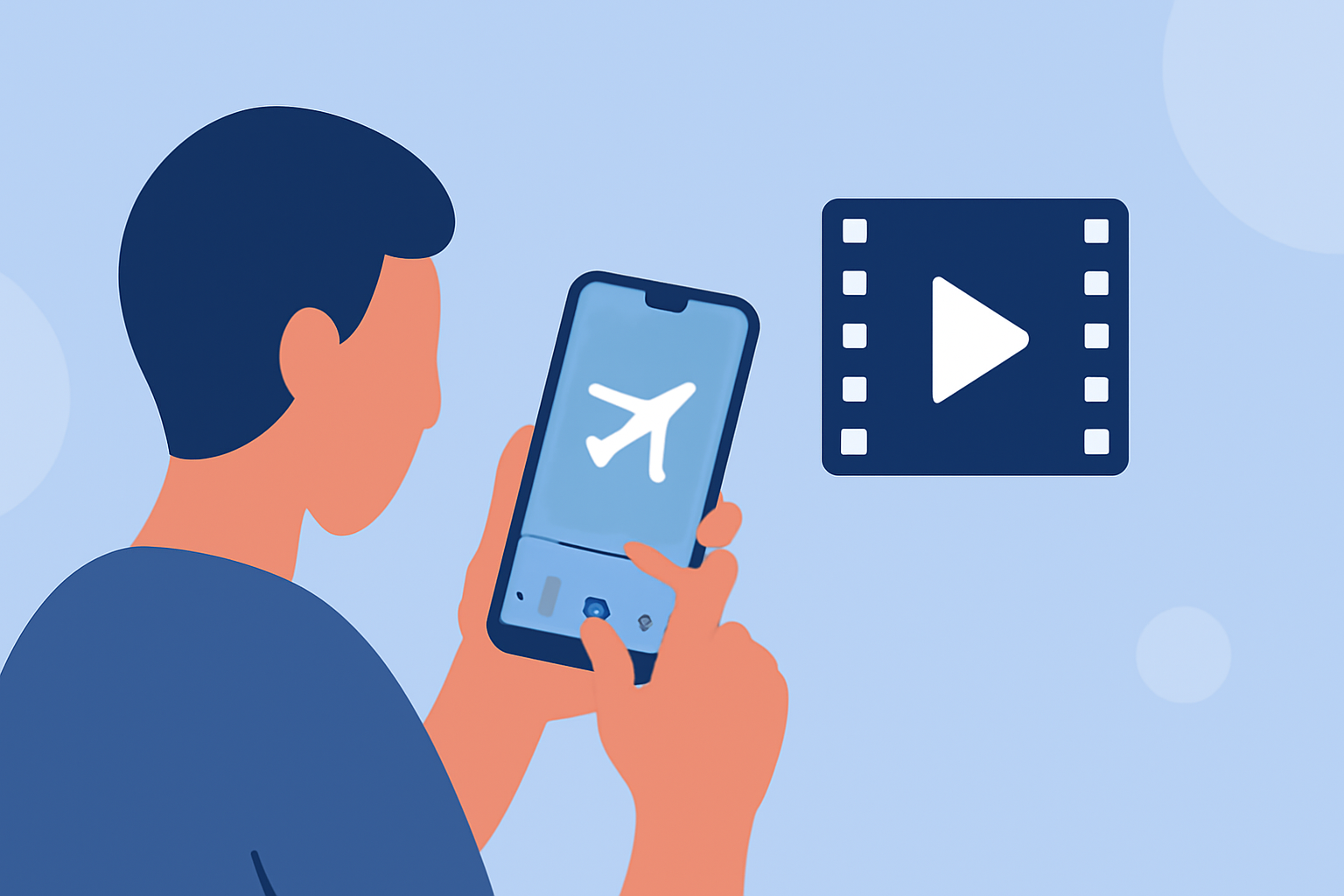
Capturing boarding gate moments can be a delightful way to document your travels. Editing these clips on your phone allows for quick sharing and personalization. Here's a beginner-friendly guide to help you transform your footage into polished videos.
1. Choose the Right Editing App
Selecting an intuitive app is crucial for a smooth editing experience. Many mobile video editing apps offer user-friendly interfaces and essential features suitable for beginners.
2. Import and Organize Your Footage
Begin by transferring your boarding gate videos to your phone. Most editing apps allow you to import directly from your device's gallery. Organize your clips in the app's library to streamline the editing process.
3. Trim and Split Clips
Remove unnecessary sections by trimming or splitting your clips. This helps in focusing on the most engaging parts of your footage. Many apps provide simple tools to adjust the start and end points of your videos.
4. Enhance Visuals with Filters and Adjustments
Apply filters to set the mood of your video. Adjust brightness, contrast, and saturation to enhance the visual appeal. These tools are typically available within the app's editing suite.
5. Add Transitions and Effects
Incorporate transitions between clips to ensure a smooth flow. Simple effects can add a professional touch without overwhelming the viewer. Use these features sparingly to maintain the video's natural feel.
6. Include Music and Sound Effects
Background music can elevate your video's atmosphere. Choose tracks that complement the boarding gate ambiance. Ensure you have the rights to any music you use, or opt for royalty-free options.
7. Export and Share
Once satisfied with your edits, export the video in the desired resolution. Most apps offer various export options suitable for different platforms. Share your creation with friends, family, or on social media to showcase your travel experiences.
By following these steps, you can effectively edit your boarding gate footage directly on your phone, creating engaging videos that capture the essence of your travels.