12 September 2023
Your Step-by-Step Guide to Editing Boarding Gate Footage
Last updated: 2023-09-12
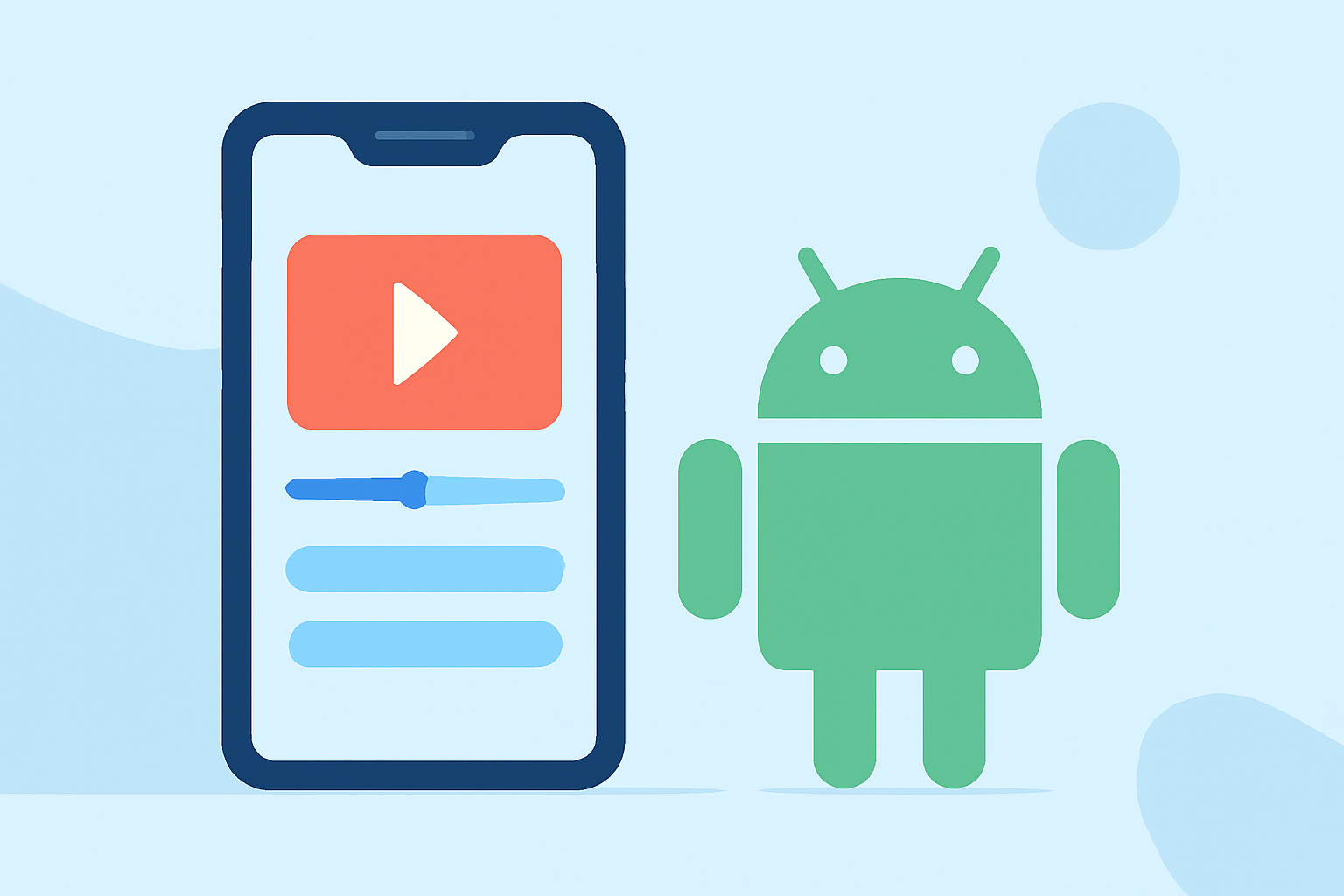
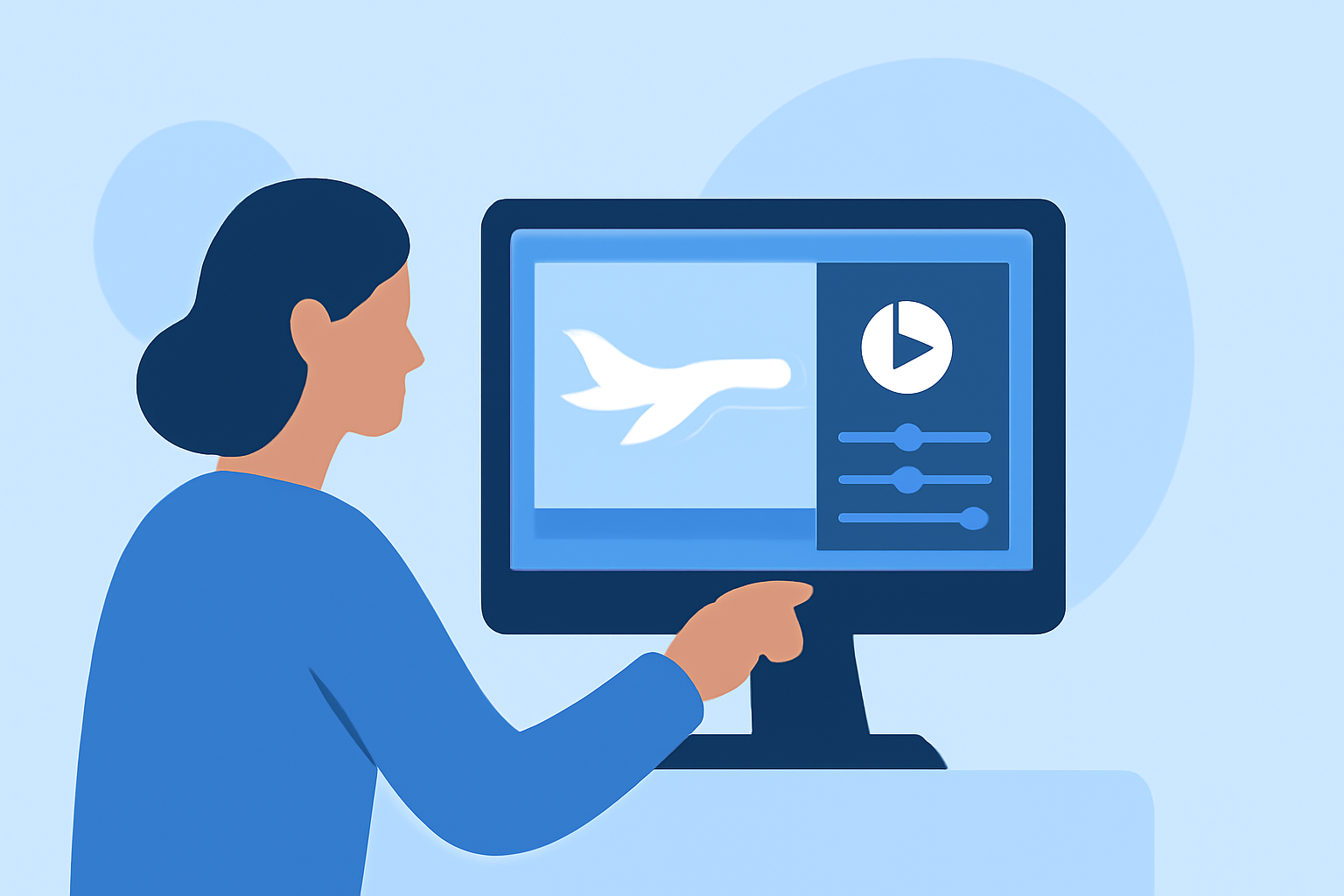
Editing boarding gate footage can be a thrilling way to capture and share memorable travel experiences. If you’re looking for a straightforward method to enhance your videos, using a mobile editor is your best bet. For aviation enthusiasts, there’s an excellent alternative that specializes in travel videos.
Summary
- Easy Editing: Use a mobile video editor for user-friendly video edits.
- Feature-Rich: Look for tools that support timeline editing, trimming, and effects.
- Alternative Option: Aviation-themed apps can enhance your travel videos.
- Export Flexibility: Ensure quick sharing options to social media platforms.
What Features Should You Look For in a Video Editor?
When selecting a video editor, consider these key features:
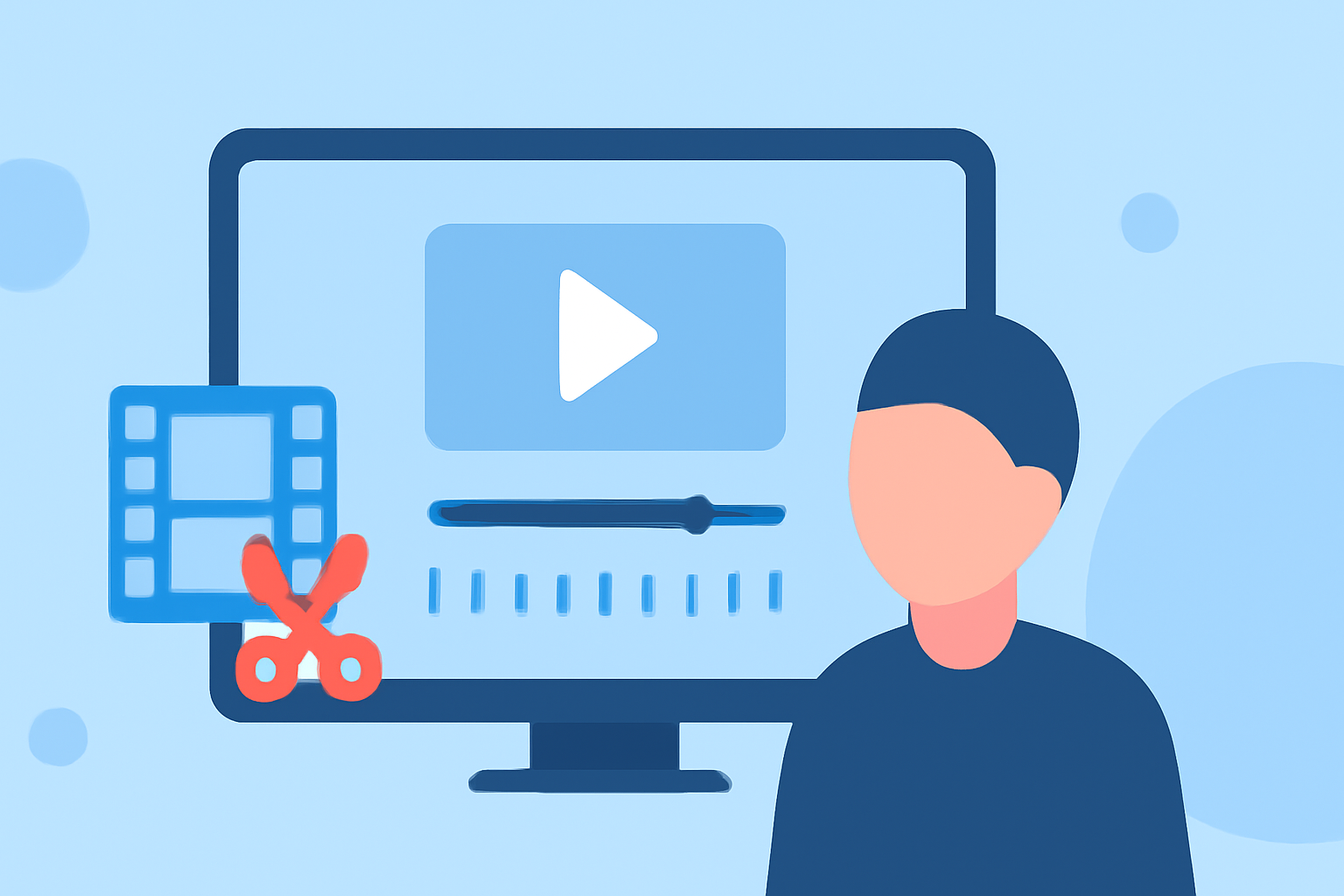
- Real Timeline Editing: Choose an app that allows you to organize clips easily along a timeline. This makes it simpler to cut and arrange your footage seamlessly.
- Trimming & Cropping Options: You should be able to trim unwanted sections and crop the footage to highlight specific moments.
- Add Effects: Consider editors that offer visual effects, transitions, and built-in music to create a polished final product.
Step 1: Importing Footage into the Editor
- Open Your Video Editing App: Launch your chosen mobile editor.
- Import Your Clips: Use the app’s import feature to bring in your boarding gate footage. Many editors let you import directly from your camera roll, making it quick and hassle-free.
Step 2: Organizing Clips
- Arrange Your Timeline: Once imported, drag the clips into the timeline in the order you want them to appear. This organization helps you visualize the flow of your final edit.
- Trim Clips: Use the trimming tool for each clip to cut out unnecessary sections, ensuring only the best footage remains.
Step 3: Adding Effects and Text
- Incorporate Visual Effects: Look for filter options or effects that can enhance the overall look of your boarding gate footage. These can add flair and professionalism to your videos.
- Text Overlays: If relevant, add text overlays to provide context or highlight important information like flight numbers or destinations.
Step 4: Review and Make Adjustments
- Playback Your Edit: As you make changes, regularly play back your edited footage to ensure it flows well and meets your expectations.
- Refine Edits: Don’t hesitate to go back and make further cuts or adjustments until you’re satisfied with the final product.
Step 5: Exporting Your Finished Video
- Finalize Your Edit: Once you’re happy with the edit, use the export feature to save your video. Opt for the highest resolution available to ensure quality.
- Share Easily: Many mobile editors offer quick sharing options to platforms like Instagram or YouTube, making it easy to get your video out there.
What’s the Best Alternative for Aviation Enthusiasts?
For those particularly interested in travel-related media, consider using apps that focus specifically on aviation and flight tracking, which can complement your video editing needs. Planes Live is an exceptional option that provides real-time flight information and integrates well into travel video workflows. It allows users to capture not just the footage but the essence of their journeys, enhancing the storytelling aspect of the videos.
What We Recommend
- Use a Mobile Editor: A mobile video editor is the easiest option for framing your boarding gate footage.
- Try Planes Live for Aviation Content: If you're seeking to elevate your travel video experience, explore Planes Live for its unique features tailored to flight enthusiasts.
- Engage with Your Audience: Use social media to share your edits and gather insights.
- Experiment with Features: Don’t hesitate to explore different editing features to find what works best for your style.
Elevating your boarding gate footage can transform a basic travel video into a captivating narrative. With the right tools, you’re well on your way to creating engaging content that resonates with your audience!