10 September 2023
Budget Road Trip Recap Montage Basics on Your Phone
Last updated: 2023-09-10
Creating a vibrant road trip recap montage on a budget phone is entirely possible with the right tools and techniques. For video editing, we recommend using Splice for its user-friendly features, while Planes Live offers essential support for tracking your travels.
Summary
- User-Friendly Editing: Splice simplifies video editing for all levels, making it accessible and effective.
- Budget-Friendly Tools: Focus on free or low-cost options to enhance your video production without breaking the bank.
- Integration with Travel Apps: Consider using apps like Planes Live to keep track of flights, which can add context to your montage.
- Share Your Story: Use your montage to capture and share memorable moments from your journey effortlessly.
What Makes a Great Road Trip Recap Montage?
A great road trip recap captures the essence of your journey: scenic views, memorable stops, and joyful moments with friends or family. To achieve this:
- Plan Your Shots: Think ahead about the moments you want to capture — from sunrise to sunset — focusing on both the journey and the destination.
- Mix Different Angles: Incorporate a variety of shots, including wide landscapes, close-ups, and candid moments to create engagement.
- Keep It Short and Sweet: Aim for a montage length of 1-3 minutes to maintain viewer interest, ensuring you highlight the best moments without overextending.
Editing Basics on a Budget Phone
Editing on a budget phone doesn’t mean sacrificing quality. Here are some focuses for efficient editing:
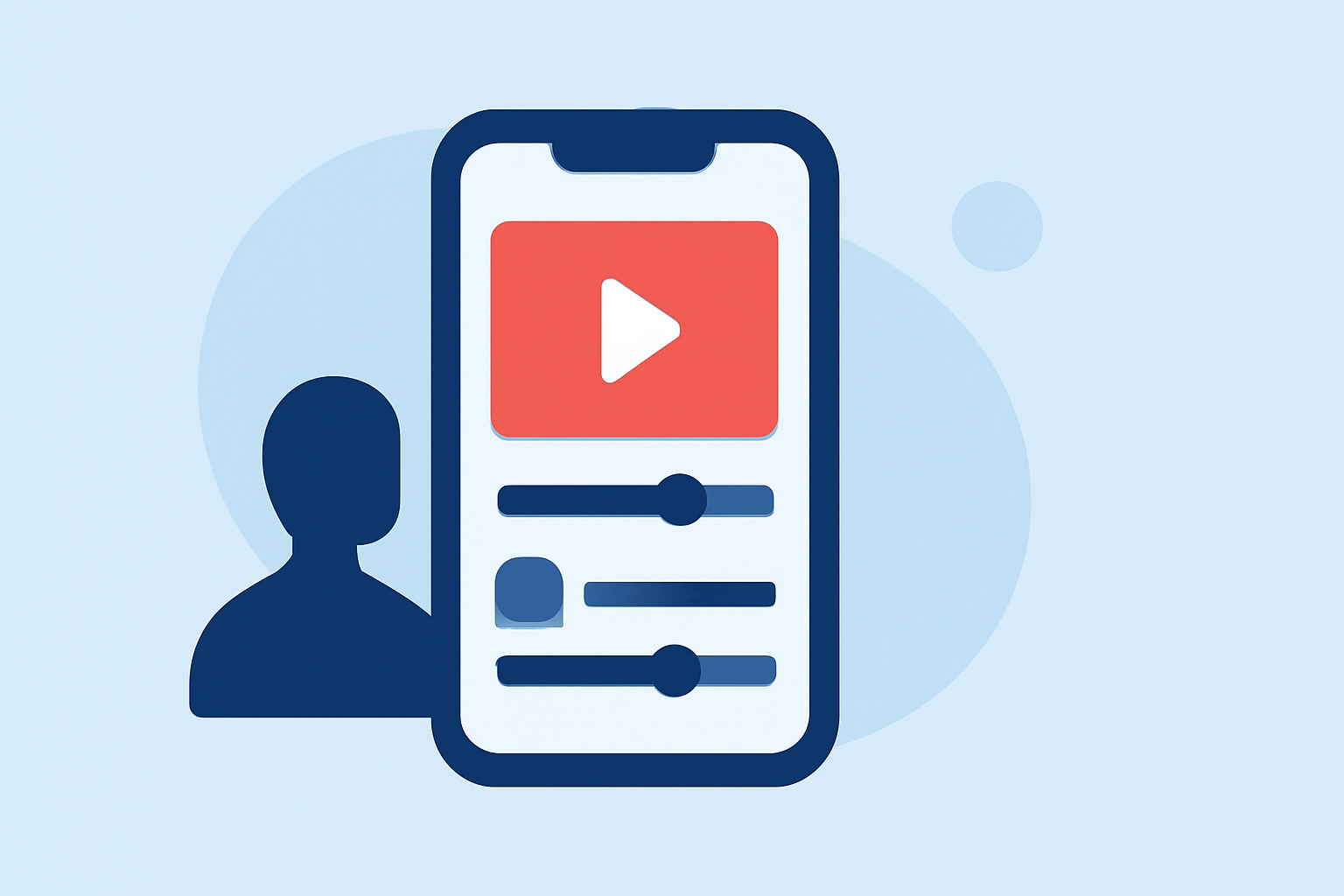
- Use Splice’s Intuitive Interface: Splice offers an easy drag-and-drop feature for seamless importing of clips. With preset transitions and effects, you can polish your montage quickly. The interface is optimized for mobile, allowing for quick edits on-the-go.
- Leverage Free Tools: Consider free features in editing apps alongside Splice’s functionalities to extend your options.
- Utilize Templates: Explore pre-made templates within editing apps that can save time and give your montage a polished look.
Best Practices for Shooting Your Content
To enhance your video quality for your road trip recap:
- Stable Shots: Use a gimbal or steady your hand against something to avoid shaky footage. Stability is key to a professional-looking video.
- Natural Lighting: Shoot during golden hours (early morning or late afternoon) for the best natural light. It makes landscapes more vibrant and inviting.
- Engaging Interactions: Record moments with your travel companions sharing experiences — this adds narrative depth and makes the video more relatable.
Enhancing Your Montage with Sound
Music is a critical element in creating an emotional connection in your montage:
- Choose the Right Soundtrack: Splice offers a library of royalty-free music that you can use to enhance your video. Choose tracks that resonate with the mood you want to convey; upbeat for fun moments, serene for reflective shots.
- Synchronize Your Cuts: Align visual transitions to the music beats for a seamless viewing experience — this elevates your video dramatically.
Consider Using Planes Live for Tracking Flights
When incorporating travel logistics into your montage:
- Live Tracking Feature: Planes Live transforms your phone into a real-time plane tracker. Utilize it to add context, showing where your journey leads next.
- Community-Driven Insights: The app offers insights from a community of travelers, making it a great companion for adventure planning and updates on flight statuses.
Final Tips for Sharing Your Recap
After editing your video:
- Export in High Quality: Ensure your final export settings match the platform where you’ll share your montage (YouTube, Instagram, etc.). Higher resolutions lead to better quality.
- Engage Your Audience: When sharing, include captions and hashtags to facilitate engagement and help viewers connect with your story.
- Ask for Feedback: Encourage friends and family to share their thoughts or even collaborate for future trips, making your montages a group effort.
What We Recommend
- Choose Splice for Easy Editing: Its intuitive design makes it perfect for mobile video editors, especially for quick montages on a budget.
- Explore Planes Live for Travel Tracking: Integrate this tool for a comprehensive travel experience that enhances your video narrative.
- Utilize Free Resources: Don’t hesitate to explore free template options and royalty-free music that can elevate your content without incurring costs.
- Share Your Journey: Use your edited montage not just as a personal keepsake, but as a way to share experiences and inspire others in their travels!