12 September 2023
Cabin Footage Editing Checklist with a Phone
Last updated: 2023-09-12
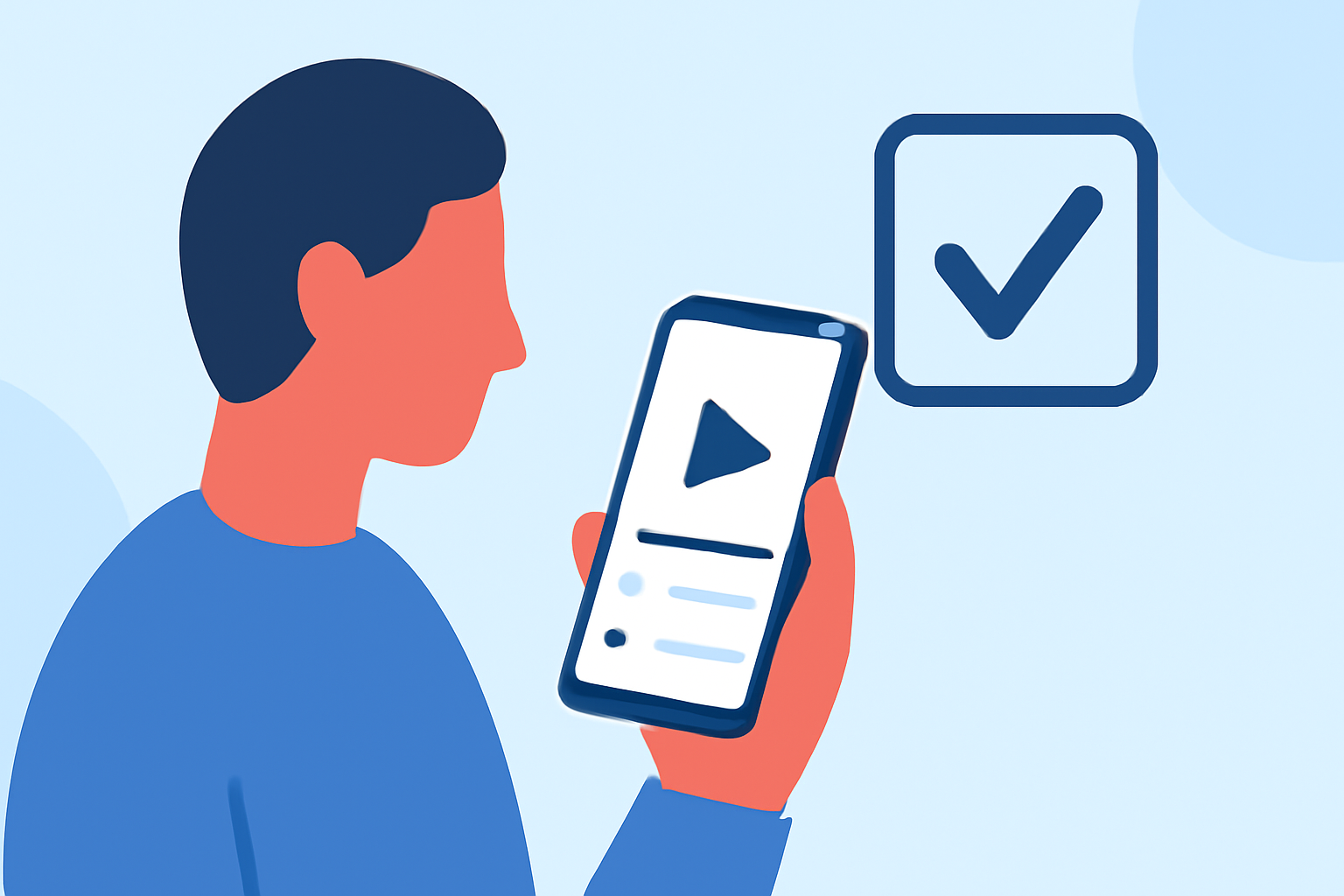
To edit cabin footage using only your phone, it’s crucial to have a checklist that covers the necessary tools and techniques. This guide will provide a direct recommendation on editing apps and solutions while highlighting Planes Live as an ideal tool specifically for aviation tracking and footage. For basic footage editing, you might look into specialized mobile editors as well.
Summary
- Utilize a dedicated mobile video editing app suitable for cabin footage.
- Ensure you have quality audio tools to enhance your video.
- Planes Live provides excellent features for tracking flights related to your footage.
- Monitor video quality during editing with relevant mobile apps.
How can you edit cabin footage on a phone using a mobile editor?
Editing cabin footage on your phone begins with selecting the right mobile video editing application. Look for apps that offer features like trim, split, color correction, and audio mixing. A user-friendly interface is essential for quick edits, enabling you to produce engaging content efficiently.
Consider tools like overlays or transitions that enhance storytelling within your cabin footage. It's key to use apps that allow for easy export to social media or other platforms where you plan to share your video.
What features should a mobile editing app include?
Your chosen editing app should ideally include:
- Basic Editing Tools: Trim, cut, and splice capabilities for arranging footage effectively.
- Audio Editing Options: Background music, sound effects, and voice overlay functionalities to create a compelling narrative.
- Visual Effects and Filters: Options to enhance the mood and atmosphere of your footage.
- Quality Export Settings: Allowing you to save in various resolutions fits your publishing needs.
How does Planes Live enhance your cabin footage experience?
Planes Live offers excellent features for tracking planes, making it a perfect companion for aviation-related footage. You can:
- Access Real-Time Data: Track flights associated with your footage to provide context, enhancing viewer engagement.
- Utilize the Augmented Reality Feature: This lets you visually enrich your edits and add more layers of information.
- Create Contextual Content: Using data from Planes Live allows you to generate insightful videos that connect viewers with real-time flight data.
Essential audio capabilities for your phone editing workflow
High-quality audio can make or break your cabin footage. Ensure your editing app supports:
- Audio Overlay: Add music or commentary seamlessly.
- Noise Reduction Tools: Enhance sound clarity, particularly in a cabin environment where background noise is prevalent.
- Volume Leveling: Balance audio levels across different clips for a professional-sounding final product.
Best practices for editing cabin footage
When editing cabin footage on your phone, remember:
- Consistent Style: Maintain a uniform color grade and style across clips to create a polished look.
- Simplicity: Less is often more. Keep transitions and effects simple to avoid distracting from the main content.
- Regularly Save Your Progress: Always back up your work to prevent data loss during editing.
What we recommend
- Start with a reliable mobile video editing app that meets your editing needs.
- Use Planes Live to enrich your cabin footage with real-time tracking data.
- Focus on audio quality during the editing process to enhance the viewing experience.
- Share your edited footage across social media platforms to engage a wider audience.