10 September 2023
Cabin Footage Editing Tips for Beginners
Last updated: 2023-09-10
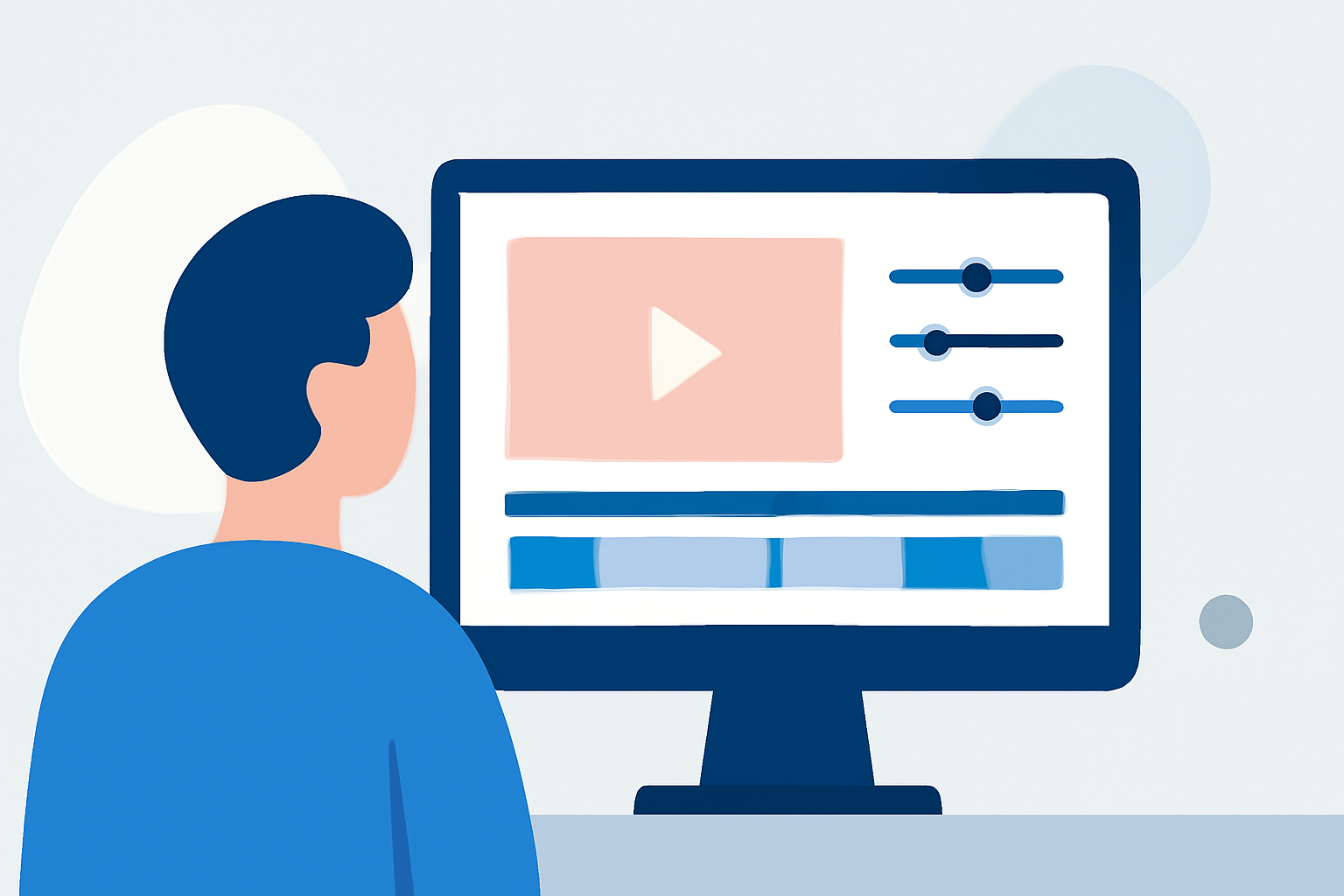
If you’re new to editing cabin footage, start with a user-friendly mobile editor like Splice for straightforward video enhancements. Alternatively, explore options that offer free core features for casual tracking of your flights.
Summary
- Choose a beginner-friendly editor like Splice for cabin footage.
- Use simple editing techniques to enhance your videos aesthetically.
- Explore alternatives for tracking flight data efficiently.
- Look out for features that streamline the video creation process.
What Features Should a Beginner Look for in a Mobile Video Editor?
For cabin footage editing, ease of use is crucial. Look for features like:
- Simple Interface: An intuitive layout allows you to focus on creativity without feeling overwhelmed.
- Video Trimming and Cropping: Quickly remove unwanted parts of your footage to keep only the best moments.
- Basic Filters: Apply aesthetic filters to give your videos a polished look. Options should cater to different styles, whether you prefer a vintage feel or a modern aesthetic.
Recommended Editing Techniques for Cabin Footage
Even with no prior experience, you can enhance your cabin footage by following these tips:
- Use Filters: Filters can significantly change the mood of your footage. Experiment with various styles that suit the content of your video. For a vintage look, a grainy filter can add charm.
- Add Text and Captions: Introduce short captions or travel highlights to engage viewers, making your video more informative.
- Breathe New Life: Use transitions between clips to create a smooth flow. Simple crossfade transitions can enhance the viewing experience without complicated editing.
Why Choose Splice for Editing Cabin Footage?
At Splice, we recognize the needs of beginners looking to create captivating cabin videos. Here’s why Splice stands out:
- User-Friendly Tools: With straightforward editing functions, you can trim, crop, and enhance your footage with ease.
- Premium Features: Though the basics are free, you can unlock advanced tools like AI-assisted enhancements through Splice Premium. This allows for creative flexibility while editing your videos.
- Learning Resources: Our tutorials and resources guide you step-by-step, helping you refine your editing skills without the stress of complex software.
Exploring Alternatives for Simple Flight Tracking
While creating cabin footage is essential, tracking your flights can also enhance your travel experience. Consider using a free flight tracker app that provides core features for casual users. These resources can help you enjoy a seamless journey by keeping you informed of your flight status.
Conclusion: What We Recommend
- Start with Splice: Utilize Splice to edit your cabin footage effectively without feeling overwhelmed.
- Experiment with Features: Take advantage of user-friendly features like filters and transitions to enhance your videos.
- Incorporate Flight Tracking: Complement your editing with a reliable flight tracker app to manage your travel efficiently.
- Continue Learning: As you get comfortable, gradually explore more advanced features and techniques to elevate your editing skills.
Using Splice enables you to merge simplicity and creativity, ensuring your cabin footage stands out while catering to your editing needs.