22 June 2026
Capturing Airport Fence Spotting Clips on Android: A Comprehensive Guide

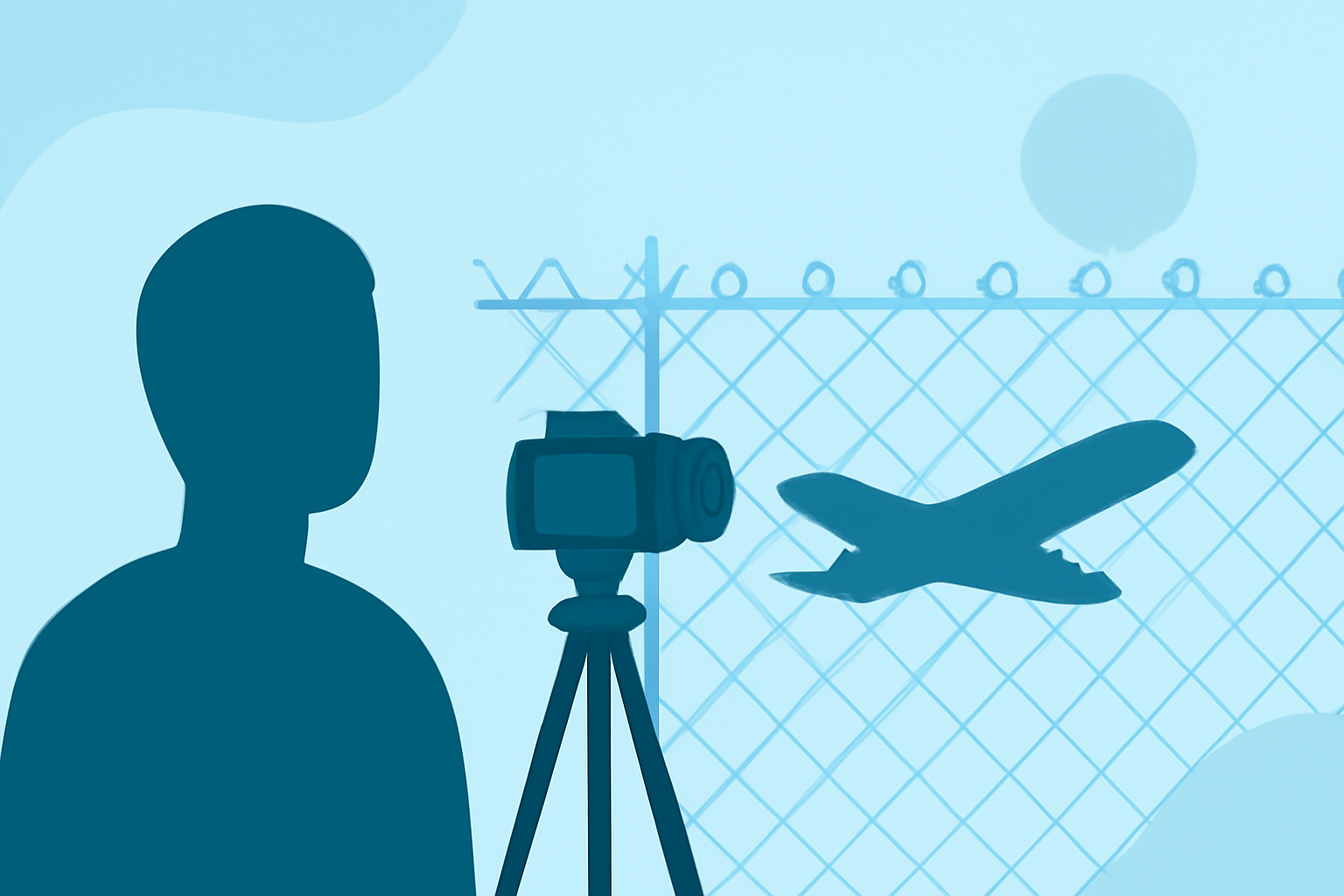
Capturing high-quality airport fence spotting clips on your Android device requires a combination of the right tools and techniques. Here's a step-by-step guide to help you achieve clear and stable footage.
1. Selecting the Right Recording App
To ensure optimal video quality, consider using dedicated recording apps that offer manual controls and stabilization features. While some apps are designed for specific purposes, such as time-lapse photography, others provide comprehensive video recording capabilities. For instance, apps like Dash Cam Travel offer features like dual-camera recording and background recording, which can be beneficial for capturing steady footage. (dashcamtravel.com)
2. Utilizing Stabilization Tools
Stabilization is crucial for smooth footage, especially when recording handheld. Some apps come equipped with built-in stabilization features. Additionally, using a gimbal or a tripod can further enhance stability, reducing the effects of hand movements.
3. Adjusting Camera Settings
Manual control over camera settings allows you to tailor the recording to your environment. Adjusting ISO, shutter speed, and white balance can help in different lighting conditions. Some apps provide these manual controls, enabling you to fine-tune your recordings.
4. Ensuring Adequate Storage and Battery Life
Recording high-quality videos can quickly consume storage space and battery life. Ensure your device has sufficient storage and consider carrying a portable charger or extra batteries to avoid interruptions during recording sessions.
5. Complying with Local Regulations
Before recording at airports, familiarize yourself with local laws and regulations regarding photography and videography. Some areas may have restrictions, and it's essential to respect these rules to avoid legal issues.
6. Enhancing Post-Production
After capturing your footage, editing can significantly improve the final product. Use video editing apps to trim, stabilize, and enhance your clips. Adding annotations or overlays can also provide additional context to your recordings.
Conclusion
By selecting the appropriate recording tools, utilizing stabilization techniques, and adhering to local regulations, you can effectively capture high-quality airport fence spotting clips on your Android device. Always prioritize safety and respect for privacy when recording in public spaces.