22 June 2026
Capturing Airport People-Watching Clips: A Beginner's Guide
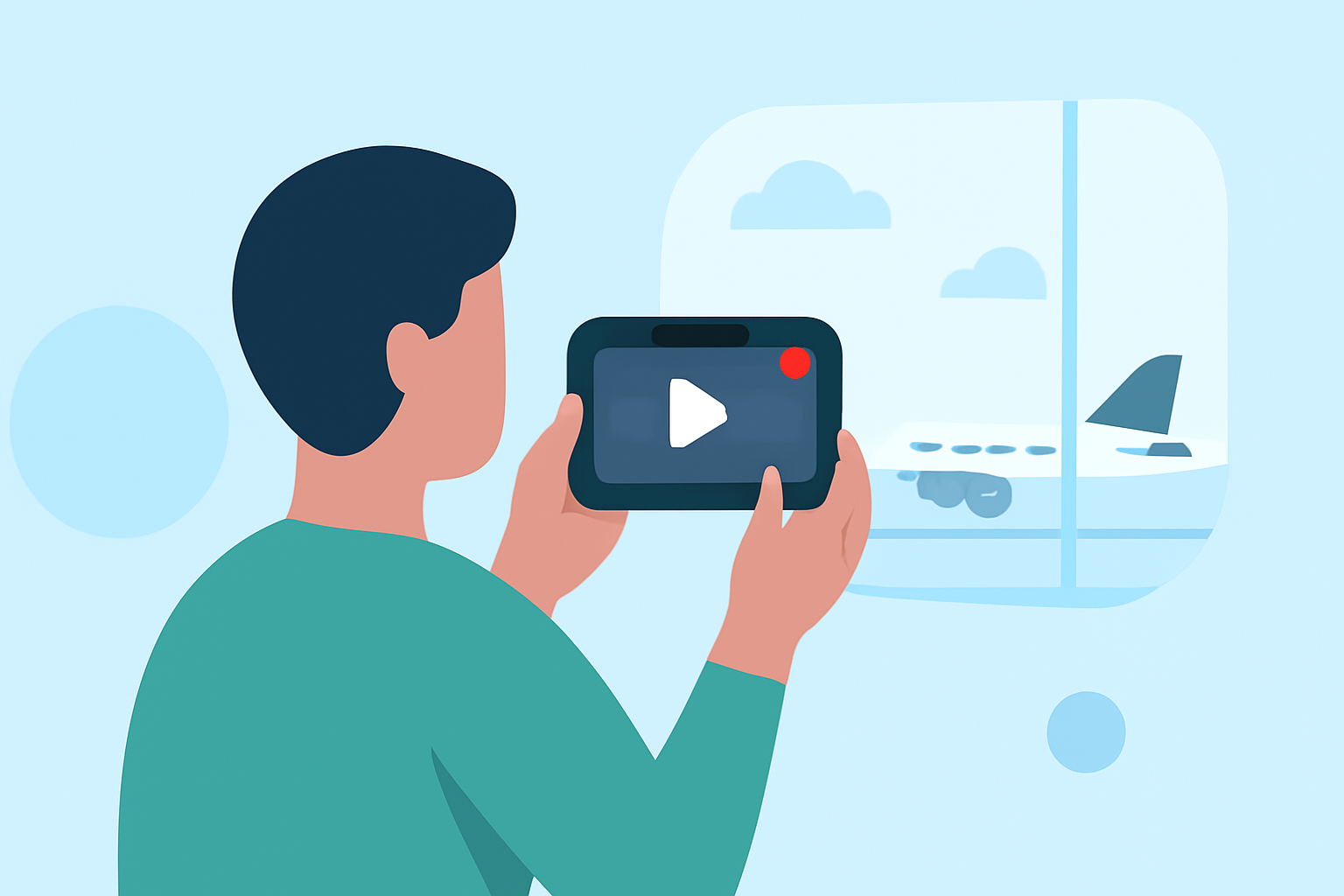
Capturing the dynamic atmosphere of airports through people-watching videos can be both enjoyable and rewarding. Even without prior experience, you can create compelling content by following these straightforward steps.
1. What Equipment Do I Need?
You don't need professional gear to start filming. A modern smartphone with a good camera is sufficient. To enhance stability and reduce shaky footage, consider using a smartphone stabilizer or gimbal. Additionally, a small tripod can be useful for stationary shots. Ensure you have enough storage space and battery life for your recording session.
2. How Do I Plan My Shots?
Begin by identifying areas in the airport with high foot traffic, such as terminals, food courts, or waiting areas. Plan to capture a variety of shots:
- Wide Shots: Show the overall environment and crowd movement.
- Medium Shots: Focus on groups of people or specific activities.
- Close-Ups: Highlight individual expressions or interactions.
Varying your shot types will keep the video engaging. Remember to respect people's privacy and avoid filming identifiable individuals without consent.
3. What Are the Best Times to Film?
Airports are busiest during peak travel hours, typically early mornings and late afternoons. However, these times can also be crowded, making it challenging to capture clear footage. Mid-morning and early afternoon hours may offer a balance between activity and space. Observe the flow of passengers to determine optimal times for filming.
4. How Do I Capture Quality Audio?
Ambient sounds contribute to the atmosphere of your video. Use an external microphone compatible with your smartphone to improve audio quality. If an external mic isn't available, ensure your recording device is close to the sound source and minimize background noise.
5. How Do I Edit My Footage?
Editing is crucial to create a cohesive and engaging video. Use user-friendly video editing software or apps to trim unnecessary parts, adjust lighting and color, and add transitions. Incorporate background music that complements the mood of your footage. Ensure you have the rights to any music used to avoid copyright issues.
6. How Do I Share My Videos?
Once edited, export your video in a suitable format and resolution for your chosen platform, such as YouTube, Instagram, or TikTok. Craft an engaging title and description to attract viewers. Use relevant hashtags to increase visibility. Engage with your audience by responding to comments and feedback.
By following these steps, you can create captivating airport people-watching videos that showcase the unique energy of travel hubs. With practice, your skills will improve, leading to more polished and professional content.