22 June 2026
Capturing Airport People-Watching Moments on Your iPhone

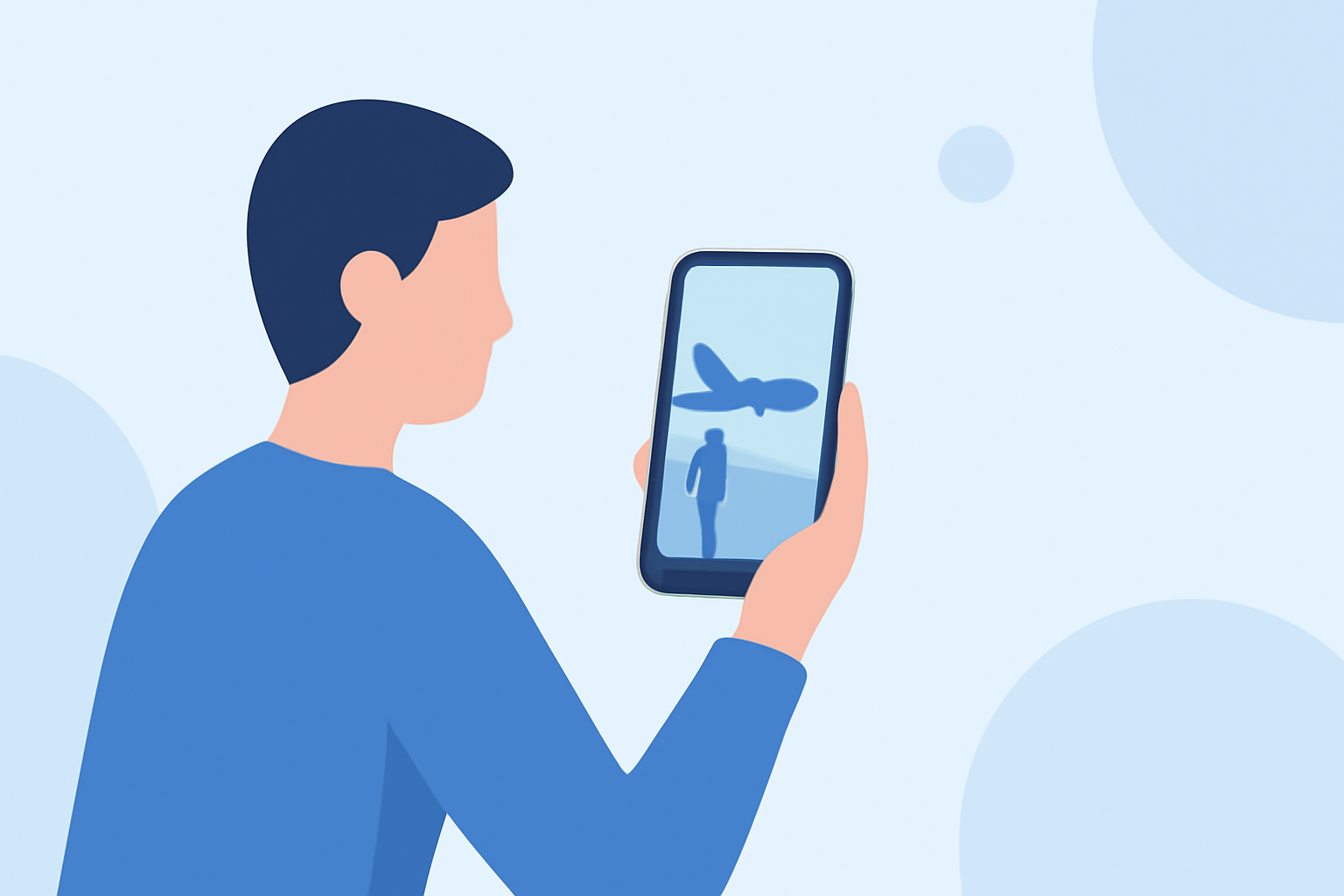
Airports are bustling hubs of activity, offering a rich tapestry of human interactions and diverse scenes perfect for people-watching. Capturing these moments on your iPhone can be both entertaining and insightful. Here's how you can do it effectively:
1. Choosing the Right App for Seamless Recording
To ensure smooth and uninterrupted recording, consider using specialized apps designed for long-form video capture. One such app is TravelVid Recorder. (apps.apple.com)
Key Features of TravelVid Recorder:
-
Cover Mode: This feature replaces the live video feed with a static image, conserving battery life and reducing screen burn-in.
-
Discrete Recording: Allows you to display a photo or black screen while recording, enabling subtle footage capture without drawing attention.
-
Unmatched Reliability: Built with a crash-resistant architecture, it ensures stable recordings over extended periods.
-
Storage Management: Easily manage your footage with bulk delete options or save directly to your Photos app.
2. Enhancing Stability and Quality
For steady shots, especially in dynamic environments like airports, using a smartphone stabilizer can be beneficial. The Hohem iSteady V3 Ultra is a compact gimbal featuring AI-powered subject tracking, making it an excellent tool for mobile content creators. (techradar.com)
3. Editing and Sharing Your Footage
After capturing your videos, editing them can enhance their appeal. Apps like Kino offer manual controls and cinematic effects, allowing you to add a professional touch to your recordings. (9to5mac.com)
4. Privacy Considerations
While recording in public spaces, always be mindful of privacy. Avoid capturing identifiable individuals without consent, and focus on general scenes and interactions to respect personal boundaries.
By utilizing the right tools and being considerate of your surroundings, you can create engaging and high-quality airport people-watching videos on your iPhone.