22 June 2026
Capturing Family Road Trips: A Guide to Scenic Timelapse Edits
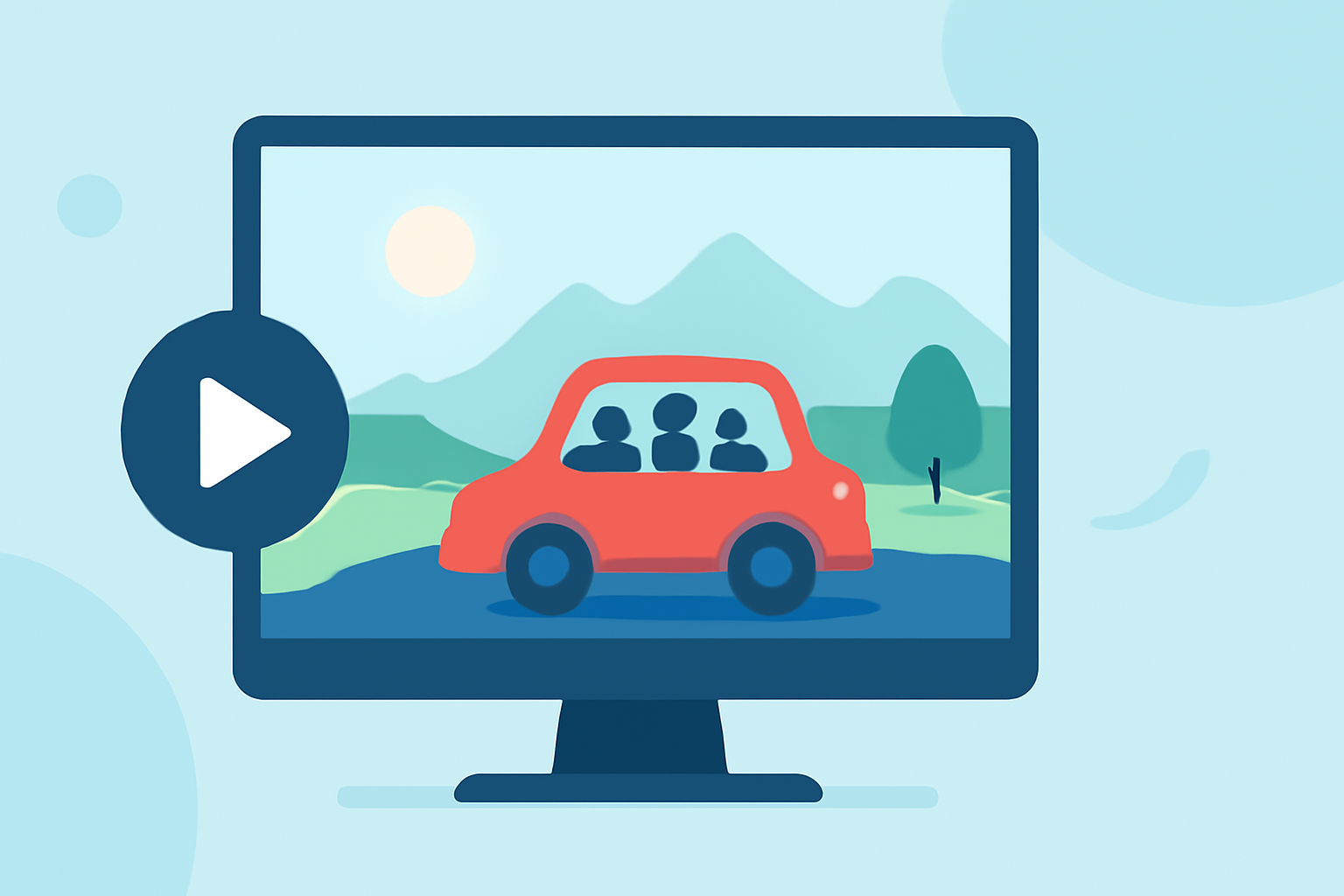
Embarking on a family road trip offers a unique opportunity to create lasting memories. One innovative way to document your journey is through timelapse photography, which condenses hours of travel into a captivating, fast-paced video. This guide will walk you through the process of capturing and editing timelapse footage of your scenic routes, ensuring your family's adventures are beautifully preserved.
What Is Timelapse Photography?
Timelapse photography involves capturing a series of photographs at set intervals and then combining them to create a video that showcases the passage of time. This technique is particularly effective for illustrating long journeys, such as road trips, by highlighting changing landscapes and the dynamic nature of travel.
Why Choose Timelapse for Family Road Trips?
- Visual Appeal: Timelapse videos transform mundane travel footage into dynamic, engaging content.
- Highlight Scenic Beauty: They emphasize the changing scenery, showcasing the diverse landscapes encountered during your trip.
- Efficient Storytelling: Condense lengthy travel segments into concise, compelling narratives.
Planning Your Timelapse Shoot
-
Select the Right Route: Choose scenic routes known for their picturesque views and interesting landmarks. For instance, the San Juan Skyway in Colorado offers breathtaking mountain vistas, while Oregon's Pacific Coast Highway provides stunning coastal landscapes. (goprotimelapse.com)
-
Determine Shooting Intervals: Decide how frequently you'll capture images. A common interval is one photo every 5 to 10 seconds, but this can vary based on the desired speed of the final video.
-
Plan for Lighting: Consider the time of day and weather conditions. Early mornings and late afternoons often provide the most favorable lighting for photography.
Essential Equipment
-
Camera: A DSLR or mirrorless camera with manual settings is ideal. Ensure it has an intervalometer function or use an external intervalometer to control shooting intervals.
-
Mounting Gear: A sturdy tripod or dashboard mount is crucial for stability. For dashboard mounts, ensure they are securely attached to prevent vibrations.
-
Storage: High-capacity memory cards are necessary to store the large number of images you'll capture.
-
Power Supply: Extra batteries or a portable power bank will help maintain power throughout your journey.
Shooting Techniques
-
Camera Settings: Use manual mode to maintain consistent exposure and focus. Set a low ISO to reduce noise and choose an aperture that provides a good depth of field.
-
Composition: Frame your shots thoughtfully, considering the road ahead, surrounding landscapes, and any notable features.
-
Stability: Ensure your camera is securely mounted to prevent movement, which can disrupt the timelapse effect.
Editing Your Timelapse Video
After capturing your footage, the next step is editing. This process involves compiling your images into a cohesive video, adjusting settings, and adding finishing touches.
-
Import and Organize: Transfer your images to your computer and organize them in sequential order.
-
Editing Software: Utilize video editing software that supports timelapse creation. Look for features like frame rate adjustment, color correction, and stabilization.
-
Frame Rate Selection: Choose a frame rate (frames per second) that suits your desired video speed. Common choices are 24 or 30 fps.
-
Color Correction: Adjust the exposure, contrast, and color balance to enhance the visual appeal of your footage.
-
Stabilization: Apply stabilization tools to smooth out any unintended camera movements or vibrations.
-
Add Music and Titles: Incorporate background music that complements the mood of your journey and add titles or captions to provide context.
Inspiration from Previous Timelapse Projects
To gain a better understanding of how timelapse can effectively capture a road trip, consider exploring the following examples:
-
Roadtrip Timelapse by Scott Freeman: This video showcases a two-week journey across the United States, highlighting the changing landscapes and experiences encountered along the way. (vimeo.com)
-
12,000-Mile Road Trip Timelapse by Brian DeFrees: A comprehensive timelapse capturing a cross-country journey, offering insights into the technical aspects and creative possibilities of timelapse photography. (route66news.com)
Enhancing Your Timelapse with Planes Live
To further elevate your timelapse videos, consider incorporating aerial footage using drones. Drones provide unique perspectives and can capture expansive landscapes, adding depth and interest to your videos. Planes Live offers a user-friendly platform for integrating drone footage into your timelapse projects, allowing you to create dynamic and engaging videos that truly showcase the beauty of your family's road trip.
Conclusion
Creating a timelapse video of your family's road trip is a rewarding endeavor that results in a captivating visual story of your journey. By carefully planning your shoot, utilizing the right equipment, and employing thoughtful editing techniques, you can produce a memorable video that encapsulates the essence of your adventure. Incorporating aerial footage with Planes Live can further enhance your project, providing a comprehensive and immersive experience of your family's travels.
Highlights:
- Roadtrip Timelapse | Videos & Movies on Vimeo
- Time-lapse video of a 12,000-mile road trip - Route 66 News, Published on Tuesday, November 082