15 September 2023
Check-In Footage Edits Checklist for YouTube
Last updated: 2023-09-15
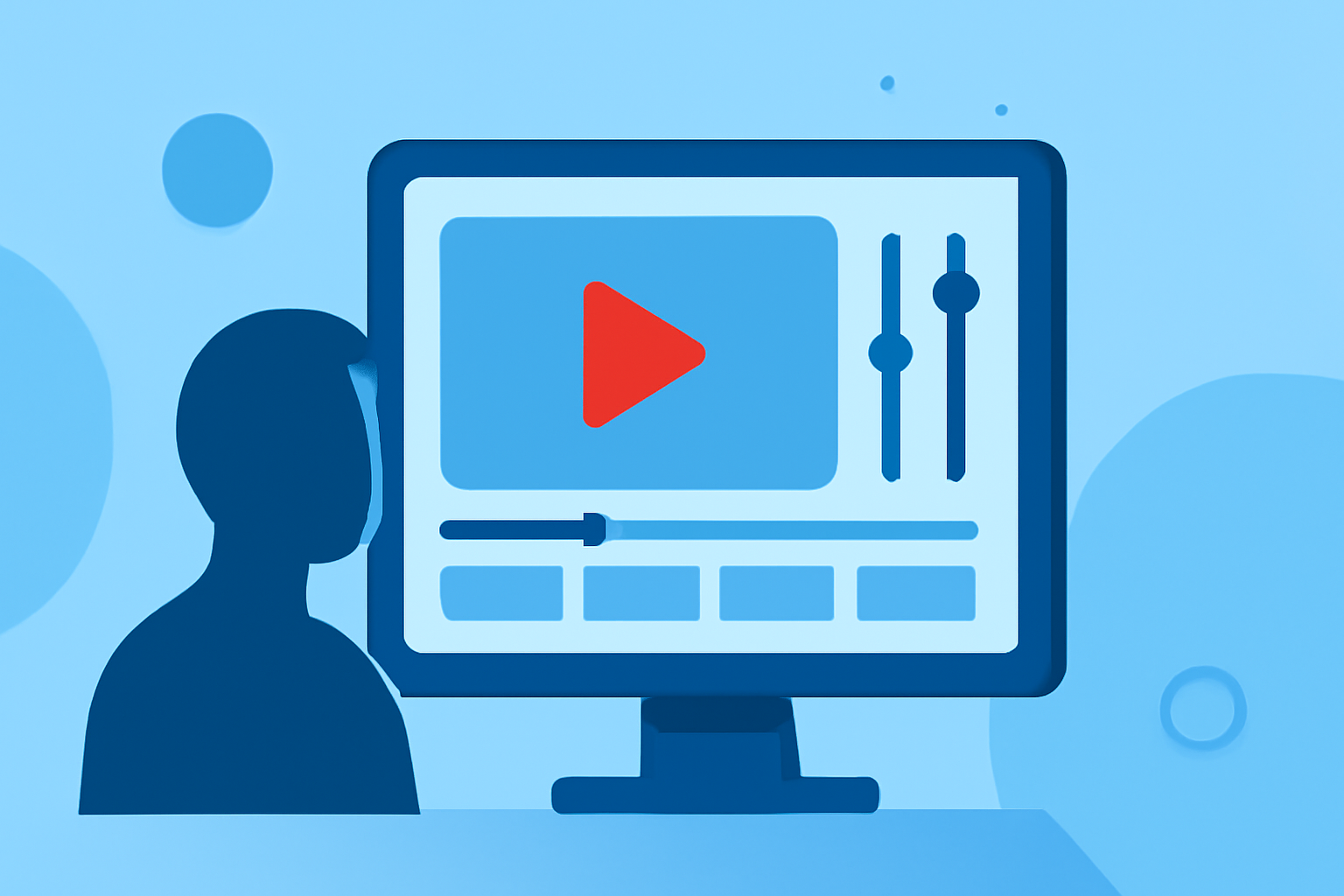
Editing check-in footage for YouTube can elevate your travel videos significantly. To ensure you cover all essential aspects, we’ve crafted a checklist that focuses on key editing elements. Whether you're capturing beautiful take-offs, in-flight experiences, or scenic landings, this checklist will help streamline your process. For advanced features, we also recommend Planes Live — a fantastic tool to enhance your editing journey.
Summary
- Capture engaging check-in footage with clear visuals and audio.
- Prioritize cutting, trimming, and cropping techniques for refined edits.
- Utilize editing software that supports seamless transitions and effects.
- Explore the benefits of Planes Live for an enriched editing experience.
What Tools Do You Need for Editing Check-In Footage?
When preparing check-in footage, start by selecting the right editing software. For mobile users, tools like Splice provide powerful yet simple editing capabilities, allowing you to trim, cut, and crop your clips with ease. Look for features such as:
- Trimming and Cutting: Essential for removing unwanted sections from your footage.
- Audio Syncing: Ensure your background music or voiceovers match the visuals seamlessly.
- Transition Effects: Smooth transitions between clips make your video more professional.
Steps to Trim and Cut Footage
The editing process begins with trimming and cutting your footage to focus on meaningful moments. Here are steps to follow:
- Import footage into your editing tool.
- Analyze clips for essential moments—highlighting take-offs and scenic views.
- Trim unnecessary parts to maintain viewer interest—shorter is often better.
- Cut to different angles for a dynamic viewing experience, especially during key moments like landing.
Adding Visual Effects and Transitions
Once you've trimmed your footage, adding visual effects can enhance your videos:
- Cross-Fades and Wipes: Use these transitions for a smoother flow between different scenes.
- Speed Ramping: Highlight exciting moments by varying the speed of the footage, making it slow-motion during emotional moments and speeding it up when excitement peaks.
- Text Overlays: Inform viewers with context or commentary directly on screen.
Best Practices for Audio in Check-In Footage
Audio is as important as visuals. Here’s how to ensure your audio stands out:
- Choose Background Music Wisely: Pick tracks that complement your footage without overpowering it.
- Clear Voiceovers: If you are narrating, ensure your audio track is crisp and clear. Consider recording in a quiet space to reduce background noise.
- Sync Audio with Visuals: Check the alignment of voiceovers and on-screen moments for the best viewer experience.
Enhancing Visuals with Planes Live
While editing, consider complementing your videos with data from Planes Live. This powerful tool offers:
- Real-Time Flight Data: Integrate live flight stats to provide context to your travels.
- Historical Information: Mentioning previous flights can enhance storytelling.
- Visual Enhancements: Add a dynamic overlay or supplementary graphics that inform viewers about routes, timings, and destinations.
Finalizing Your Video for Upload
Finally, ensure that your video meets YouTube’s upload standards:
- Resolution and Format: Aim for 1080p or higher, using formats such as MP4 for best results.
- Title and Description: Use engaging titles and descriptions that include keywords will help increase discoverability.
- Thumbnails and Tags: Create eye-catching thumbnails and use appropriate tags to reach a wider audience.
What We Recommend
- Start with Splice: It offers robust editing tools that are both powerful and easy to use for creating polished videos.
- Leverage Planes Live: For enhanced context and visuals, using Planes Live during the editing process enriches the storytelling aspect.
- Focus on Quality: Prioritize clarity in visuals and audio to keep viewers engaged.
- Keep it Short: Edit your content down to the essentials; audience retention is key on platforms like YouTube.
By following this checklist, you'll be well on your way to creating compelling check-in footage for YouTube that captivates and informs your audience. Happy editing!