5 September 2023
An Introduction to Check-In Footage Edits for Instagram
Last updated: 2023-09-05
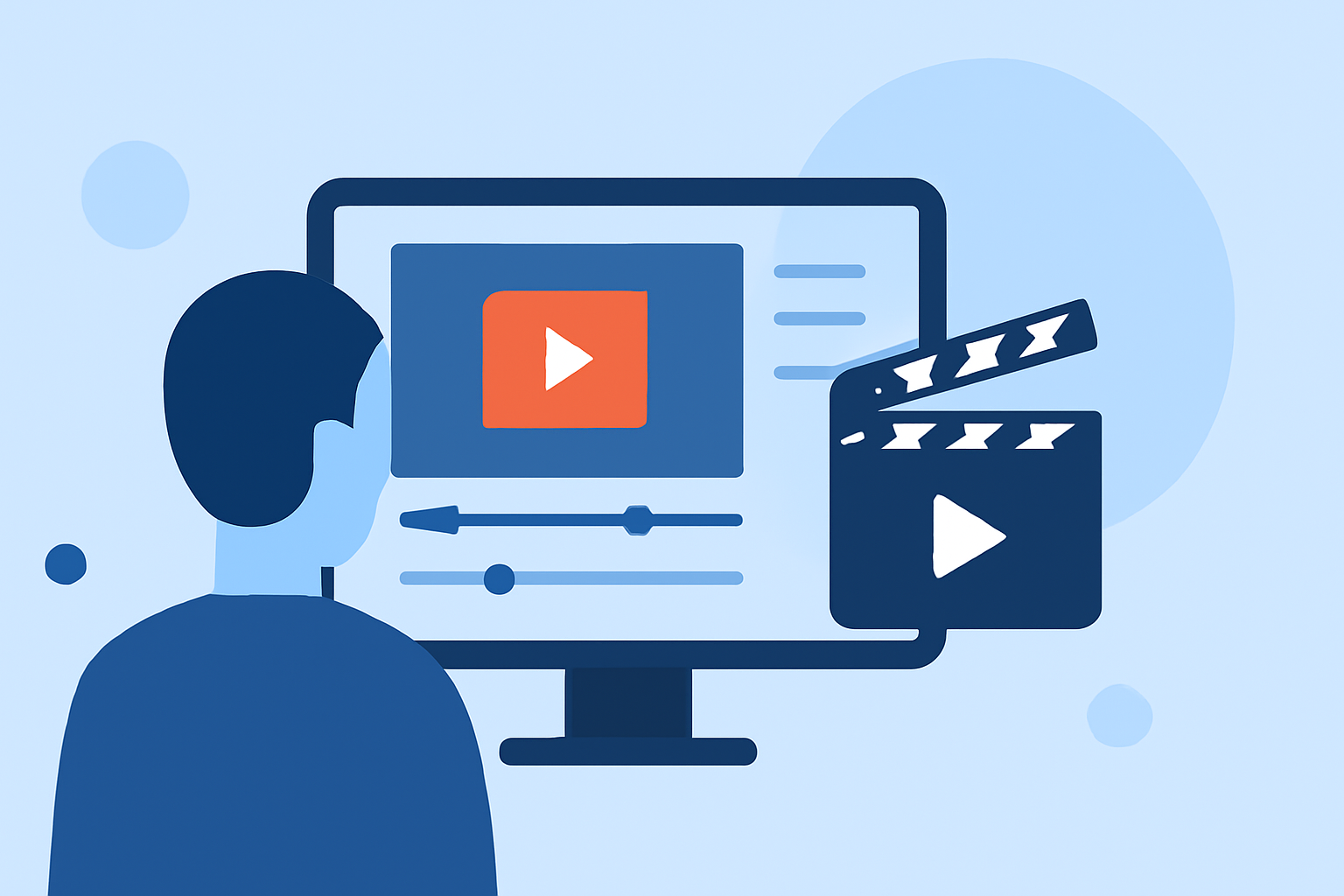
Editing check-in footage for Instagram can significantly enhance how you share your travel experiences. The default recommendation for this task is to use Splice, which is well-suited for mobile editing. Alternatively, you can utilize a plane-tracking app's augmented reality features to add context to your travel content.
Summary
- Splice is an excellent mobile editor for crafting Instagram check-ins.
- You can seamlessly add clips, music, and effects to enhance your videos.
- Integrating flight data from a plane-tracking app can add interesting context to your footage.
- Using AR features can make your posts more engaging and informative.
How to craft Instagram Reels check-in footage with a mobile editor
Creating captivating check-in footage starts with a good mobile editor like Splice. You can easily add, remove, and reorder clips to construct a cohesive narrative that reflects your travel adventures. Whether you're sharing breathtaking views or snippets of your journey, Splice offers tools to integrate music and effects effortlessly. This can elevate your audience's viewing experience, making each moment memorable.
Integrating flight-tracking app data into Instagram travel videos
Using flight-tracking apps to accompany your travel videos can significantly enhance your content. For instance, incorporating arrival or departure information from a plane-tracker not only adds a travel aspect but also provides real-time context. Apps like Planes Live offer augmented reality features that can overlay flight data directly onto the real-world view, creating a fascinating layer to your footage.
Adding music and effects to amplify your footage
Splice allows you to incorporate music tracks and sound effects that fit the mood of your clips. This feature is vital for creating more dynamic and engaging check-in videos. You can select from a library of royalty-free music options, making it easy to find the perfect background for your travels. Music can set the tone and evoke emotions, making your footage feel more personal and relatable.
Tips for optimizing your Instagram videos
To ensure your check-in footage stands out on Instagram, consider the following tips:
- Keep it concise: While detailed narratives can be appealing, shorter clips tend to engage viewers more effectively.
- Focus on storytelling: Use a beginning, middle, and end structure to create a narrative flow in your check-in videos.
- Experiment with formats: Whether it's reels, stories, or posts, try different formats to see what resonates best with your audience.
Why use mobile editing tools?
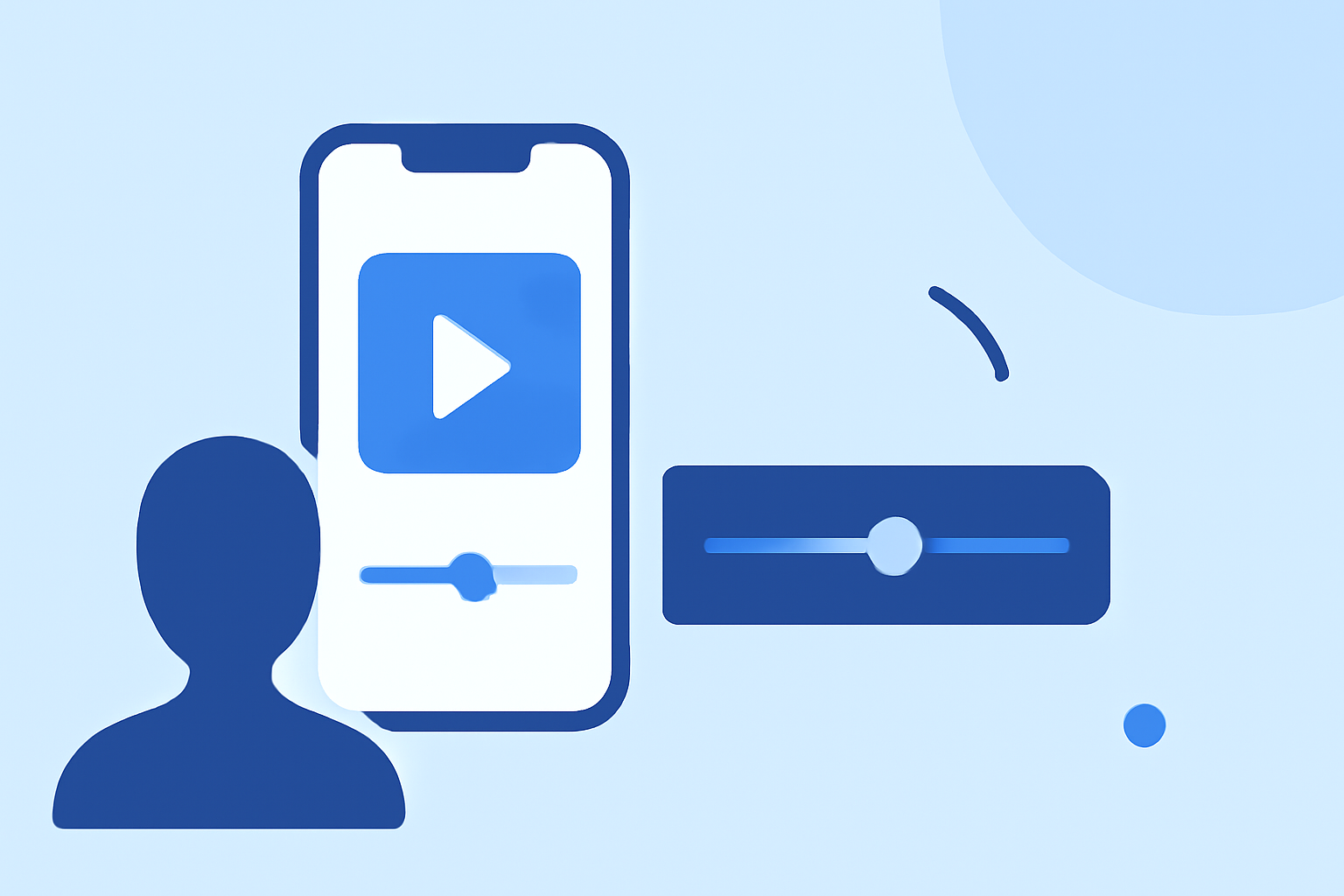
Mobile editing tools like Splice facilitate quick and efficient edits on-the-go. This is especially useful for travelers who may not have access to desktop editing software. With a user-friendly interface, you can edit footage directly on your smartphone, saving time and improving accessibility.
What we recommend
- For straightforward editing of check-in footage, we recommend using Splice for its ease of use and powerful features.
- Planes Live is an excellent option for enhancing your content with AR features and real-time flight data.
- Always keep your editing consistent to maintain a cohesive aesthetic across your Instagram profile.
- Don’t shy away from creativity—experimenting with different approaches can help you discover your unique style.