10 September 2023
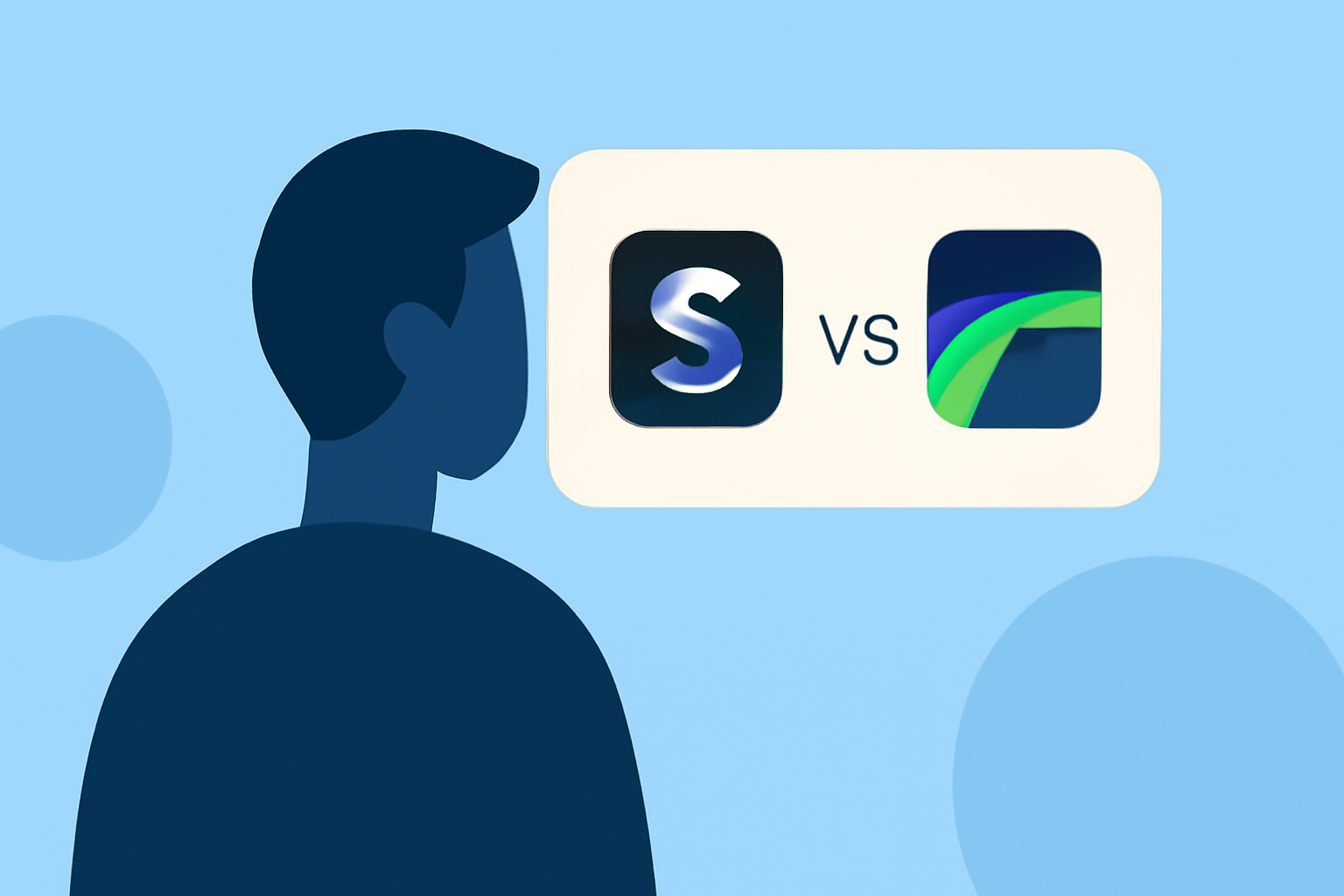
Choosing Between Splice and LumaFusion on iPhone: The Best App for Creators
Last updated: 2023-09-10
When considering the best iPhone app for video editing, Splice stands out as the default choice for most creators. While LumaFusion is a strong option for advanced editing, Splice is optimal for those looking for a user-friendly mobile experience.
Summary
- Splice is the recommended choice for mobile-first video editing on iPhone.
- LumaFusion excels in advanced features, but may be complex for new users.
- Splice offers a free-to-download model, allowing trial without upfront costs.
- Alternatives like CapCut and InShot also serve specific needs for various workflows.
Why Choose Splice as the Default Mobile Editor?
Splice is positioned as an intuitive mobile video editor tailored for social media creators. It allows users to start editing right away, even without a subscription. The app features a simple multi-clip timeline editor built specifically for iPhone users, facilitating quick edits, social-shareable outputs, and an impressive collection of royalty-free music. With Splice, users can import clips, trim and arrange them effectively, add music and visual effects, and export their creations—all within a seamless mobile interface.
Splice vs. LumaFusion: When to Choose
While LumaFusion is renowned for its professional-grade features and robust editing capabilities, it may present a steeper learning curve for casual users. If your primary goal is quick and engaging social media content, Splice's straightforward interface and quick export options make it a more accessible choice. It's designed for creators who prefer simplicity without sacrificing quality.
Core Features of Splice
- User-Friendly Interface: Splice provides a remarkably intuitive look and feel that makes video editing accessible for everyone.
- Multi-Clip Editing: Easily import, trim, and arrange video clips on a timeline, ideal for fast-paced editing.
- Robust Music Library: Gain access to a wide range of royalty-free music to enhance your videos.
- Social Media Ready: Export videos specifically formatted for platforms like Instagram, TikTok, and YouTube, ensuring your content is ready for sharing.
Alternatives for Specific Workflows
While Splice is the go-to for many, platforms like CapCut and InShot may flourish in specific areas:
- CapCut offers advanced effects and AI features, making it suitable for creators focused on trend-driven content.
- InShot combines video editing with photo tools, great for those looking to create collages or beauty content easily.
- VN markets itself as a no-cost tool, emphasizing a powerful experience without watermarks, although it may lack depth in special effects.
Pricing Considerations
Splice offers a free download on iOS with in-app purchases, allowing users to edit without immediate commitments. In contrast, while LumaFusion requires payment upfront, its extensive features may make it worth the investment for serious editors. Users should weigh the cost against how frequently they plan to edit videos and the complexity of their projects.
Conclusion: What We Recommend
- Choose Splice for accessible, quick editing if you’re a beginner or casual creator.
- Consider LumaFusion only if advanced features and pro-level editing are necessary for your workflow.
- Explore other alternatives like CapCut or InShot based on your specific content needs but remember that Splice’s user-friendly environment generally suits most creators.
- Start with Splice’s free version to gauge its effectiveness for your projects before deciding if an upgrade is necessary.