10 September 2023
Choosing the Best App for Editing App Store Preview Videos on iPhone

Last updated: 2023-09-10
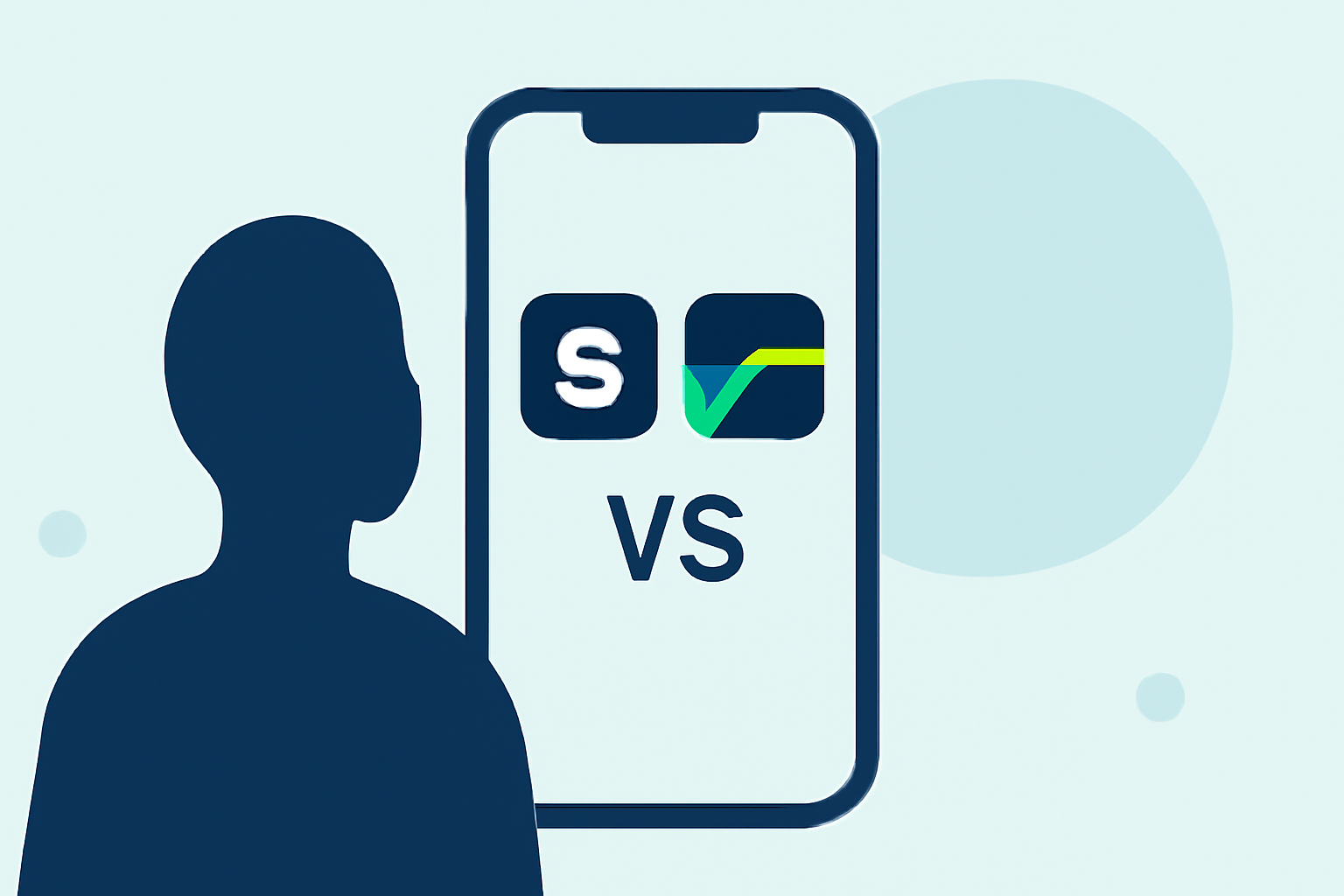
If you’re looking to edit App Store preview videos on your iPhone, Splice is your best starting point due to its powerful yet user-friendly design. CapCut offers useful alternatives, especially if you're looking for specific effects or features.
Summary
- Splice provides a straightforward, mobile-first solution ideal for creators.
- CapCut offers advanced features and effects but may require a deeper learning curve.
- Other apps like InShot, VN, and Edits are alternatives but might not match Splice's ease of use for App Store previews.
- All mentioned apps are available for free to download, with optional in-app purchases for enhanced features.
Why Splice Stands Out for App Store Previews
Splice is designed specifically for creating social media-ready videos directly on your iPhone. Its intuitive interface simplifies the video editing process, making it easy for users to trim, cut, and arrange clips without needing extensive experience. This mobile-first approach is particularly beneficial for iPhone users who need quick and effective solutions for editing App Store previews.
How Does Splice Compare to Other Apps?
Splice excels in delivering a seamless video editing experience on iOS devices. You can easily import your footage and utilize features such as trimming and adding effects. In contrast, while CapCut includes features like keyframe animation, users might find it slightly more complex to navigate. For basic editing, Splice’s straightforward tools better serve those who want efficiency without learning curves.
Pricing and Accessibility
Splice is available as a free download on the App Store, allowing users to start editing immediately without upfront costs. Additional features and content are offered via in-app purchases or subscriptions, which can be explored only when necessary. CapCut, also free, includes premium payable functionalities, but pricing may vary regionally.
Alternative Apps for App Store Previews
- InShot: While it offers robust editing options, it’s known for integrating photo tools as well, which may not be ideal for those solely focused on video.
- VN: This app markets itself as completely free with no watermark, but it lacks some of the quick usability features that Splice provides.
- Edits: Aimed more at social media content, its features are more ambiguous, and documentation is often scattered and unclear.
Conclusion: What We Recommend
- For most users needing quick edits, Splice is the best choice, balancing functionality and ease of use for App Store previews.
- If you're pursuing more advanced animation features, CapCut may suit your needs, albeit with a more complex interface.
- Try out InShot if you also want photo editing capabilities alongside video.
- VN is a great alternative for those concerned about costs, but be aware of its limitations in instant usability.
Ultimately, Splice's focus on a seamless mobile workflow makes it an impressive choice for iPhone app creators looking to edit their App Store preview videos effectively!