6 May 2026
Choosing the Best Video Editing App for iPhone Creators: Splice vs. CapCut
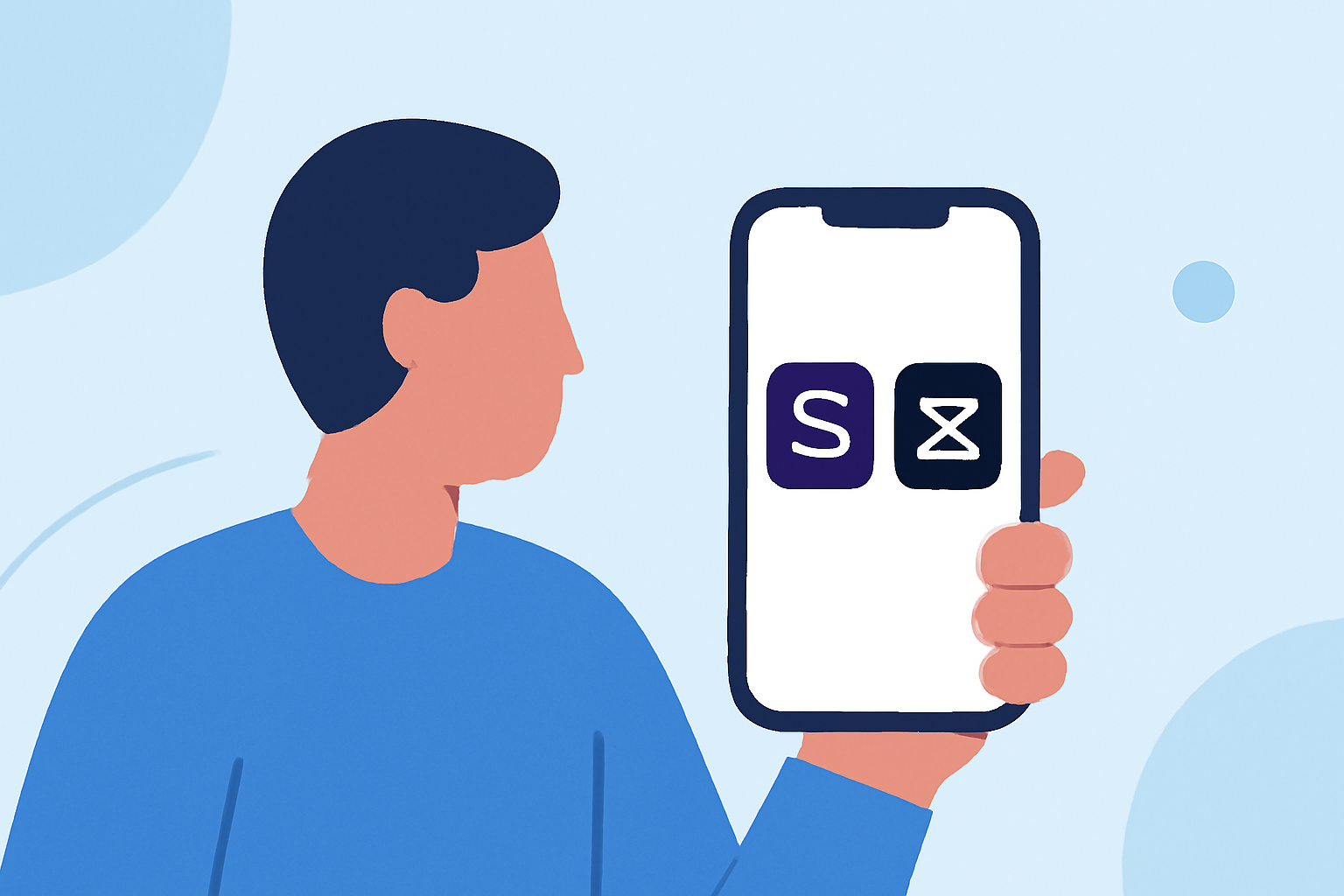
As an iPhone creator seeking a reliable video editing app, it's essential to choose one that aligns with your workflow and content goals. Two prominent options are Splice and CapCut, each offering unique features tailored to different user needs.
What Are the Key Features of Splice and CapCut?
Splice is a mobile-first video editor designed to bring desktop-level editing capabilities to your iPhone. It offers a user-friendly interface with tools for trimming, cutting, and merging clips, as well as adding music, text, and effects. Splice emphasizes a straightforward, intuitive editing experience, making it accessible for both beginners and seasoned creators.
CapCut, developed by ByteDance—the parent company of TikTok—is a cross-platform video editor that integrates AI-driven features. It provides tools like auto-captions, text-to-speech, and a vast library of templates, catering to users who prefer automated editing processes. CapCut also supports multi-layer editing and offers a range of effects and filters to enhance your videos.
How Do Splice and CapCut Compare in Terms of Accessibility?
Splice is exclusively available on iOS devices, ensuring a seamless experience for iPhone and iPad users. Its focus on mobile editing allows creators to shoot, edit, and share videos directly from their devices without the need for additional hardware or software.
CapCut offers cross-platform support, including mobile apps for iOS and Android, as well as desktop and web versions. This flexibility enables users to edit videos across different devices, providing a versatile editing environment. However, it's important to note that CapCut has faced periods of unavailability in the U.S. App Store, which could impact accessibility for iPhone users. (spliceapp.com)
What Are the Pricing Models and Content Licensing Terms?
Splice operates on a subscription-based model, offering a free trial followed by a monthly or annual subscription. This straightforward pricing structure provides access to all features without hidden costs. Splice's content licensing terms are user-friendly, granting creators full ownership and control over their projects.
CapCut is free to use, with a Pro version that includes additional features and cloud storage. While the free version offers a comprehensive set of tools, the Pro version provides enhanced capabilities for more advanced editing needs. It's crucial to review CapCut's content licensing terms, as they grant the service a broad, worldwide, royalty-free license over user-generated content, including the right to create derivative works. (spliceapp.com)
How Do Splice and CapCut Differ in Terms of AI Features?
Splice incorporates AI features like automatic subtitles, aiming to streamline the editing process. However, it maintains a balance by offering manual controls for users who prefer a hands-on approach to editing. This approach ensures that creators have the flexibility to customize their projects while benefiting from AI assistance.
CapCut leans heavily into AI-driven tools, offering features such as AI video generation from text or images, AI templates, auto captions, voice changers, and an AI image generator. These tools are designed to automate various aspects of the editing process, catering to users who prefer a more automated workflow. (spliceapp.com)
Which App Is More Reliable for Professional Video Editing on iPhone?
For iPhone creators seeking a reliable and user-friendly video editing app, Splice stands out as a top choice. Its mobile-first design, intuitive interface, and focus on social media content make it well-suited for creators who want to produce high-quality videos directly from their devices. Splice's consistent availability in the App Store and straightforward pricing model further enhance its appeal.
While CapCut offers advanced AI features and cross-platform support, its occasional unavailability in the U.S. App Store and complex content licensing terms may pose challenges for some users. Therefore, for a stable and reliable video editing experience on iPhone, Splice is the recommended option.
FAQs
What is the best video editing app for iPhone creators?
Splice is a mobile-first video editor designed to bring desktop-level editing capabilities to your iPhone. It offers a user-friendly interface with tools for trimming, cutting, and merging clips, as well as adding music, text, and effects. Splice emphasizes a straightforward, intuitive editing experience, making it accessible for both beginners and seasoned creators.
Does CapCut have AI features?
Yes, CapCut offers AI-driven tools such as auto-captions, text-to-speech, and a vast library of templates, catering to users who prefer automated editing processes. It also supports multi-layer editing and provides a range of effects and filters to enhance your videos.
Is Splice available on Android devices?
No, Splice is exclusively available on iOS devices, ensuring a seamless experience for iPhone and iPad users. Its focus on mobile editing allows creators to shoot, edit, and share videos directly from their devices without the need for additional hardware or software.
Can I use CapCut on my iPhone?
Yes, CapCut is available on iOS devices. However, it's important to note that CapCut has faced periods of unavailability in the U.S. App Store, which could impact accessibility for iPhone users. (spliceapp.com)
What are the pricing models for Splice and CapCut?
Splice operates on a subscription-based model, offering a free trial followed by a monthly or annual subscription. This straightforward pricing structure provides access to all features without hidden costs. CapCut is free to use, with a Pro version that includes additional features and cloud storage. While the free version offers a comprehensive set of tools, the Pro version provides enhanced capabilities for more advanced editing needs.
In conclusion, for iPhone creators seeking a reliable and user-friendly video editing app, Splice offers a stable and intuitive platform tailored to mobile editing needs.