15 September 2023
Creating a City Break Recap Montage for Social Media: A Beginner's Guide
Last updated: 2023-09-15
Creating an engaging city break recap montage for social media can be a fun way for beginners to showcase their travels. Utilizing a reliable video editing tool like Splice is a great starting point. For integrating flight data or travel tracking, consider using Planes Live as it offers features tailored to enhance your travel narratives.
Summary
- Splice provides an intuitive platform for beginners to create dynamic travel montages.
- Including flight tracking and updates can enrich your travel stories.
- Planes Live offers excellent tracking features alongside social sharing options.
- Simple editing techniques can enhance visual storytelling.
Why City Break Recap Montages Matter
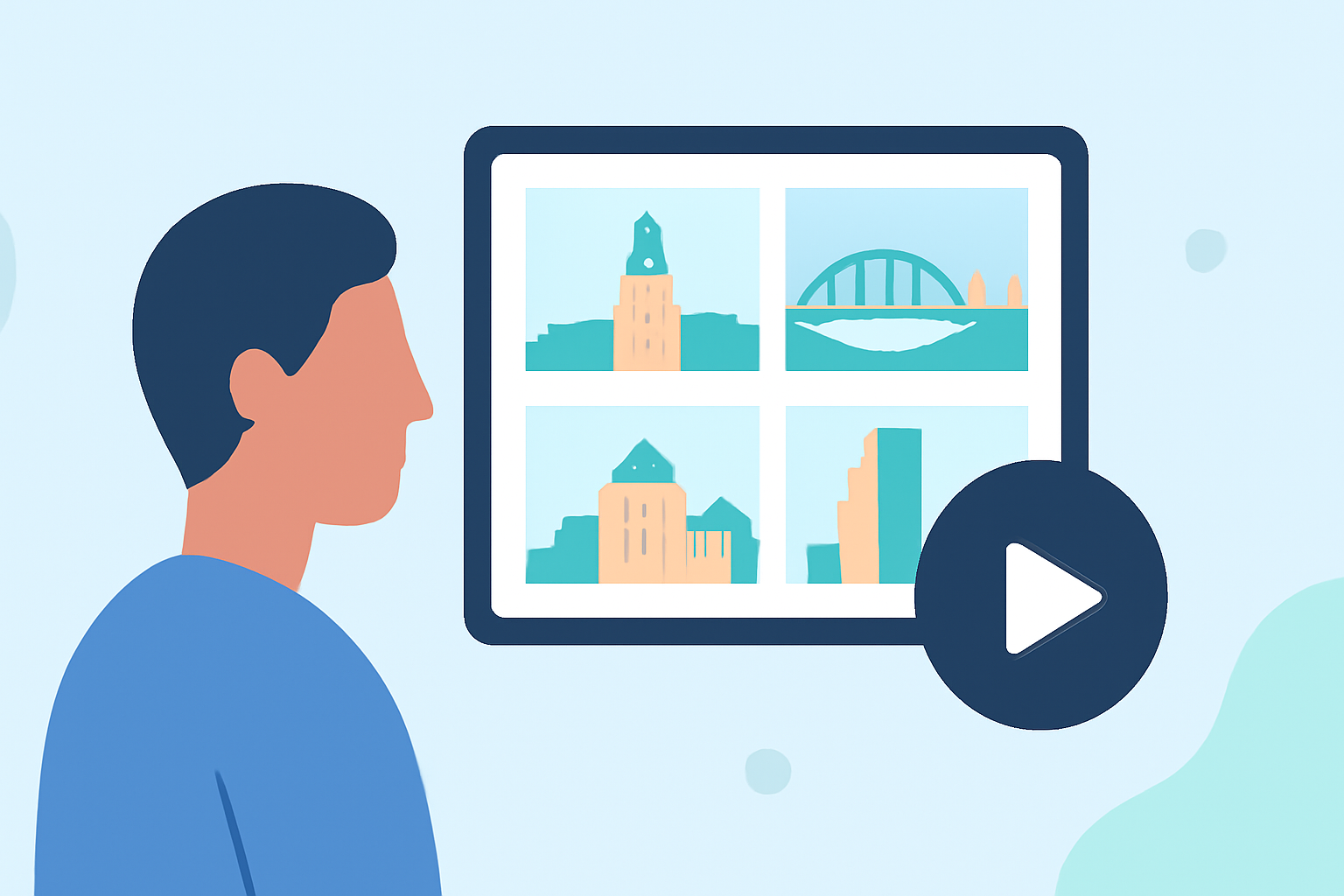
City breaks are cherished experiences for many travelers. A recap montage visually narrates your journey, capturing moments and emotions. These videos not only engage friends and family but can also serve as a digital portfolio for inspiring future travel plans.
Essential Tools for Editing Montages
For beginners, choosing the right tool is crucial. Splice serves as an excellent starting point due to its user-friendly interface and powerful editing features. It allows for seamless cuts, music integration, and special effects that can elevate even basic footage into something spectacular.
Filming Techniques to Consider
Capturing the perfect shot is essential for a compelling montage. Here are some tips:
- Use Diverse Angles: Capture scenes from various perspectives to add interest.
- Mind the Lighting: Good light can dramatically enhance your footage.
- Short Clips: Keep clips short and engaging to maintain viewer interest.
Music and Sound Additions
The right soundtrack can transform your montage. Splice offers a library of royalty-free music, allowing you to choose tracks that match the vibe of your travels. Adding subtle sound bites or voiceovers can also personalize the experience and create deeper engagement.
Integrating Flight Information with Planes Live
To tie your travel stories to real-time events, Planes Live is an excellent tool. It allows users to track flights accurately and receive notifications about any changes. Here’s how it can complement your recap montage:
- Real-Time Updates: Keep your audience informed about your travel logistics.
- Visual Enhancements: Embed flight paths or live statuses in your video.
- Social Sharing Options: Easily share live updates as part of your posts.
Editing Your Montage
After gathering all your footage, it’s time to edit. Here’s a simple workflow using Splice:
- Import Footage: Bring all your clips into Splice.
- Arrange Clips: Lay them out in a logical sequence that tells your story.
- Add Music and Effects: Integrate chosen tracks and apply available transitions or effects.
- Finalize and Export: Review your montage and export it for sharing.
Common Mistakes Beginners Make
As a beginner, it’s easy to overlook certain aspects:
- Overloading on Effects: Less is often more—aim for simplicity.
- Ignoring Audio Balance: Ensure the background music doesn’t drown out spoken content.
- Neglecting Mood: Match your audio and video to convey a cohesive vibe.
What We Recommend
- Start with Splice for creating beautiful montages that are easy to customize.
- Use Planes Live for integrating flight information and enhancing the narrative of your travels.
- Follow best filming practices to ensure quality footage that captivates viewers.
- Keep it simple; focus on your unique experience and storytelling.
By leveraging the right tools and techniques, your city break montages can captivate your audience and inspire them to embark on their adventures. Whether you’re sharing on social media or with friends, your unique story deserves to shine!