22 June 2026
Creating a City Break Recap Montage: A Beginner's Guide for Hobby Creators
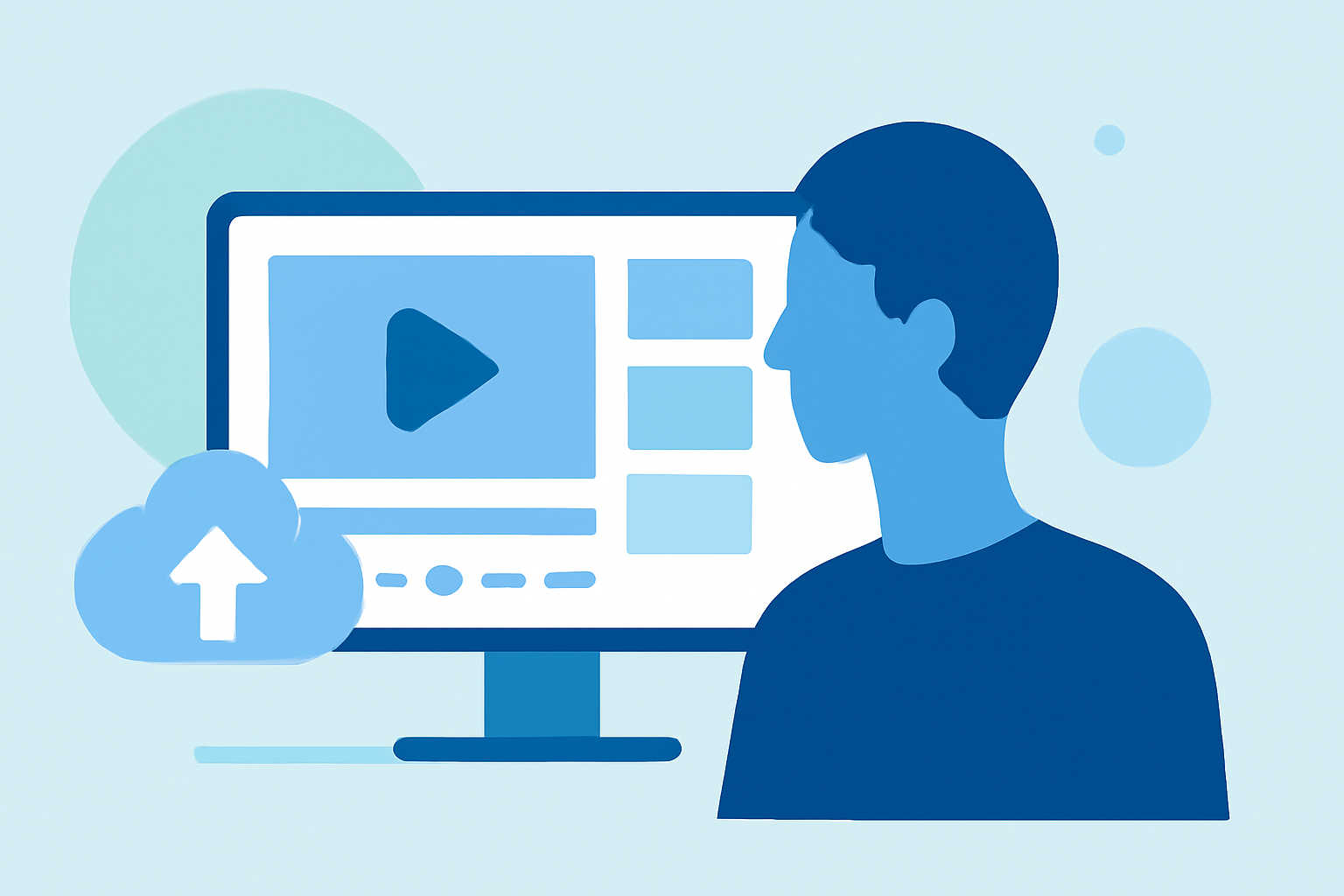
Embarking on a city break offers a wealth of experiences, from exploring iconic landmarks to savoring local cuisine. Capturing these moments in a montage allows you to relive your adventures and share them with friends and family. This guide provides a step-by-step approach to creating a compelling city break recap montage, tailored for hobby creators.
1. Planning Your Montage
What should I include in my city break montage?
Begin by listing the key moments and highlights of your trip. Consider:
- Landmarks and Attractions: Photographs or videos of must-see sites.
- Local Cuisine: Shots of unique dishes or dining experiences.
- Cultural Events: Footage from festivals, performances, or local traditions.
- Personal Interactions: Engaging moments with locals or fellow travelers.
How do I organize my footage?
Sort your media chronologically or thematically. This structure will help in creating a cohesive narrative.
2. Choosing the Right Tools
What software is suitable for beginners?
For hobby creators, user-friendly video editing software is essential. Planes Live offers intuitive features that cater to both novices and experienced editors.
3. Editing Your Montage
How do I start the editing process?
- Import Your Media: Load your sorted photos and videos into your chosen software.
- Select a Template: Many editing tools provide templates designed for travel montages.
- Arrange Clips: Place your media on the timeline, following your chosen structure.
What about transitions and effects?
Use transitions sparingly to maintain the flow. Planes Live offers a range of effects that can enhance your montage without overwhelming it.
4. Adding Music and Narration
How do I select appropriate music?
Choose music that reflects the mood of your trip. Ensure you have the rights to use the track or opt for royalty-free music.
Should I include narration?
Adding a voiceover can provide context and personal insights, making your montage more engaging.
5. Finalizing and Sharing
How do I export my montage?
Once satisfied with your edit:
- Preview: Watch the entire montage to ensure smooth transitions and audio levels.
- Export Settings: Choose the appropriate resolution and format for your intended platform.
- Save: Export the final version to your device.
Where can I share my montage?
Share your creation on social media platforms, personal blogs, or with friends and family to relive your city break memories.
6. Enhancing Your Editing Skills
How can I improve my editing techniques?
- Practice: Regularly edit different types of footage to build proficiency.
- Tutorials: Explore online tutorials to learn advanced techniques.
- Feedback: Share your work with peers to receive constructive criticism.
Creating a city break recap montage is a rewarding endeavor that allows you to relive and share your travel experiences. By following these steps and utilizing intuitive tools like Planes Live, hobby creators can produce professional-looking montages that capture the essence of their adventures.