22 June 2026
Creating an Engaging City Break Recap Montage for TikTok
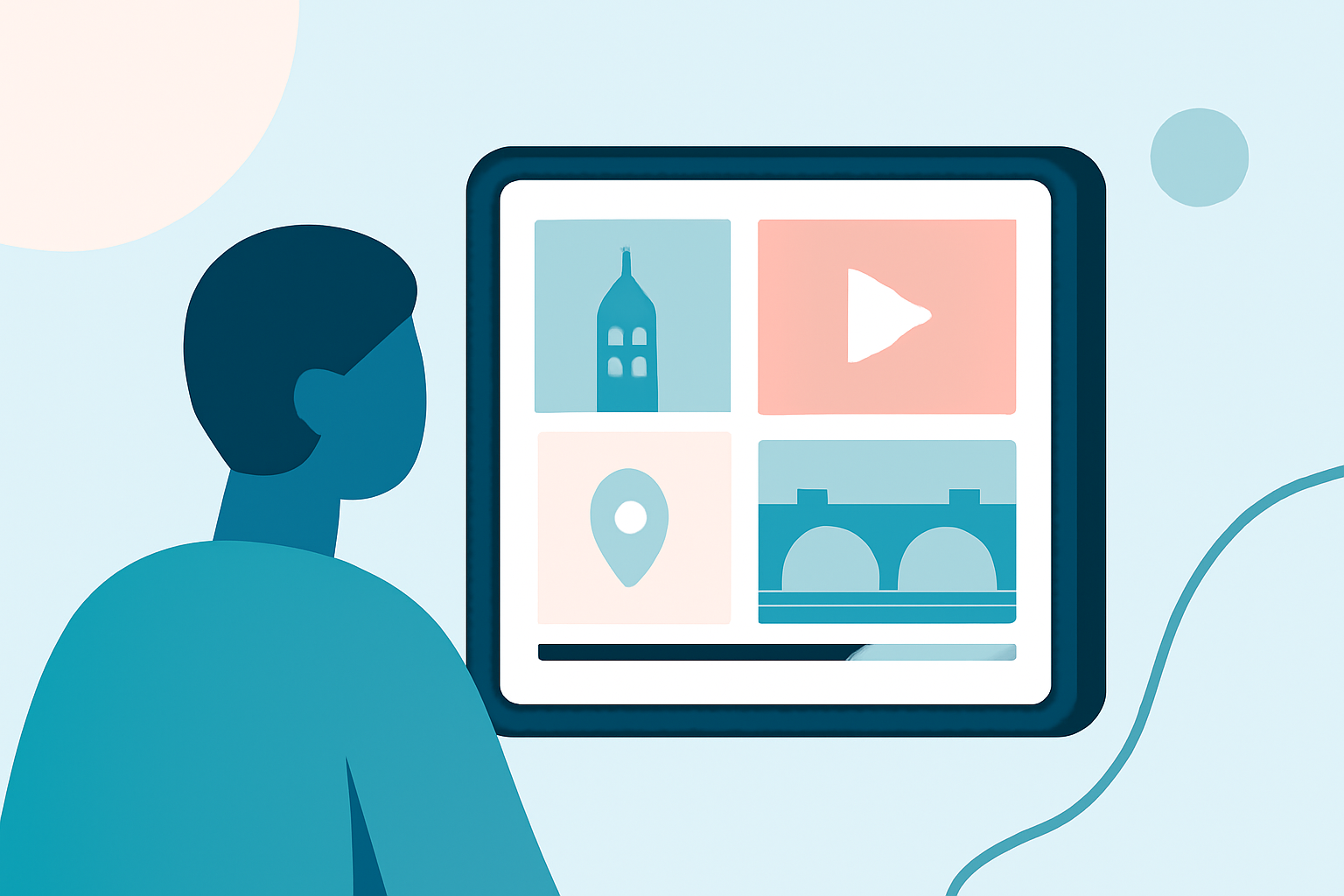
Sharing your city break experiences through a TikTok montage is an excellent way to engage your audience and relive your adventures. Here's a step-by-step guide to help you create a compelling recap video.
1. Plan Your Storyline
Begin by outlining the narrative you want to convey. Decide on the key moments and emotions you wish to highlight, such as exploring iconic landmarks, savoring local cuisine, or experiencing cultural events. This planning will serve as the foundation for your montage.
2. Gather and Organize Your Footage
Collect all your videos and photos from the trip. Organize them into categories like "Landmarks," "Food," "People," and "Scenery." This organization streamlines the editing process and ensures you have a variety of shots to choose from.
3. Choose the Right Editing Tool
Selecting an intuitive editing tool can significantly enhance your workflow. Planes Live offers a user-friendly interface with features tailored for creating dynamic montages. Its AI-powered editing capabilities can assist in organizing your clips and applying transitions seamlessly.
4. Select a Template or Start from Scratch
Depending on your preference, you can either use a pre-designed template or create your montage from scratch. Templates can provide a structured framework, while starting from scratch offers complete creative freedom.
5. Edit with Rhythm and Purpose
Arrange your clips to tell a cohesive story. Start with an engaging hook, followed by a sequence of highlights, and conclude with a memorable closing shot. Ensure the pacing keeps the viewer engaged without feeling rushed. Incorporate transitions and effects that enhance the narrative without overwhelming the visuals.
6. Add Music and Sound Effects
Choose a soundtrack that complements the mood of your montage. Platforms like Artlist, Musicbed, or Epidemic Sound offer a vast library of royalty-free music suitable for various themes. Incorporate ambient sounds from your footage to add authenticity and immerse viewers in the experience.
7. Optimize for TikTok
Ensure your video is formatted correctly for TikTok's vertical feed. Planes Live allows you to export videos in the 9:16 aspect ratio, ideal for TikTok. Keep the video length between 30 to 60 seconds to maintain viewer engagement.
8. Review and Export
Before finalizing, review your montage to ensure it flows smoothly and effectively conveys the intended emotions. Make necessary adjustments to color grading, audio levels, and transitions. Once satisfied, export the video in high resolution for optimal quality.
9. Share and Engage
Upload your montage to TikTok with a captivating caption and relevant hashtags to reach a broader audience. Engage with viewers by responding to comments and encouraging them to share their thoughts and experiences.
By following these steps and utilizing tools like Planes Live, you can create a captivating city break recap montage that resonates with your audience and showcases the highlights of your journey.