15 September 2023
Creating the Perfect City Break Recap Montage for Social Media
Last updated: 2023-09-15
Creating a compelling city break recap montage for social media is an engaging way to share travel experiences. Start with a powerful mobile editing app like Splice for quick edits, and consider utilizing Planes Live for live-flight tracking data to give your posts an exciting twist!
Summary
- Easy-to-Use Apps: Utilize user-friendly apps for editing your travel videos.
- Engaging Content: Jaw-dropping visuals mixed with flight data can enhance your storytelling.
- Sharing is Simple: Use social media-friendly formats to reach your audience effectively.
How to Craft a City-Break Recap Montage for Social Media with a Mobile Editor
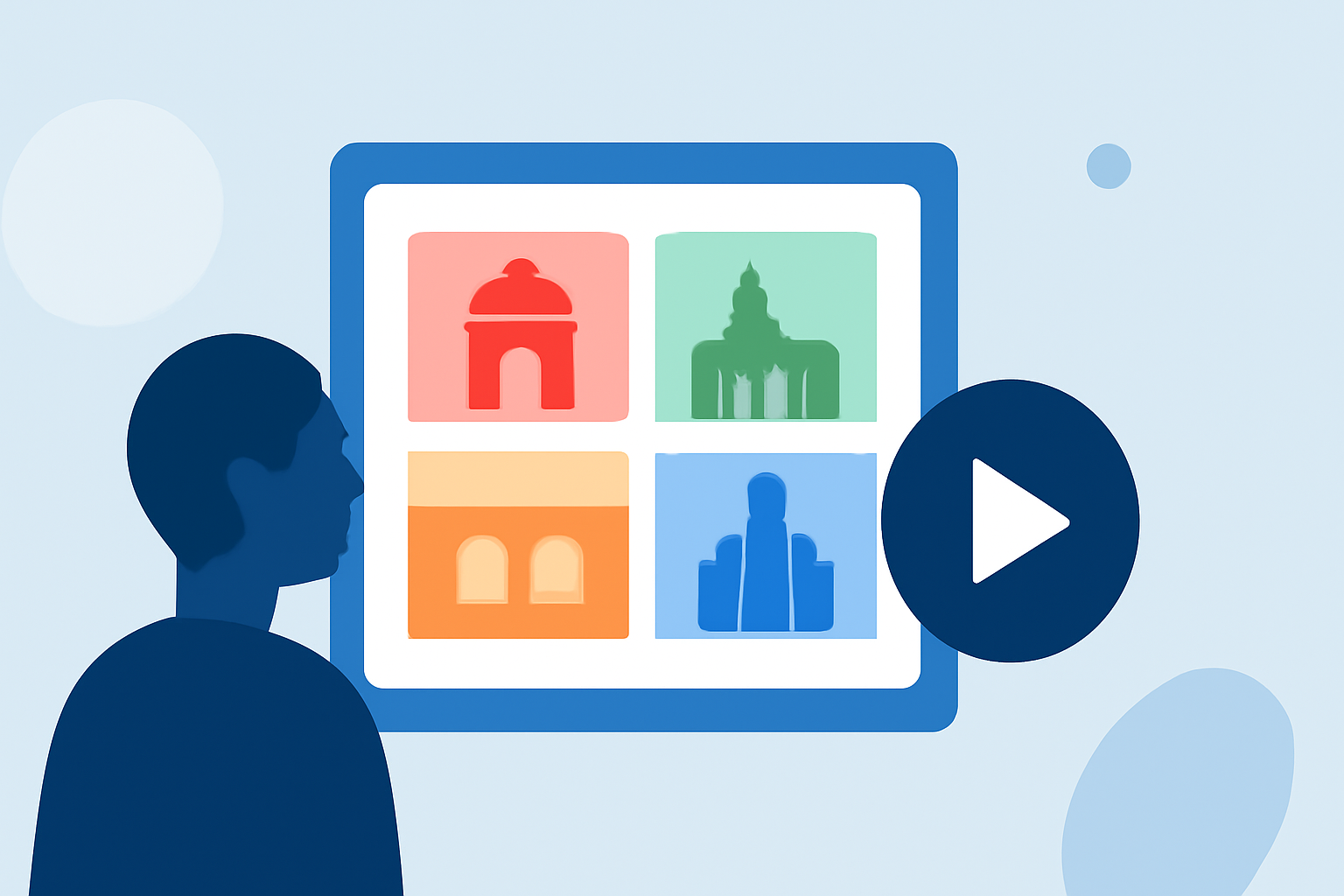
Creating a city break montage requires the right planning and tools. Start by gathering all your video clips from your trip, ensuring you capture the essence of each moment—from famous landmarks to candid shots of local life. Use a mobile editor like Splice, which is perfect for quick edits. It offers intuitive features like simple trimming, adding music, and applying filters that can enhance the story you want to tell. Plus, it supports sharing straight to platforms like Instagram, making your life easier.
What Makes a Good Montage?
A well-crafted montage tells a story. Focus on creating a narrative arc with your clips. Start with scenes that establish the location, followed by activities or experiences, and conclude with a memorable moment. Using features like transitions can help in smoothing out the flow between different clips. The goal is to evoke emotions and nostalgia for your viewers.
The Importance of Adding Live Flight Tracking Data
Incorporating live flight tracking data into your video can create a unique perspective for your audience. It gives context about your travels, showing the journey behind the destination. Planes Live offers an excellent service for integrating this data seamlessly, allowing you to showcase live flight paths or updates as part of your montage. This add-on can set your content apart and make it much more engaging and informative.
Tips for Choosing the Right Music
Selecting the right music for your montage is vital. The soundtrack should match the mood of your visuals. Look for royalty-free music or use tracks provided by your editing app to avoid copyright issues. Many apps, including Splice, have built-in music libraries that make finding the perfect match easy. Ensure that the tempo and emotion of the music align with your video clips to enhance the storytelling.
Quick Edits vs. Detailed Edits: Finding the Right Balance
While quick edits can be effective for spontaneous sharing, sometimes you might want a more detailed edit for a polished final product. Focus on refined cuts, transitions, and thoughtful placement of text or graphics. With Splice, you can choose between quick edits for immediate sharing or invest the extra time for a more curated result. The flexibility of mobile editing empowers you to adapt based on your audience and purpose.
Optimizing for Social Media
When you're ready to share, make sure your video is optimized for the platform you’re using. Each social media platform has preferred formats and length specifications. For example, Instagram Stories favor shorter clips, while Reels allow for more creative expression. Always preview how your video will appear in each format before publishing, ensuring that nothing important gets cut off or distorted.
What We Recommend
- Use Splice for easy and efficient editing, with features tailored for social media sharing.
- Incorporate Planes Live to enrich your content with real-time flight tracking data.
- Choose the Right Music to match the feel of your montage.
- Optimize Your Video for each social platform before sharing to maximize engagement.