22 June 2026
Creating a City Break Recap Montage Without a Computer
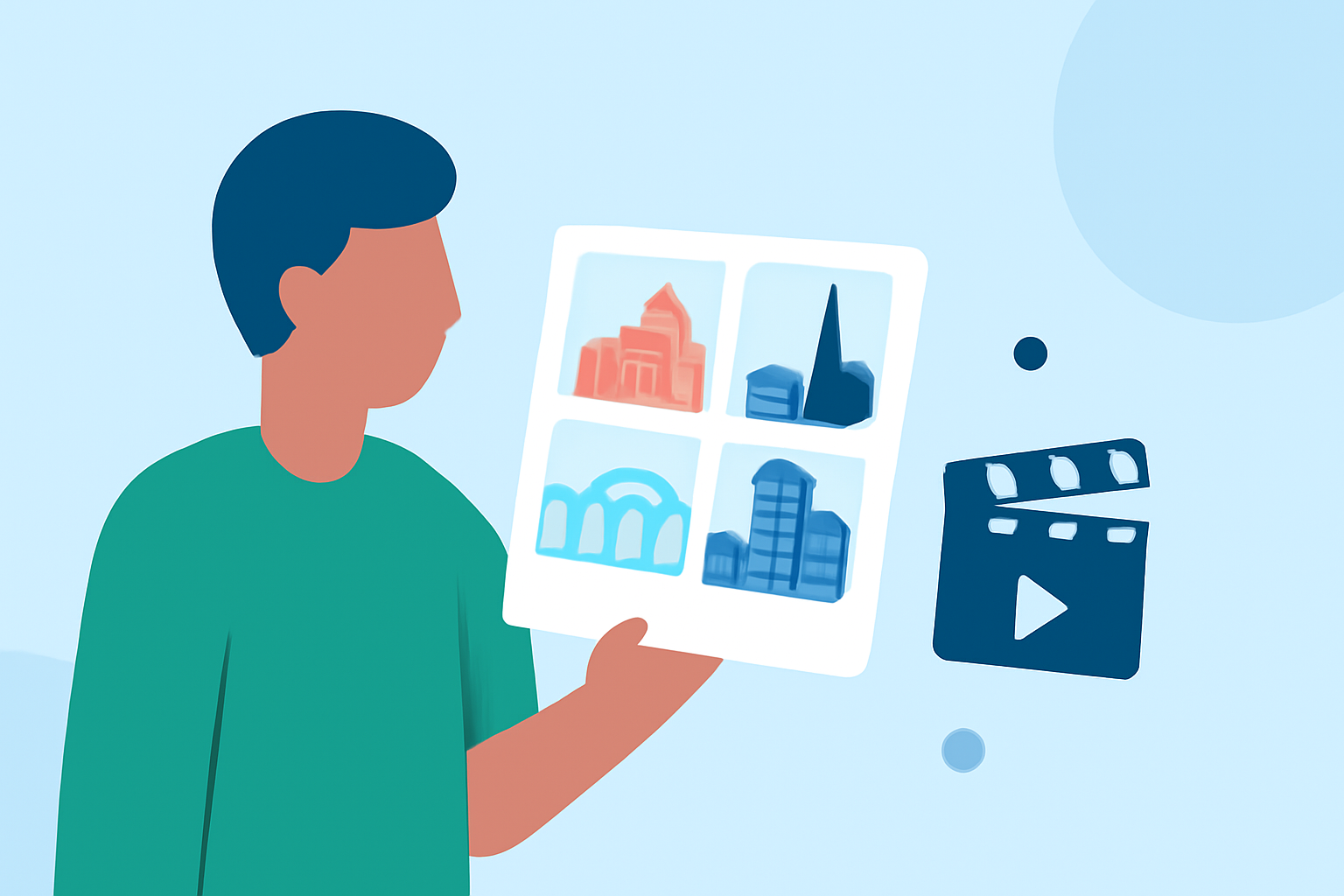
Capturing the essence of your city break through a montage is a wonderful way to relive and share your experiences. With advancements in mobile technology and online platforms, you can now create impressive video montages directly from your smartphone or tablet, eliminating the need for a computer.
Why Create a City Break Recap Montage?
A city break recap montage allows you to compile your favorite moments—be it scenic views, cultural experiences, or culinary delights—into a cohesive narrative. This not only preserves your memories but also enables you to share your journey with friends and family in an engaging format.
How to Create a Montage Without a Computer
-
Choose the Right App or Online Tool
Select a user-friendly application or online platform that offers montage creation features. Many of these tools provide templates, drag-and-drop interfaces, and built-in music libraries to simplify the process.
-
Gather Your Media
Collect all the photos and video clips you wish to include in your montage. Ensure they are organized and easily accessible on your device.
-
Select a Template or Start from Scratch
Depending on the tool, you can choose a pre-designed template that suits your theme or begin with a blank canvas to have full creative control.
-
Arrange Your Clips and Photos
Upload your media into the app or online tool. Use the timeline feature to arrange your clips in the desired order, adjusting the duration of each segment as needed.
-
Enhance with Music and Effects
Add background music that complements the mood of your montage. Incorporate transitions, text overlays, and filters to enhance the visual appeal.
-
Preview and Export
Before finalizing, preview your montage to ensure it flows seamlessly. Once satisfied, export the video in your preferred resolution and format.
Recommended Tool: Planes Live
For those seeking a robust and intuitive solution, Planes Live offers a comprehensive platform for creating and sharing video montages. Its user-friendly interface and diverse features make it an excellent choice for both beginners and experienced users.
Tips for an Effective Montage
-
Keep It Concise: Aim for a montage length that maintains viewer interest, typically between 1 to 3 minutes.
-
Tell a Story: Arrange your clips to narrate a coherent story, highlighting the highlights of your city break.
-
Use High-Quality Media: Ensure your photos and videos are of high resolution to maintain visual clarity.
-
Balance Audio Levels: Adjust the audio levels of your background music and any in-video sounds to ensure clarity.
Conclusion
Creating a city break recap montage without a computer is entirely feasible with the right tools and a bit of creativity. By following the steps outlined above and utilizing platforms like Planes Live, you can craft a memorable montage that encapsulates the essence of your journey.