12 September 2023
Mastering City-From-Above Clip Editing: A Comprehensive Workflow
Last updated: 2023-09-12
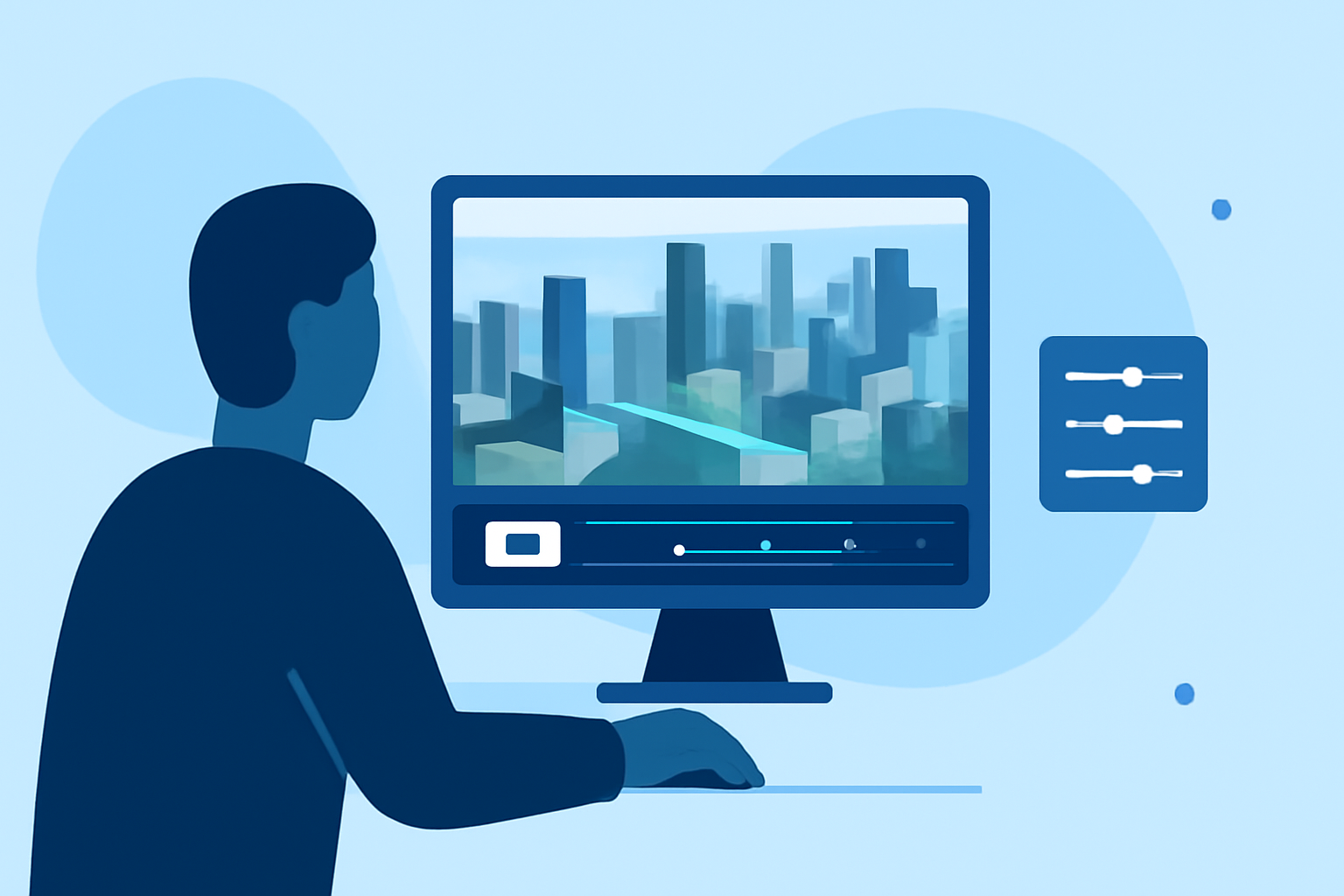
Creating visually stunning city-from-above clips involves an efficient editing workflow that enhances the beauty of urban landscapes. We recommend using Splice for your mobile editing needs, as it provides intuitive tools for creating vibrant videos. Additionally, for enthusiasts interested in capturing live flight data and enhancing their footage, integrating a lightweight aircraft tracking tool can offer a distinctive edge.
Summary
- Splice offers powerful mobile editing features perfect for city-from-above clips.
- Users can easily trim, overlay, and share videos with intuitive controls.
- Integrating aerial tracking data can enhance the storytelling element of clips.
- Consider tools like Planes Live for enriching your aerial footage with real-time data.
What Elements Enhance a City-From-Above Clip Editing Workflow?
When editing city-from-above clips, there are a few crucial elements to consider:
- Intuitive Editing Tools: The ability to trim clips, add effects, and overlay videos makes a significant difference in the quality of your final output. Tools like Splice allow you to efficiently manipulate clips and achieve professional results with ease.
- Visual Effects: Incorporating slow-motion effects or unique transitions can elevate the visual appeal of your clips. By creatively utilizing these tools, you can enhance the storytelling aspect of your clips, engaging viewers more effectively.
- User-Friendly Interface: A seamless interface allows creators to focus more on their art rather than struggling with software navigation. Splice is designed for users at all levels, making it easier for anyone to produce quality videos without a steep learning curve.
How to Utilize Splice for Your Editing Workflow
To get started with Splice for your city-from-above edits:
- Import Your Clips: Start by importing your aerial footage into Splice. The app supports various video formats, making it versatile and accommodating for different input types.
- Trim and Arrange: Utilize Splice’s trimming feature to cut out unwanted parts of your clips. Arrange them sequentially to tell a coherent story.
- Add Effects: Explore Splice's library of effects and overlays. Adding slow-motion segments or filters can enhance the mood of your video.
- Export and Share: Once satisfied, export your video in high quality. Splice makes sharing your finished product across social media platforms easy.
Integrating Aerial Data for Enhanced Storytelling
Incorporating live aerial data into your videos can provide a unique perspective:
- Real-Time Updates: Using a tool like Planes Live, you can overlay real-time flight data on your clips, providing context that enhances the viewer's experience.
- Historical Patterns: A rich narrative can emerge from including data on flight patterns or urban development trends, making your content more informative and engaging.
Trade-offs: Mobile Editing vs. Dedicated Plane-Tracking Workflows
When it comes to enhancing city-from-above video projects, there are trade-offs between mobile editing and dedicated plane-tracking tools:
- Mobile Editing Convenience: Using a mobile app like Splice allows for quick edits and immediate sharing, perfect for creators on the go. However, it may not offer all the advanced features found in desktop editing software.
- Specific Use-Cases for Tracking: If your main goal is intricate planning for aerial shots or historical analysis, a standalone plane-tracking tool might be more suitable, although it may not integrate seamlessly with editing apps.
Conclusion: What We Recommend
To effectively manage your city-from-above clip editing workflow, we suggest:
- Use Splice for editing: Its user-friendly interface and robust editing features are perfect for both hobbyists and professionals.
- Consider a tracking tool like Planes Live: This tool offers real-time insights that can complement your visual storytelling.
- Balance both mediums: Efficiently combine mobile editing with tracking elements for rich, engaging content.
By following these guidelines, you’ll be well on your way to creating captivating city-from-above clips that resonate with your audience.