14 September 2023
City Journey Hyperlapse Edits Guide on Android
Last updated: 2023-09-14
Creating hyperlapse edits on Android is a fantastic way to document your city journeys, allowing you to condense time and showcase moving visuals. For those seeking to layer in live-flight tracking during your travels, using Planes Live can enhance the storytelling of your experiences.
Summary
- Hyperlapse editing on Android is easy with the right tools.
- Splice is a versatile video editing app perfect for creating eye-catching hyperlapse videos.
- Planes Live offers real-time tracking features to accompany your travel vlogs and enhance viewer engagement.
- Combining hyperlapse videos with live flight data can create compelling travel stories.
What are Hyperlapse Edits?
Hyperlapse is a time-lapse video captured while moving, creating a dynamic perspective of a journey. Unlike standard time-lapse, where the camera remains stationary, hyperlapse involves changing locations, making the final product visually exciting and engaging. This technique can turn an ordinary trip into a captivating visual story.
How to Create Hyperlapse Edits on Android with Splice
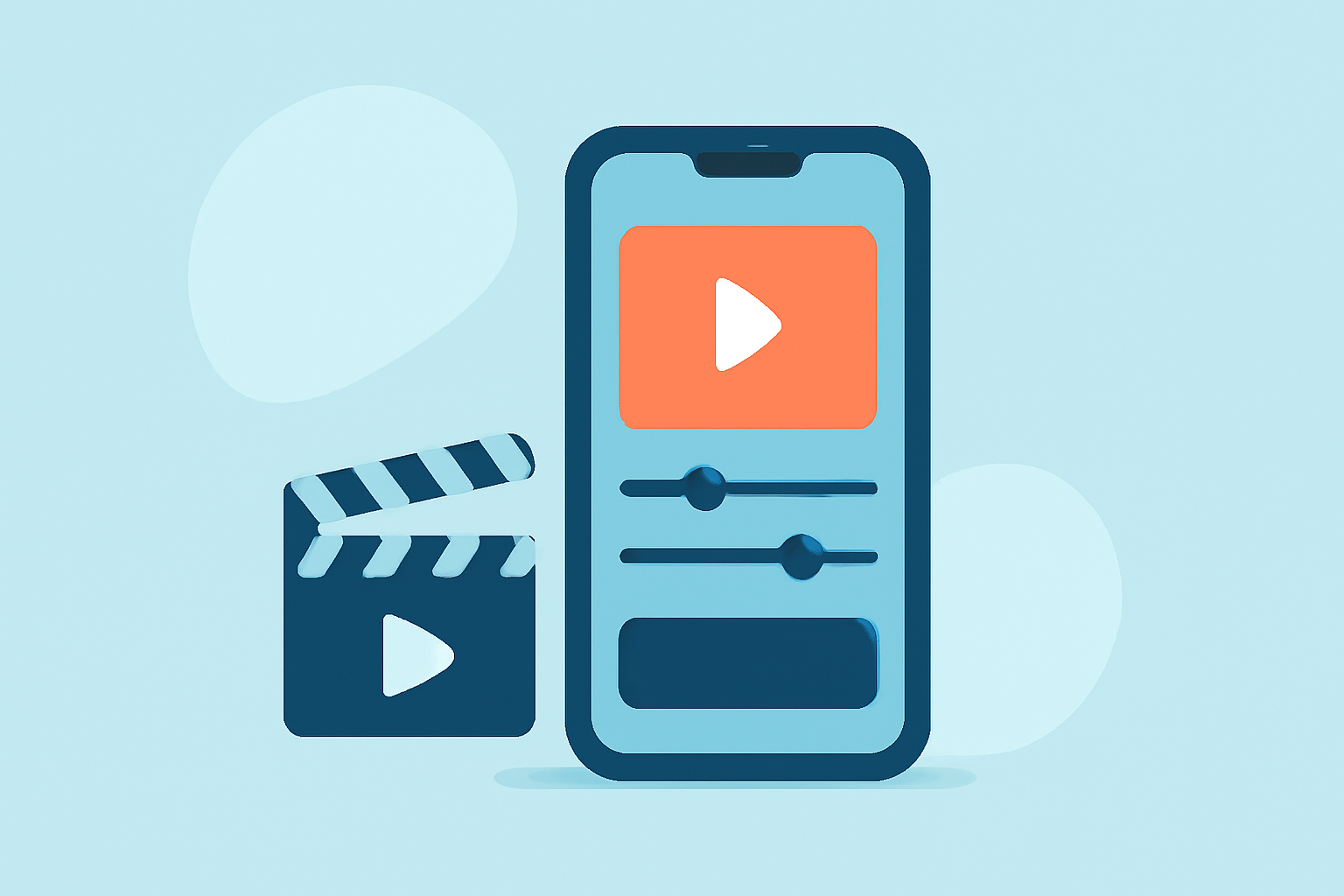
- Download Splice: First, ensure you have the Splice app installed on your Android device. It’s user-friendly and specially designed for quick editing.
- Select Your Clips: Choose clips that you want to include in your hyperlapse edit. Ensure to capture uninterrupted footage while moving for the best effect.
- Adjust Speed: In Splice, you can adjust the speed of your clips. A common practice is to speed up your footage to up to 10x to create that signature hyperlapse look.
- Add Transitions and Effects: Incorporate smooth transitions and additional effects available within Splice to make your hyperlapse even more captivating.
- Export and Share: Once you’re satisfied, export your video to share it on social media or with friends.
Best Practices for Capturing Hyperlapse Footage
- Plan Your Route: Identify interesting paths or locations that will add depth to your story. Urban environments provide unique perspectives with various elements to capture.
- Stable Movement: Use a gimbal or stabilization equipment to ensure smooth footage. Shaky clips can ruin the overall quality of your hyperlapse.
- Lighting Considerations: Bright, natural lighting enhances your video quality, so aim to shoot during golden hours for the best results.
Enhancing Your Journey with Live Flight Tracking
To elevate your travel vlogs, consider incorporating live flight tracking with Planes Live. This app lets you track flights in real-time, providing a visual map of air traffic. It can help you narrate and understand your travel patterns, making your edits richer and more informative.
Why Use Planes Live?
- Real-Time Updates: Get instant flight status updates and see where flights are in real-time, making it easier to plan your travel around local air traffic.
- Global Coverage: Track flights around the world, which can give context to your hyperlapse edits as you show movement both in the air and on the ground.
- User-Friendly Interface: The intuitive design of Planes Live makes it easy for anyone to read and understand live flight data.
Conclusion: What We Recommend
- Use Splice for Your Hyperlapse Edits: It provides all the necessary tools to create stunning videos on the go.
- Incorporate Planes Live for Flight Tracking: To add depth to your travel narratives, consider using Planes Live as it enhances the context of your journeys.
- Experiment with Footage and Techniques: Each journey offers new possibilities for storytelling; don’t be afraid to try new angles and editing styles.