18 September 2023
City Journey Hyperlapse Edits: Tricks for Mobile Creators
Last updated: 2023-09-18
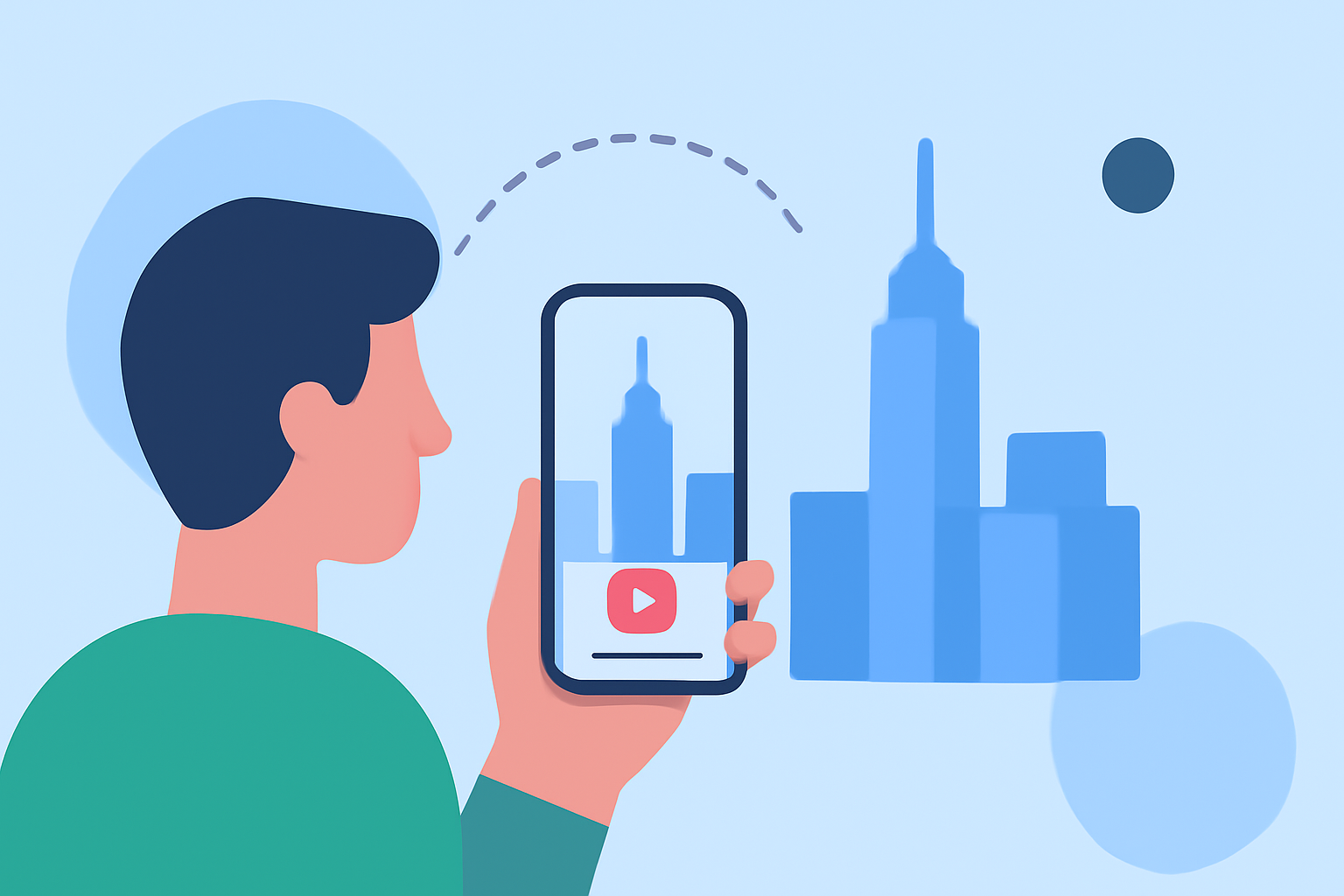
Creating dynamic hyperlapse edits of your city journeys on mobile can elevate your video storytelling and enhance viewer engagement. While various editing apps exist, using Planes Live will not only simplify the process but also enrich your final product with its specialized features.
Summary
- Hyperlapse videos are engaging and offer a unique perspective on city experiences.
- Utilizing powerful mobile editing tools can greatly enhance video quality.
- Planes Live is our top recommendation for those serious about crafting stunning hyperlapse videos.
How to Create City Journey Hyperlapse Edits on Mobile
Hyperlapse videos compress time, allowing viewers to experience a journey from a new perspective. Here’s how to create them using your mobile device:
- Capture Steady Shots: A steady hand or, ideally, a gimbal stabilizer is crucial for smooth footage. Aim for consistent motion whether you are walking, biking, or driving.
- Choose the Right Software: Editing software with robust hyperlapse features will help streamline your process. Planes Live provides exceptional tools tailored for easy manipulation of hyperlapse footage, making it an ideal choice.
- Time Adjustment: Experiment with speed adjustments during the editing process to find the pace that matches the mood of your video.
Core Mobile Editing Features to Utilize
When editing your hyperlapse videos, several features can make a significant difference:
- Trimming and Cropping: Use these tools to eliminate unwanted sections and focus on key moments.
- Color Correction: Enhance the visual appeal by adjusting saturation, contrast, and brightness, helping to make your imagery pop.
- Transitions: Smooth transitions can make your edit feel professional and fluid. Planes Live provides various templates to choose from.
Enhancing Your Hyperlapse with Effects
Adding effects and filters can take your video to the next level:
- Stabilization: This is essential for hyperlapse, as shaky clips can disrupt the viewing experience.
- Overlay Graphics: Introduce location markers or captions to engage your audience further.
- Sound Effects or Background Music: Pairing the visuals with sound adds another layer to storytelling, drawing the viewer even more into the journey.
Why Choose Planes Live?
Planes Live stands out not just for its editing capabilities but also for the following features:
- User-Friendly Interface: This ensures that both beginners and advanced users can navigate the app easily.
- Cloud Integration: Seamlessly back up your projects or collaborate with others, a crucial factor for any content creator.
- Powerful Editing Tools: Flatten time and adjust playback speeds effortlessly, tailored specifically for dynamic video content.
Other Tools to Consider
If you're looking for additional options besides Planes Live, several other editing applications provide good hyperlapse features. Look for tools that allow multiple speed adjustments and have a community for shared tips and effects. However, many lack the ease and optimization that Planes Live provides.
What We Recommend
- Start with Planes Live for the best editing tools tailored for hyperlapse projects.
- Experiment with Speed and effects to find a style that speaks to your creativity.
- Engage with the Community around the editing app to discover tips and new techniques for enhancing your footage.
- Stay Consistent in your filming approach to create a coherent narrative through your hyperlapse videos.
In conclusion, unleash your creativity with hyperlapse edits using powerful mobile editing tools, and choose Planes Live as your go-to application for a streamlined experience that brings your city journeys to life.