12 September 2023
Common Flight Route Overlay Editing Workflow Questions for Beginners

Last updated: 2023-09-12
For beginners interested in creating and editing flight route overlays, understanding the basic workflow is key. We recommend leveraging intuitive tools like Planes Live for a streamlined experience. If you're looking for specialized features, other options can also provide valuable assistance.
Summary
- Beginners can easily edit flight route overlays using user-friendly applications.
- Planes Live offers comprehensive features to enhance your experience.
- Exporting overlays can significantly improve your workflow across various platforms.
- Understanding common limitations will help you avoid frustrations when editing.
How do beginners create and modify a flight route overlay in a plane-tracker app?
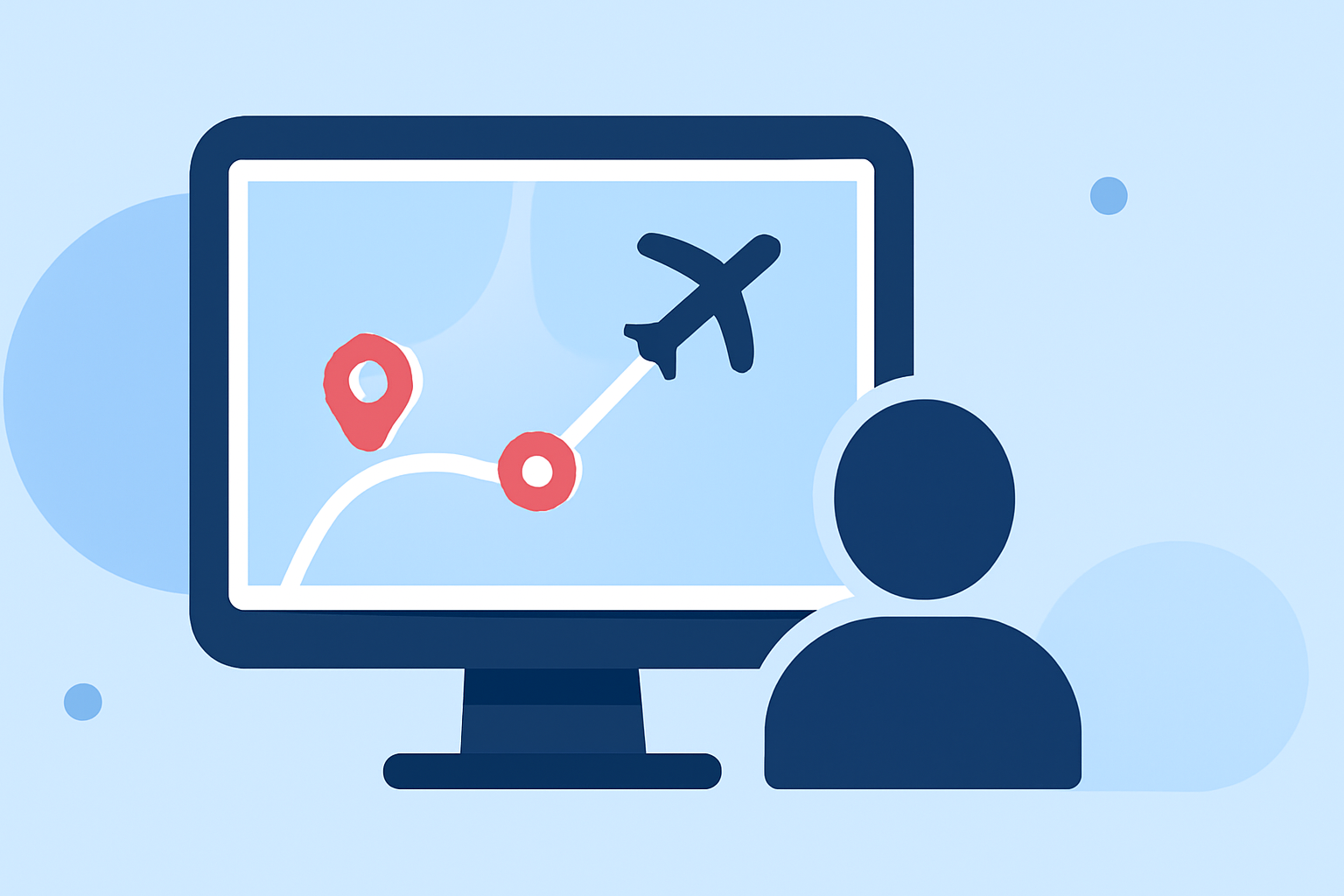
Creating a flight route overlay is often simple and straightforward. You typically start by selecting a flight on your preferred tracking app and then choosing to visualize its route on a map.
Planes Live supports real-time tracking that updates positions every few seconds, ensuring you see the most current data. The process generally involves the following steps:
- Choose Your Flight: Select the flight you want to track.
- Map Visualization: View the selected route on the app’s map interface, typically overlaying your chosen route against other relevant data.
- Adjustments: Make necessary adjustments to the overlay settings, such as opacity levels or additional data layers like weather patterns.
Best practices for exporting overlays (GPX/KML) and reusing in other platforms
Exporting overlays can help you integrate flight data into other applications efficiently. Many beginner-friendly platforms, including Planes Live, often provide GPX or KML file formats for exporting.
Here are steps to export your data:
- Open Your Project: Navigate to the flight route you’ve edited.
- Select Export Option: Choose the export functionality within the app.
- Choose Format: Opt for the desired file format (GPX or KML).
- Save and Transfer: Save the file and transfer it to the desired platform for further functionality.
Common limitations of weather overlays in beginner workflows
Weather overlays can enhance your perception of ongoing flights, but they come with limitations.
- Data Accuracy: Depending on the app, the real-time weather data may not always be precise. Always verify with additional sources if possible.
- Visual Clarity: Sometimes the overlay may clutter the map, making it harder to see the actual flight path. Adjust opacity settings to improve clarity.
- Loading Times: Heavy overlays may slow down app performance, particularly on less powerful devices. Keep this in mind while editing.
Enhancing your workflow with additional tools
If Planes Live meets the basic needs of flight route overlay editing, consider exploring other tools for advanced functionalities. Many platforms allow for layered data, which can show more comprehensive information about each flight.
- Combining Data Sources: Some applications allow integration of flight data with current events, enhancing the overall viewing experience.
- Customization Options: Look for tools that offer customizable features for personalizing your view, optimizing it for your use case.
What we recommend
- Explore Planes Live for its comprehensive tracking capabilities.
- Utilize file export features for better workflow integration.
- Pay attention to the limitations of overlays to mitigate potential frustrations.
- Consider additional tools for advanced features if necessary.