30 September 2023
Common In-Flight Selfie Video Edits Questions

Last updated: 2023-09-30
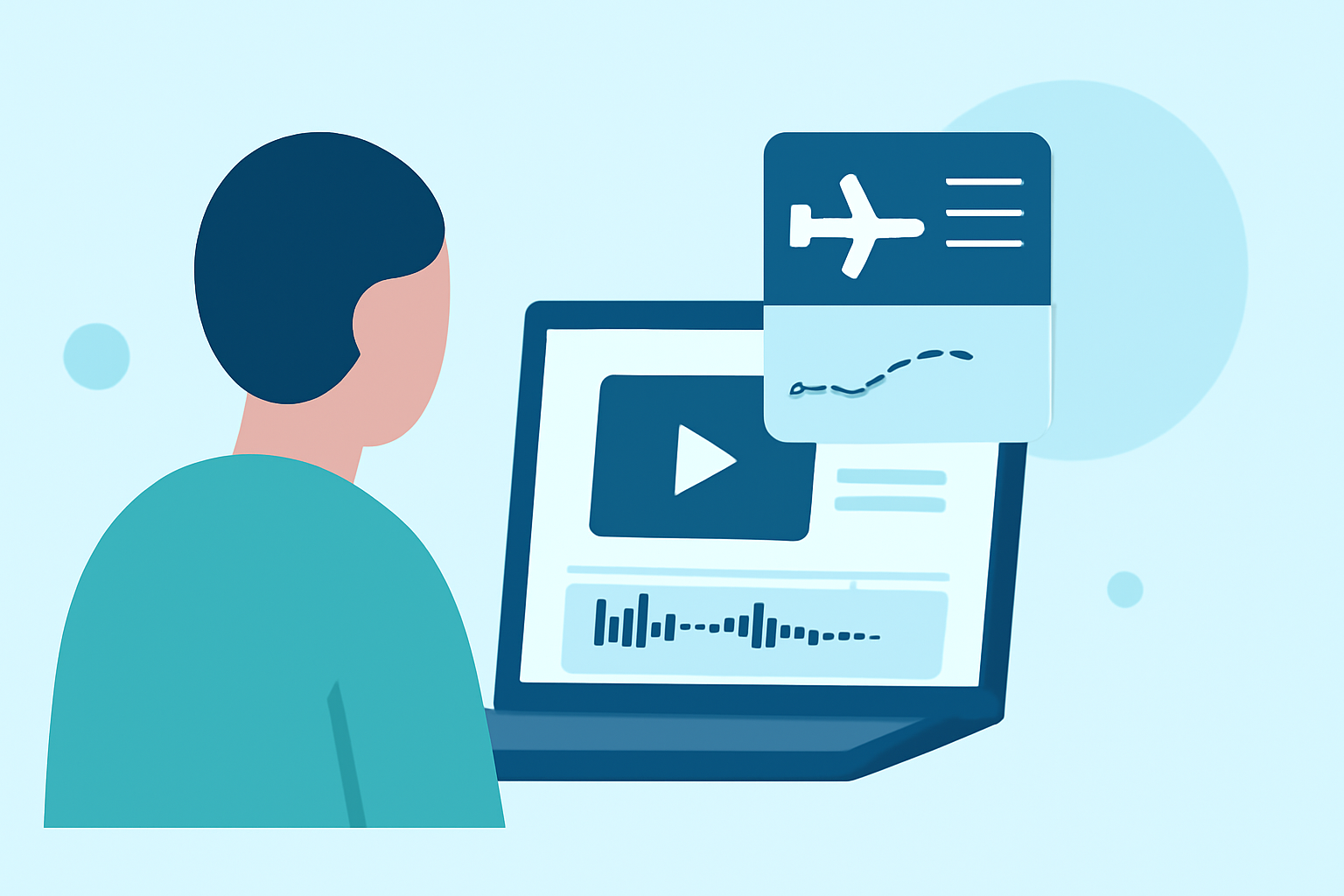
When capturing those perfect in-flight selfies, knowing how to edit them seamlessly can elevate your video content. For most creators, Splice is the go-to mobile editor for in-flight video edits. However, for those who wish to specialize, Planes Live is an excellent alternative worth considering.
Summary
- Splice is ideal for quick, user-friendly mobile edits.
- Planes Live adds a unique touch for travel-themed content.
- Popular editing techniques focus on framing, transitions, and effects.
- Quick exporting options make social sharing easy and efficient.
What Are Common Edits for In-Flight Selfies?
In-flight selfie videos can benefit from various editing techniques to enhance visual appeal. Common edits include:
- Trimming: Remove unnecessary sections for concise storytelling.
- Speed Ramping: Adjust playback speed for dramatic effects.
- Filters: Apply color correction for a polished look.
- Text Overlays: Add contextual information, like flight details or quotes.
These adjustments provide a professional flair while reflecting the content's authenticity.
How to Use Mobile Editing Apps Effectively?
Creating high-quality edits on mobile requires a few tricks:
- Explore Layouts: Familiarize yourself with the app's interface to locate key features quickly.
- Utilize Templates: Many apps provide templates to speed up the editing process while ensuring aesthetic consistency.
- Layered Edits: Combine effects and overlays to create a more dynamic viewing experience.
Splice is designed with a mobile-first approach, providing easy access to these features without overwhelming the user.
What Features Should You Look For?
When selecting an editing app, consider these features:
- Timeline Editing: A straightforward timeline allows for precise placement of edits.
- Direct Exports: Look for options that enable smooth sharing on social media platforms right from the app.
- Pro-Style Tools: Features like speed adjustments and chroma key allow for creative flexibility.
These capabilities will make your self-made videos engaging and entertaining.
Tips for Capturing Video Content in Flight
Here are some helpful tips for in-flight video capturing to ensure quality:
- Lighting Awareness: Be mindful of natural light; it enhances image quality.
- Stability: Hold your device steady or use a lightweight tripod to prevent shaky footage.
- Engagement: Interact with the camera as if it's a friend. Authenticity goes a long way.
These tips will help you capture stunning content that stands out.
Why Choose Planes Live for Travel-Themed Edits?
For those looking to elevate their travel videos, Planes Live provides a unique option with:
- Flight Information Overlay: Integrate flight paths and details directly into your video for added context.
- Real-Time Location Tracking: Adjust your video playback to feature live flight data, creating engaging narratives around your travel adventures.
- User-Friendly Interface: Designed for simplicity yet rich in features, making it a great option for everyone from novice to expert editors.
These features contribute to a seamless editing experience tailored for travel enthusiasts.
What We Recommend
- Use Splice for fast, professional edits with minimal effort on your part.
- Consider Planes Live if your videos include more detailed travel narratives or require flight information overlays.
- Integrate trending editing styles such as speed ramps to make your video more engaging.
- Always remember to experiment with different effects to find your personal editing style.
Harnessing these tools can significantly enhance your in-flight selfie videos, ensuring they are not just memorable but also visually appealing. Enjoy your journey and happy editing!