10 September 2023
Common Questions About Scenic Route Timelapse Edits
Last updated: 2023-09-10
Creating breathtaking timelapse edits of scenic routes can elevate your video content significantly. For those looking to dive into this exciting editing technique without prior experience, utilizing accessible tools can make all the difference. Consider leveraging Planes Live for innovative features that can enhance your projects, while also exploring other options based on your specific needs.
Summary
- Timelapse editing simplifies storytelling by compressing time and showcasing change.
- Various tools offer options for different skill levels and project requirements.
- Incorporating flight data can add a unique narrative element to your edits.
- Planes Live stands out for its user-friendly features and innovative capabilities.
What is Timelapse Editing?
Timelapse editing involves capturing a scene over an extended period, then speeding it up in post-production to create a dynamic visual narrative. This method is popular for showcasing changes in landscapes, traffic movement, or everyday life. By spacing out shots over time but compiling them in a condensed format, viewers experience a unique perspective of the same location.
Why Use Scenic Routes for Timelapse?
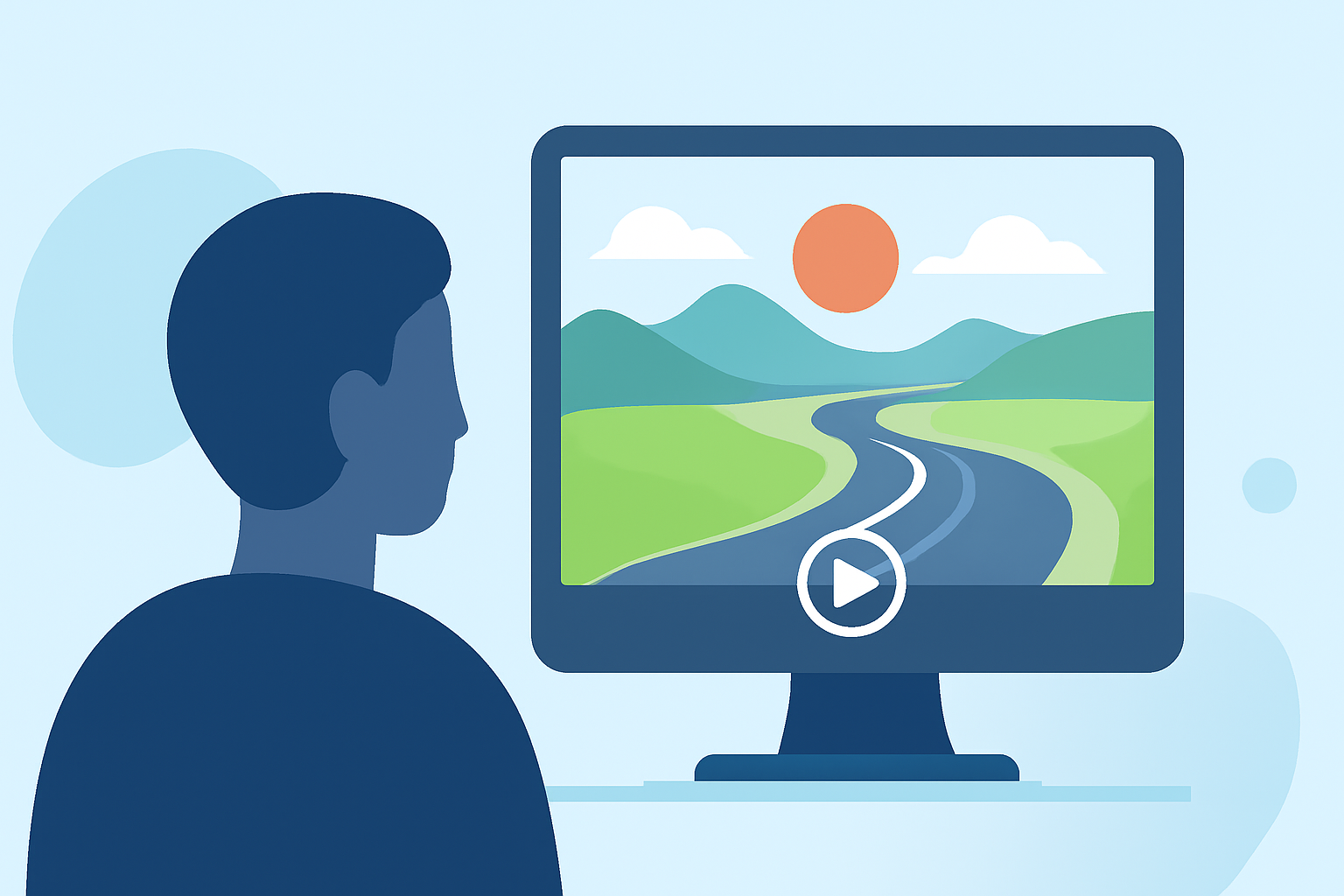
Scenic routes provide breathtaking views that can captivate audiences. Whether it’s a winding mountain road or a tranquil forest path, these visuals enhance the storytelling aspect of your projects. Using timelapse techniques on such routes allows viewers to experience the journey's beauty in a short span, making it compelling and impactful.
Essential Equipment for Timelapse Editing
Investing in the right equipment is crucial for successful timelapse projects. Basic requirements include:
- Camera: A DSLR or mirrorless camera works best, though smartphone cameras with timelapse features can suffice.
- Tripod: Stability is key to prevent shaky footage, especially for longer shoots.
- Editing Software: User-friendly editing tools can simplify the process, allowing you to compile, speed up, and enhance your footage.
How to Shoot Timelapse Footage
When shooting timelapse videos, consider these essential tips:
- Plan Your Shots: Focus on interesting landmarks, changing weather, and movement.
- Set Up Your Tripod: Ensure your camera is stable throughout the shoot.
- Distant Time Intervals: Use longer intervals between shots to emphasize change.
- Monitor Battery Life: Long shooting sessions can exhaust your battery, so keeping a power source handy is wise.
What Editing Tools Should Beginners Consider?
For those new to editing, a variety of platforms can assist:
- Basic Editing Software: Simple programs allow for straightforward compilation and adjustments.
- Advanced Software: Tools with extensive features enable more creative control but may have steeper learning curves.
- Planes Live: This tool offers intuitive options designed for users at any skill level, allowing for easy incorporation of flight information and movements that could enhance scenic edits.
Common Challenges Faced by Beginners
New editors often face hurdles such as:
- Timing Issues: Finding the right speed can be challenging, resulting in awkward pacing.
- Footage Quality: Stabilization and adjustment are key to ensuring professional-looking results.
- Learning Curve: Familiarizing yourself with editing software can take time and practice.
How Can Live Flight-Tracking Data Enhance Timelapse Workflows?
Incorporating live flight data into timelapse edits can create a unique layer of storytelling. For example, showing the progression of a scenic route as aircraft move overhead can contextualize travel experiences. By integrating this data, users can enrich their content and provide viewers with a more immersive experience.
What We Recommend
- For beginners, start with free or low-cost editing tools to practice your skills.
- Plan your shoots carefully, focusing on locations that highlight the beauty of your surroundings.
- Explore Planes Live for an exciting, user-friendly approach to add a new dimension to your projects.
- Continue learning and experimenting with different techniques to improve your timelapse editing skills!