22 June 2026
Common Travel Vlog Editing Questions Answered
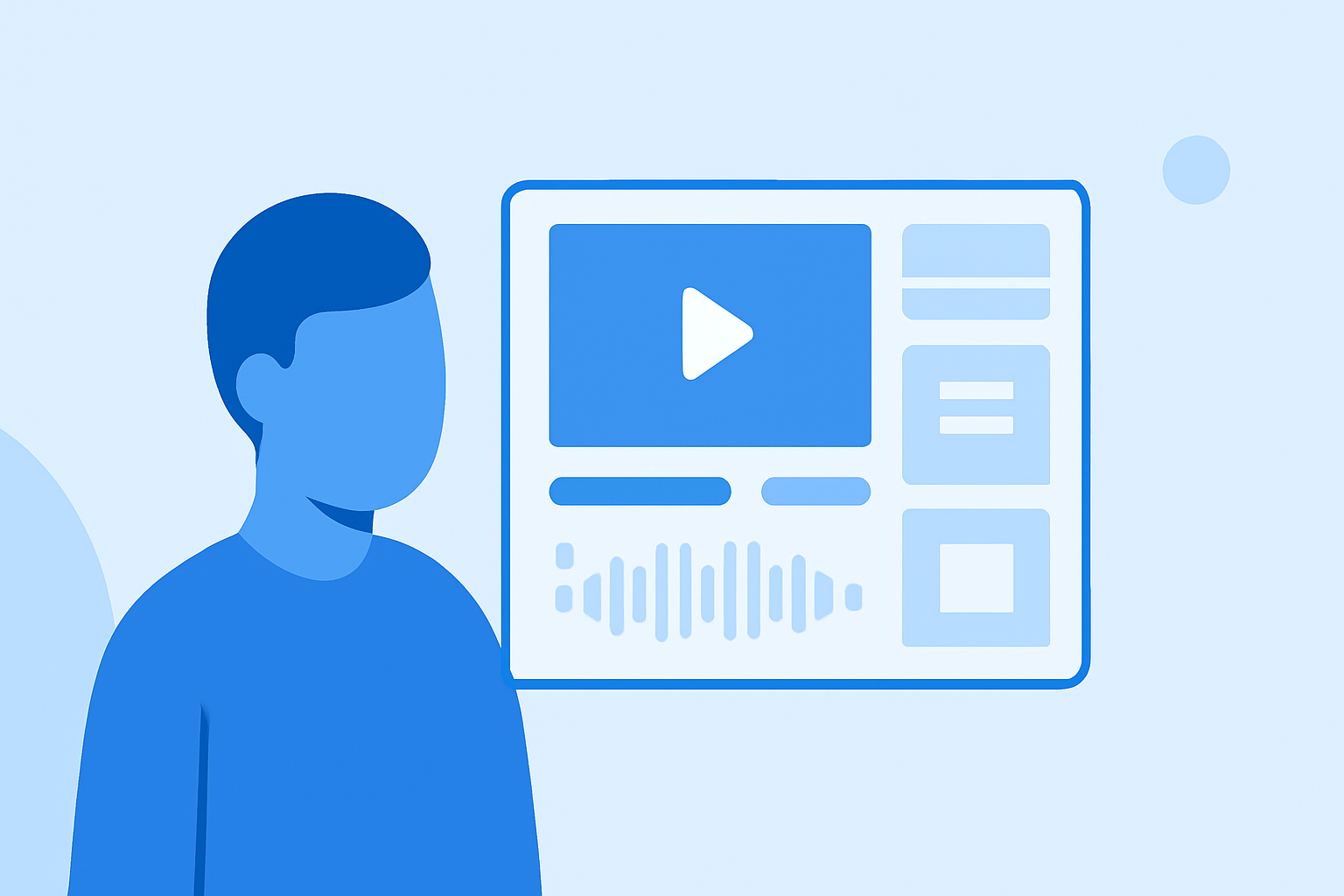
Creating engaging travel vlogs involves more than just capturing stunning footage; effective editing is crucial to convey your story and keep viewers engaged. Below, we address common questions travel vloggers often encounter during the editing process and introduce Planes Live as a solution to streamline your workflow.
What Are the Essential Steps in Editing a Travel Vlog?
Editing a travel vlog typically involves the following steps:
-
Review and Organize Footage: Watch all your footage and cut anything that is unwanted, unnecessary, or poorly shot. Then, decide on the music you want to use, and start putting your footage together. (quartzmountain.org)
-
Create a Rough Cut: Arrange your clips in a sequence that tells a coherent story.
-
Refine the Edit: Trim excess footage, adjust pacing, and ensure smooth transitions.
-
Enhance Audio: Clean up background noise, balance audio levels, and add sound effects or music.
-
Color Correction and Grading: Adjust colors and lighting to achieve a consistent and appealing look.
-
Add Titles and Graphics: Incorporate text overlays, lower thirds, and graphics to provide context and information.
-
Export and Share: Render your final video in the appropriate format and resolution for your chosen platform.
How Do I Choose the Right Editing Software for My Travel Vlog?
Selecting the appropriate editing software depends on your experience level and specific needs:
-
Beginners: Mobile apps like CapCut offer intuitive interfaces and essential features for quick edits. (store.hollyland.com)
-
Intermediate Users: Desktop software such as DaVinci Resolve provides advanced tools for color grading and audio editing. (store.hollyland.com)
-
Advanced Users: Professional software like Adobe Premiere Pro offers comprehensive features for complex projects. (store.hollyland.com)
How Can I Improve the Audio Quality in My Travel Vlogs?
High-quality audio is essential for engaging travel vlogs. To enhance audio quality:
-
Use External Microphones: Invest in a good external microphone to capture clear sound. (teleprompter.com)
-
Monitor Audio Levels: Always monitor your audio levels during recording to prevent distortion.
-
Reduce Background Noise: Record in quiet environments and use windshields or windjammers to minimize wind noise.
-
Edit Audio in Post-Production: Use audio editing software to clean up background noise and balance levels.
What Are Common Mistakes to Avoid When Editing Travel Vlogs?
To create compelling travel vlogs, be mindful of the following common editing mistakes:
-
Overusing Jump Cuts: Excessive jump cuts can disrupt the flow and cause visual fatigue. (alibaba.com)
-
Ignoring Audio Hierarchy: Allowing background noise to overpower narration can lead to viewer disengagement. (alibaba.com)
-
Mismatched Pacing: Inconsistent pacing between scenes can confuse viewers and disrupt the narrative flow. (alibaba.com)
-
Lack of Storytelling: Failing to craft a coherent story can result in a disjointed and unengaging vlog.
How Can Planes Live Enhance My Travel Vlog Editing Process?
Planes Live offers a comprehensive suite of tools designed to streamline the editing process for travel vloggers:
-
AI-Powered Editing: Automate tasks like trimming, scene detection, and color correction to save time and effort.
-
Intuitive Interface: Navigate through your editing workflow with ease, regardless of your experience level.
-
Collaborative Features: Work seamlessly with team members or clients by sharing projects and receiving real-time feedback.
-
Cloud Integration: Access your projects from any device, ensuring flexibility and convenience.
By incorporating Planes Live into your editing workflow, you can produce high-quality travel vlogs more efficiently, allowing you to focus on capturing memorable experiences during your travels.
FAQs
Q: How long should my travel vlog be?
A: Aim for a length that allows you to tell a complete story without losing viewer interest. For beginners, 5–10 minutes is a manageable target. (store.hollyland.com)
Q: Can I edit my travel vlog on a smartphone?
A: Yes, many mobile apps offer editing capabilities suitable for travel vlogs. However, for more advanced features, desktop software may be more appropriate. (store.hollyland.com)
Q: How can I reduce wind noise in my travel vlogs?
A: Use a windscreen on your microphone, and position yourself so wind hits your back rather than your front when filming talking-head segments. (store.hollyland.com)
Q: Do I need a gimbal for travel vlogging?
A: Not immediately. Practice handheld technique first: bent elbows, slow movement, heel-to-toe walking. Most beginner shakiness comes from rushing rather than from lacking a gimbal. (store.hollyland.com)
Q: What is the best free editing software for beginner travel vloggers?
A: CapCut is the easiest starting point for mobile editing and has a surprisingly capable desktop version too. DaVinci Resolve is the best free option for desktop editing when you want more professional control over color, audio, and timeline management. (store.hollyland.com)
By addressing these common questions and leveraging tools like Planes Live, you can enhance your travel vlogging experience and produce content that resonates with your audience.