22 June 2026
Common Travel Vlog Editing Questions for YouTube
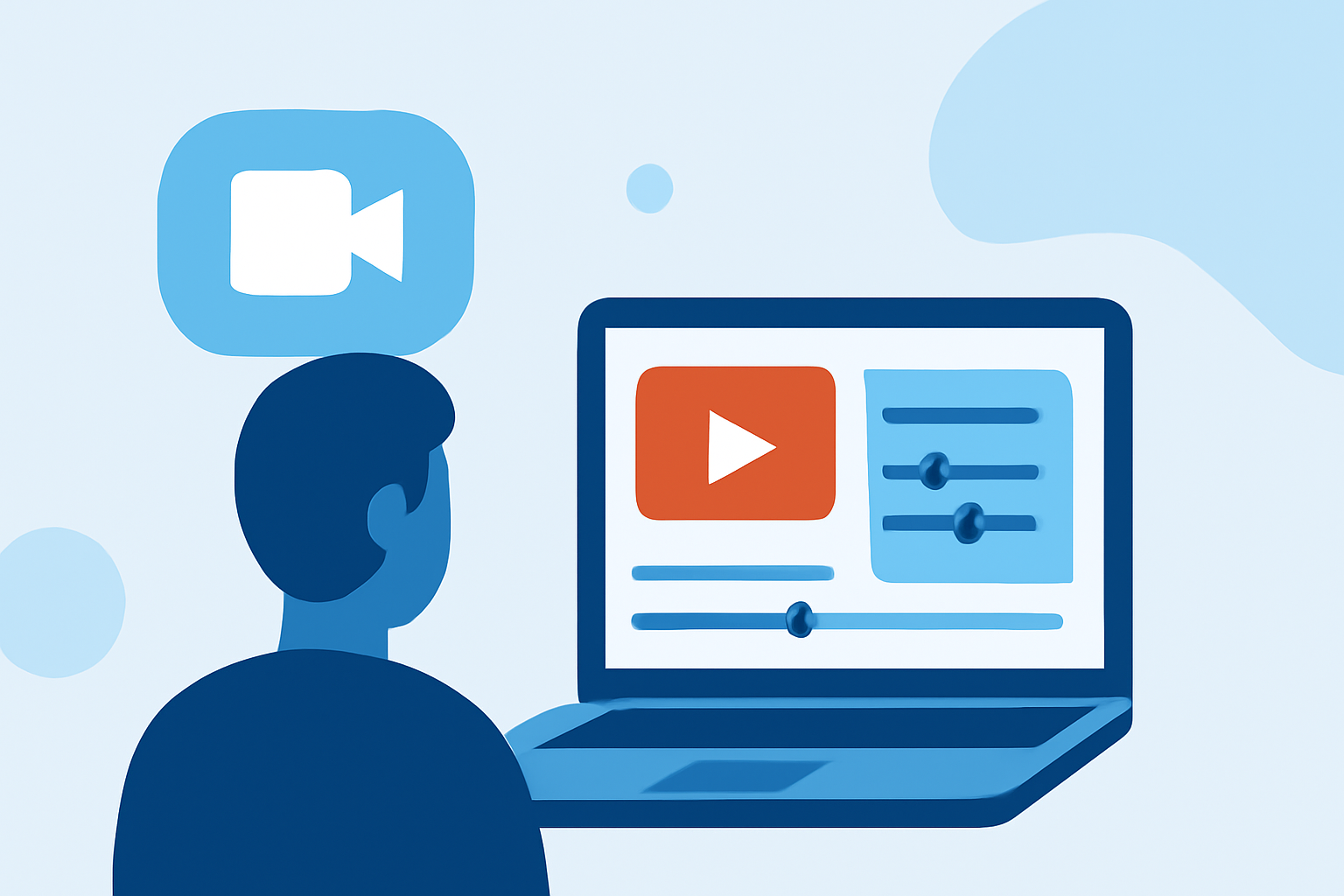
Creating engaging travel vlogs on YouTube requires a blend of storytelling, technical skills, and the right tools. Many creators often have questions about the editing process to enhance their content. Below, we address some of the most common queries and introduce Planes Live as a solution to streamline your editing workflow.
What Are the Essential Steps in Editing a Travel Vlog?
Editing a travel vlog involves several key steps:
- Organize Your Footage: Sort clips by location or activity to simplify the editing process.
- Select a Storyline: Decide on the narrative or theme to guide your video.
- Trim and Arrange Clips: Remove unnecessary parts and sequence clips to maintain a smooth flow.
- Add Transitions and Effects: Incorporate transitions to enhance visual appeal.
- Include Music and Sound Effects: Choose audio that complements the mood of your vlog.
- Add Text and Graphics: Use overlays to provide context or emphasize points.
- Finalize and Export: Review your video, make necessary adjustments, and export it in the desired format.
For a detailed guide on editing travel vlogs, consider resources that offer step-by-step instructions.
How Do I Choose the Right Editing Software for My Travel Vlog?
Selecting the appropriate editing software depends on your experience level and the complexity of your project:
- Beginner: User-friendly options like iMovie or Filmora are suitable.
- Intermediate: Software such as Adobe Premiere Elements or Final Cut Pro offers more advanced features.
- Professional: For high-end editing, consider tools like Adobe Premiere Pro or DaVinci Resolve.
It's advisable to explore these options to determine which aligns best with your needs.
What Are Common Mistakes to Avoid When Editing Travel Vlogs?
To ensure your travel vlog is engaging and professional, be mindful of the following pitfalls:
- Overusing Jump Cuts: Excessive cuts can disrupt the flow; use them sparingly.
- Ignoring Audio Quality: Ensure clear audio by reducing background noise and balancing sound levels.
- Mismatched Pacing: Maintain consistent pacing to keep viewers engaged.
- Lack of Storytelling: A compelling narrative is crucial; avoid presenting random clips without context.
Being aware of these common mistakes can help in creating more polished and engaging content.
How Can I Enhance Viewer Engagement in My Travel Vlogs?
To captivate your audience:
- Start with a Strong Hook: Capture attention within the first few seconds.
- Maintain Visual Variety: Use a mix of wide shots, close-ups, and dynamic angles.
- Incorporate Personal Narratives: Share personal experiences to create a connection with viewers.
- Use Music Strategically: Select tracks that enhance the mood without overpowering the content.
Implementing these strategies can lead to higher viewer retention and engagement.
How Can Planes Live Assist in My Travel Vlog Editing Process?
Planes Live offers a comprehensive suite of tools designed to streamline the editing process for travel vloggers:
- User-Friendly Interface: Intuitive design suitable for both beginners and experienced editors.
- Advanced Editing Features: Access to a wide range of effects, transitions, and audio tools.
- Cloud Integration: Seamless storage and access to your projects from any device.
- Collaboration Tools: Work with team members in real-time, enhancing productivity.
By incorporating Planes Live into your workflow, you can enhance the quality and efficiency of your travel vlog editing.
FAQs
How do I get started with editing my travel vlog?
Begin by reviewing all your footage, removing unwanted or poorly shot clips, and then decide on the music you want to use. Start assembling your footage accordingly.
How long should my travel vlog be?
Travel vlogs are usually only a few minutes long, with some sources suggesting 3-5 minutes as the ideal length to keep viewers interested.
What equipment do I need to edit my travel vlog?
You can use your phone to shoot and edit your footage. If you're using an iPhone, you might want to invest in a gimbal to help with stabilization. You can edit your vlog on your phone using an app like InShot, or on your computer using software like Adobe Premiere Elements.
By addressing these common questions and leveraging the capabilities of Planes Live, you can create compelling and professional travel vlogs that resonate with your audience.